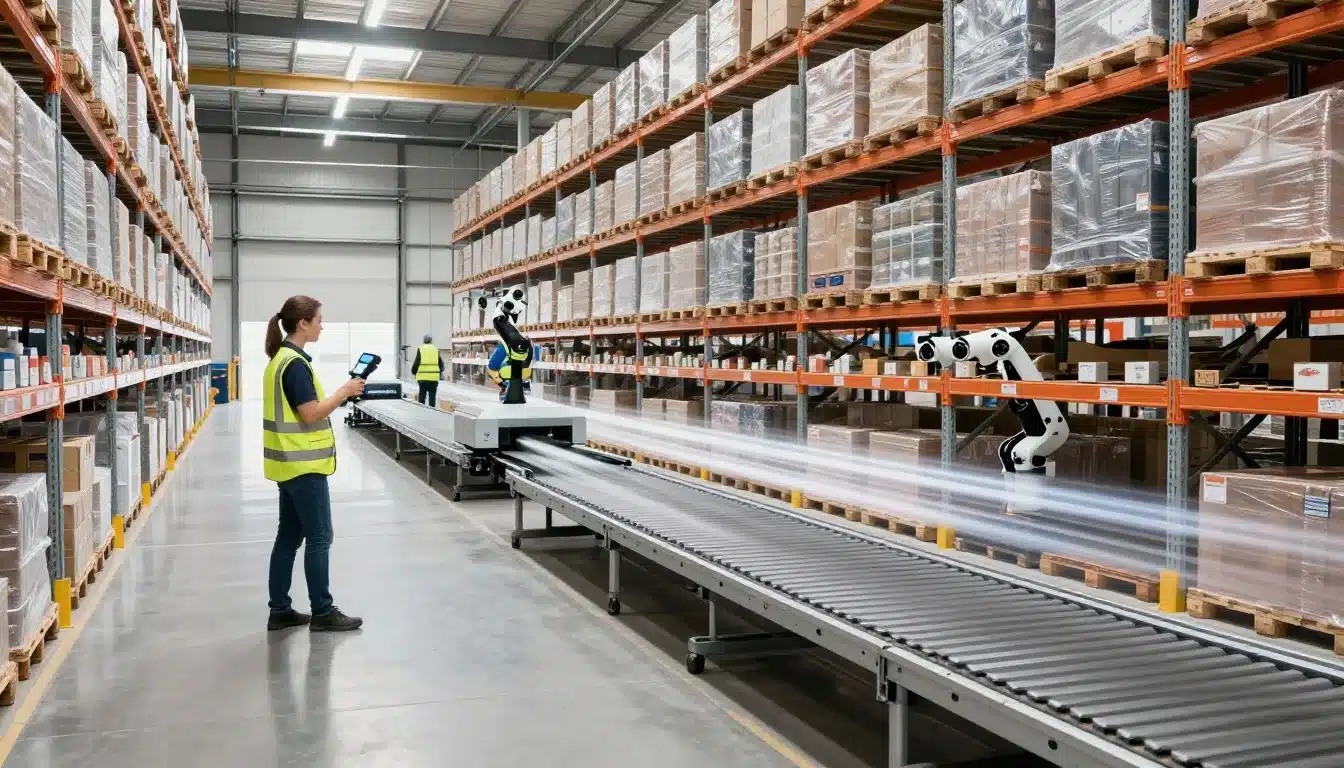

Cycle time is the total time it takes for work to move through the warehouse. That can mean the span from order release to shipment, or from receipt to putaway on the inbound side. In simple terms, it shows how long inventory or orders sit, move, wait, and finally get done.
Shorter cycle time matters because it helps you ship faster, cut labor waste, and reduce the handoffs that slow teams down. It also improves the customer experience, since orders leave on time more often. Just as important, faster flow creates more usable capacity inside the same building, so you can handle more volume without adding space.
A lot of delays don’t come from labor shortages alone. More often, they come from process gaps, poor slotting, too much travel, manual data entry, and weak visibility into where work is stuck. That’s why teams often work hard all day and still miss cutoffs.
This guide focuses on practical ways to reduce warehouse cycle time now, not someday. You’ll see where time usually gets lost, how to spot the biggest slowdowns, and which fixes tend to pay off first. If bottlenecks are already hurting output, this warehouse bottleneck analysis guide can also help you pinpoint where flow breaks down.
Start by measuring the right warehouse cycle time metrics
You can’t improve what you don’t measure. That sounds obvious, yet many warehouses still track one broad cycle time number and hope it points to the problem. It rarely does.
A single average can hide hours of waiting between handoffs. It can also make a fast process look slow, or a slow process look acceptable. The fix is simple, break cycle time into smaller, usable parts, then review them every day.
Break the process into stages so delays are easier to spot
When you track only one end-to-end cycle time, you’re looking at the whole warehouse through fogged glass. You know something is slow, but you can’t see where the drag starts. A late shipment might come from slow picking, delayed replenishment, or cartons sitting at pack for 40 minutes.
Instead, map the flow step by step. For most operations, that means tracking time through:
- Receiving
- Putaway
- Replenishment
- Picking
- Packing
- Staging
- Shipping
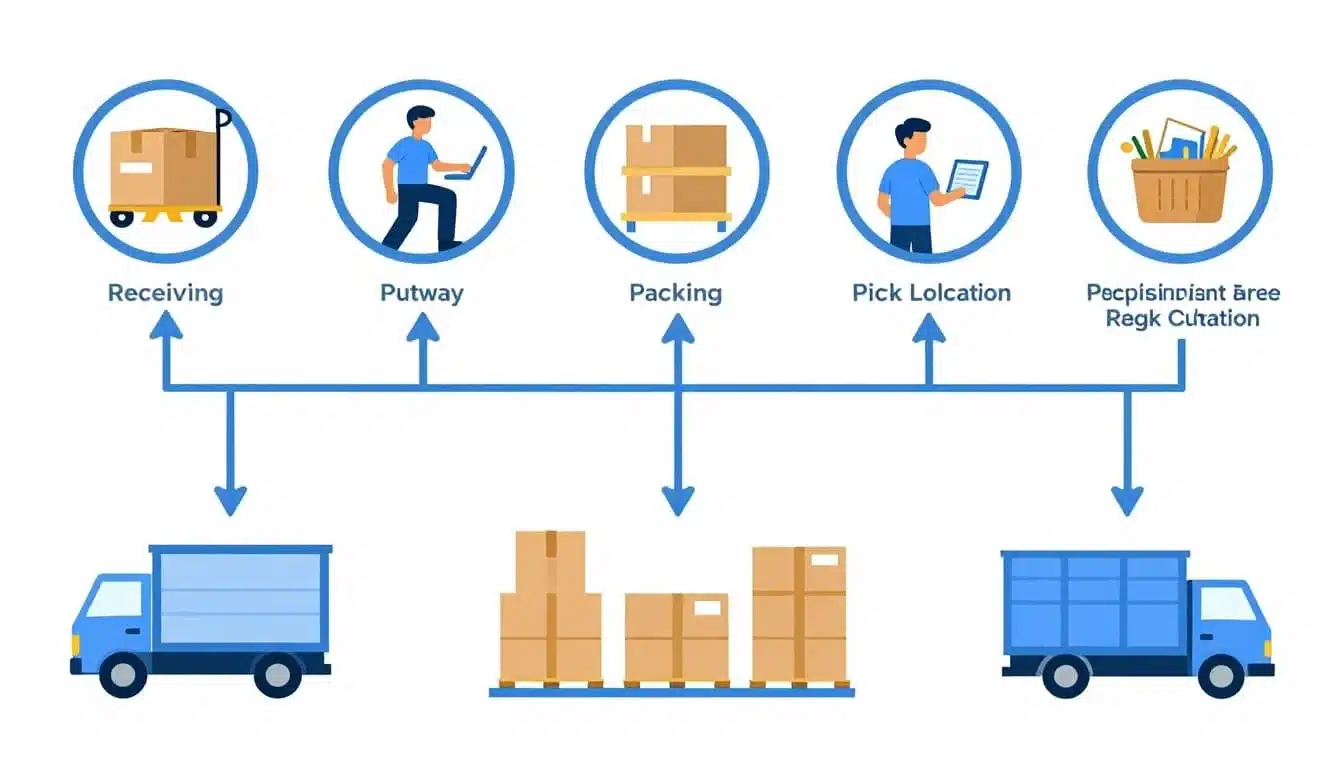
Once you break the work apart, the trouble spots usually show up fast. For example, receiving to putaway tells you how long inbound stock sits before it becomes usable. Order release to pick start shows whether waves sit in a queue. Pick start to pack reveals travel, congestion, or poor batching. Pack to ship confirmation exposes staging delays or late carrier handoff.
A simple stage map also helps managers set time targets that people can understand. If picking should start within 15 minutes of order release, everyone knows the mark. If replenishment should reach the pick face within 20 minutes of the trigger, you can see whether the team is hitting it or not.
One long metric tells you that time is being lost. Stage metrics tell you where it is being lost.
This is where systems matter, too. A good Lean Warehouse Management System makes those handoffs easier to track in real time, instead of relying on paper notes or gut feel. Even a basic stage view can change the conversation from “we were busy” to “packing backed up after 2 PM.”
Use a few simple KPIs that frontline teams can actually act on
Most warehouses do not need more dashboards. They need a short list of numbers that supervisors and floor teams can use during the shift. If a KPI doesn’t lead to a clear action, it becomes wallpaper.
Start with a few practical measures tied to daily work:
| KPI | What it shows | Why it matters | | | | | | Average cycle time by process | Time spent in each stage | Pinpoints where flow slows down | | Dock to stock time | Time from receipt to available inventory | Shows how fast inbound becomes pickable | | Lines picked per hour | Picking output | Helps spot productivity gaps by team or zone | | Travel time per order | Walking and movement time | Flags layout, slotting, or route waste | | Replenishment response time | Speed of restock to pick locations | Prevents pick delays and empty faces | | On-time shipment rate | Orders shipped by cutoff | Ties warehouse speed to customer service |
The best KPI list is often the shortest one. Frontline teams can act on lines picked per hour today. They can react to replenishment response time this hour. They can fix a dip in on-time shipment rate before the truck leaves. That’s far more useful than a giant report no one checks until Friday.
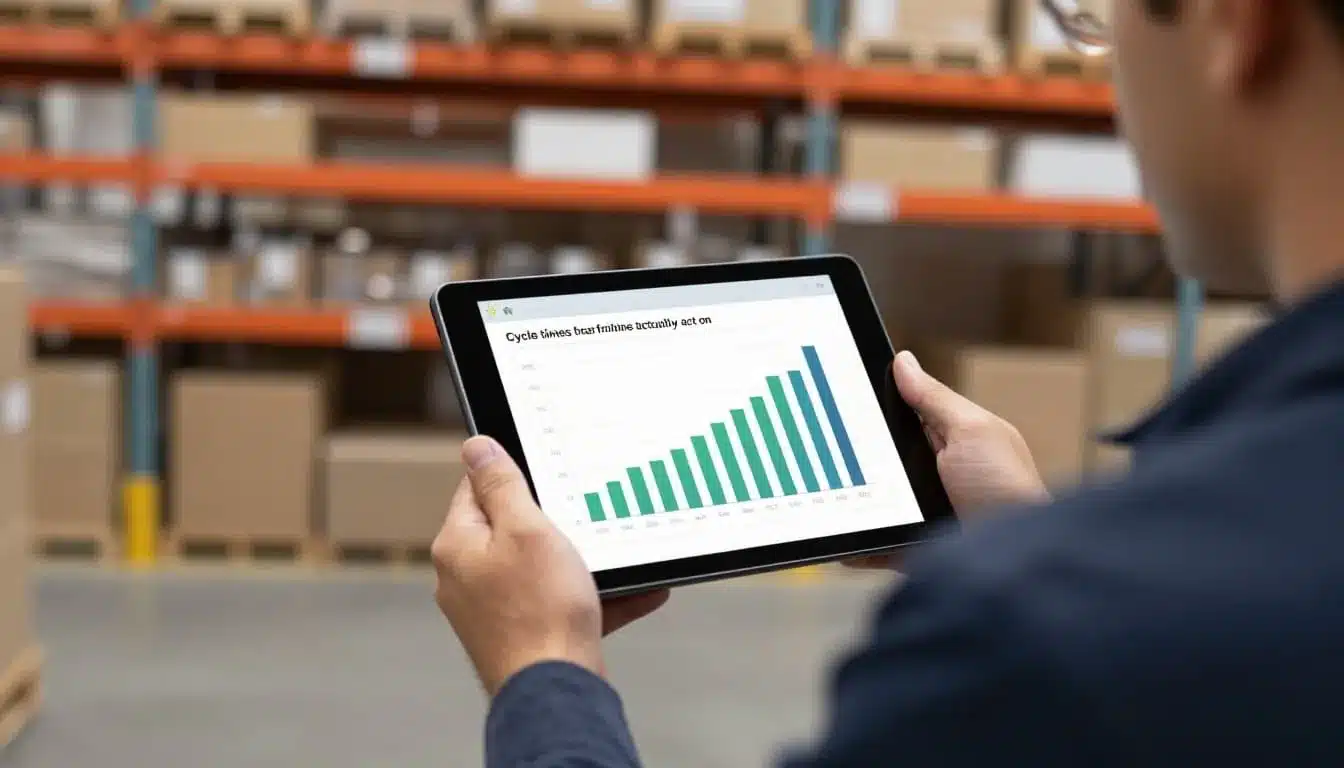
Clarity matters more than volume. Keep the names simple. Review them at the same time each day. Show trends by shift, zone, or team lead. If a number drops, ask one question first, what can we change right now?
Better visibility helps here as well. Tools like Lean Inventory Management Software can tighten timestamp accuracy and reduce the lag that makes warehouse data less useful. Still, the goal isn’t more complexity. The goal is faster decisions on the floor.
If travel time is high, look at slotting. If dock to stock slips, review receiving labor and putaway priorities. If lines picked per hour fall in one zone, compare SKU density and path design. In many cases, pick path optimization strategies become the next logical fix.
Look at cycle time by order profile, not just warehouse averages
Warehouse averages can mislead you. A single-line parcel order moves very differently than a 20-line wholesale order. Rush orders jump the queue. Bulky items need more touches, more space, and often more travel. If you lump them all together, the average tells a neat story, but not a useful one.
That’s why cycle time should be segmented before you change a process. Compare like with like:
- Single-line orders: Usually move fast, often expose release or pack delays.
- Multi-line orders: Tend to reveal pick path issues, batching choices, and congestion.
- Rush orders: Show how well the warehouse handles priority without disrupting everything else.
- Wholesale or case orders: Often depend on pallet access, staging, and shipping coordination.
- Bulky items: Highlight equipment needs, aisle access, and slower handling time.
Go one step further and slice the data by shift, zone, customer, and SKU profile. Maybe second shift packs faster but ships later. Maybe one customer’s orders always stall because of special labeling. Maybe slow movers in a distant zone inflate pick time for only one order type. Without segmentation, those issues disappear inside the average.
Think of it like timing runners in different events. You wouldn’t compare a sprinter to a marathoner and call one underperforming. Warehouse orders work the same way. Each profile has its own pace, labor need, and likely bottleneck.
So before you rewrite layouts, add labor, or blame the team, sort the data first. When you measure by stage and by order profile, cycle time stops being a vague complaint and becomes a clear operating signal. That is when faster flow gets much easier to build.
Cut wasted motion by improving layout, slotting, and travel paths
Travel time is one of the biggest hidden drains in a warehouse. People stay busy, but too much of that effort goes into walking, weaving around traffic, and backtracking. When fast movers sit far from pack-out, or staging blocks key aisles, cycle time stretches without adding any value.
The good news is that you usually don’t need a full redesign. A few smart layout changes can remove a lot of friction, especially in small and mid-sized warehouses. Think of it like rearranging a kitchen so the stove, sink, and prep space work together, not against each other.
Re slot fast moving SKUs closer to where work gets done
ABC slotting is a simple way to place inventory based on how often it moves. A items are your fastest movers, B items move at a moderate pace, and C items move the least. In other words, the SKUs picked most often should get the shortest, easiest path.
Start by moving high-volume, high-frequency items closer to the pick and pack area. Put them in the golden zone, the shelves between knee and shoulder height, where pickers can grab them fast without bending or reaching. That saves seconds on each pick, and those seconds add up quickly over a full shift.
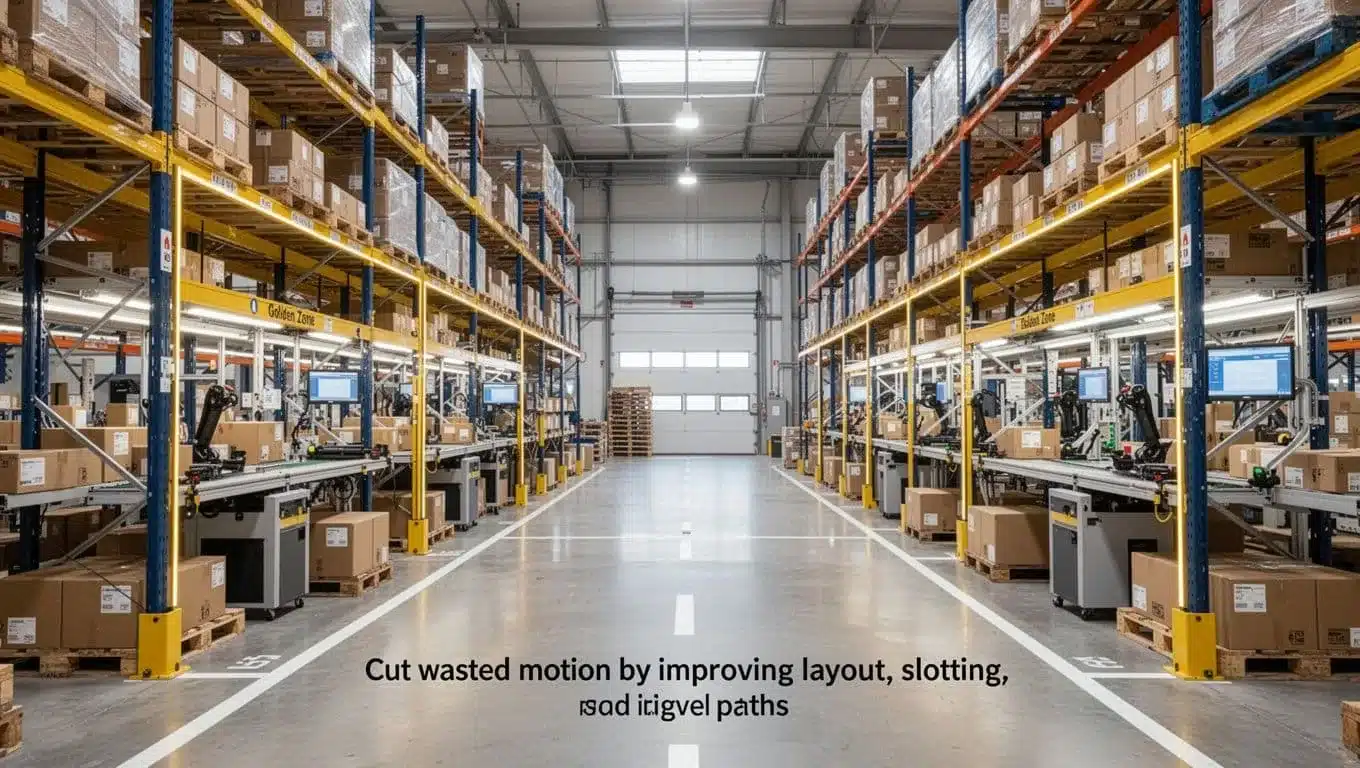
It also helps to separate forward pick locations from reserve storage. Keep smaller, fast-moving stock in easy-reach pick faces, then hold backup pallets farther away. That way, pickers aren’t competing with pallet moves in the same space.
A simple slotting approach often works well:
- Fast movers: Near packing, easy to reach, high-density pick faces
- Medium movers: A little farther out, still in accessible zones
- Slow movers: Outer aisles, upper levels, or less convenient spots
Demand changes, though, so slotting can’t stay fixed. Review it on a regular schedule, especially after peak seasons, promotions, or product changes. If you want more ideas for warehouse slotting and zoning tips, this guide on optimize layout with smart slotting is a useful next read.
A great picker can work fast, but a bad slotting plan still makes that picker walk too far.
Reduce picker travel with smarter zones and batch logic
Long walks eat labor hours fast. If one picker crosses the whole building for every order, your team spends more time moving than picking. That’s why travel reduction usually starts with how work is grouped and where people stay.
Zone picking keeps pickers in one part of the warehouse. Instead of roaming everywhere, each person works a defined area and orders move between zones. This works well in larger footprints or in buildings with crowded aisles, because it cuts cross-traffic and helps people learn their area well.
Batch picking reduces repeated trips. Rather than picking one order at a time, a worker grabs items for several similar orders in one pass. That is often a strong fit for small-item, single-line, or high-overlap orders.
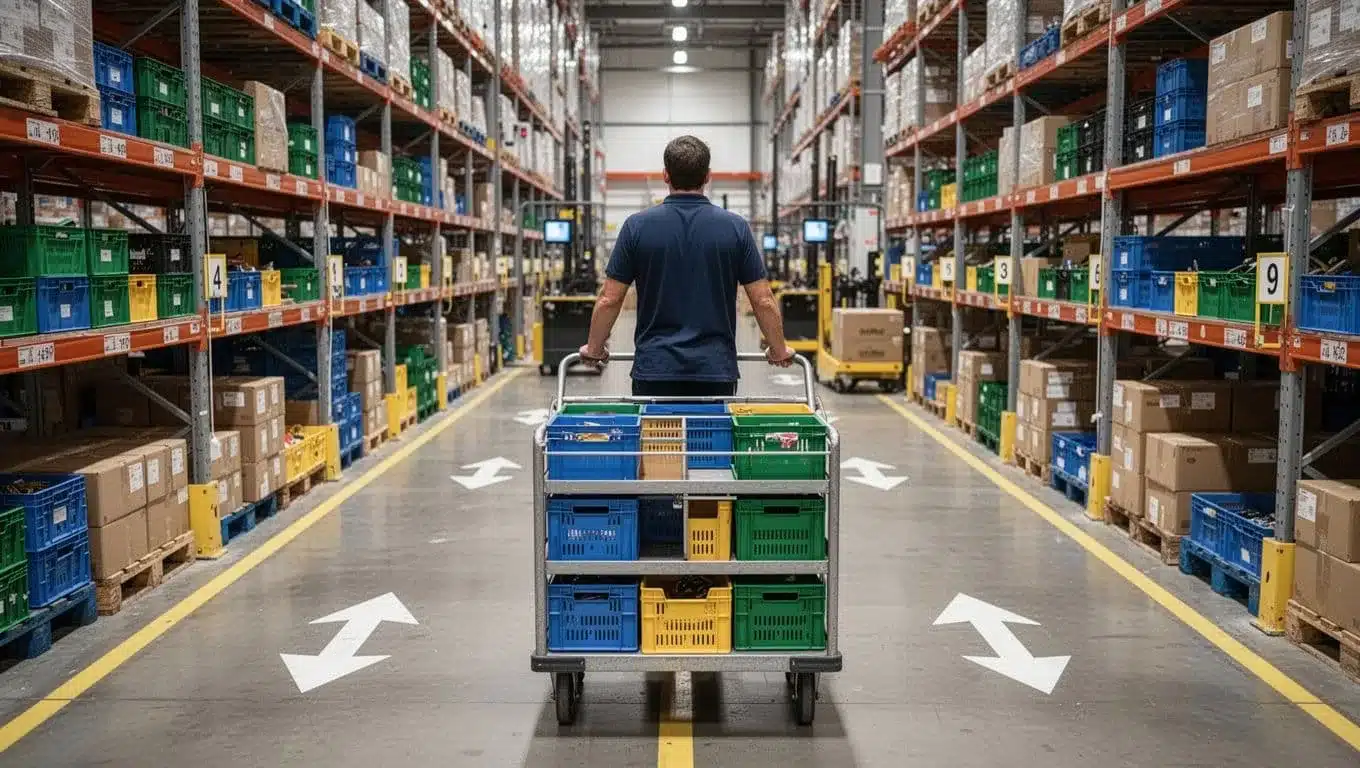
Then there is wave planning, which releases work in timed groups. This helps match labor to shipping cutoffs and keeps pack stations from getting flooded all at once. It can work well, but only if the wave size fits your actual capacity.
The key is not to pile on every method. Choose the one that matches your order mix:
- Use zone picking when the building is large or congestion is high.
- Use batch picking when orders share locations and SKU overlap is strong.
- Use wave planning when timing around cutoffs is the main issue.
- Use pick path optimization to reduce backtracking inside any method.
Even small route changes matter. Clear one-way aisles, fewer dead ends, and better pick sequencing can cut wasted steps right away. For a deeper look at reducing travel time with pick path optimization or comparing batch, wave, and zone picking methods, those guides build on the same idea.
Place staging, packing, and replenishment areas where they remove friction
Support areas should help flow, not choke it. Yet many warehouses place staging lanes, pack benches, and replenishment carts wherever space happens to be open. That often creates traffic jams right where speed matters most.
Staging works best when it sits close to the shipping dock and matches outbound flow. Orders should move a short, direct path from pick completion to pack, then to stage, then to the trailer. If staging sits too far away, you add extra touches and extra walking for no good reason.
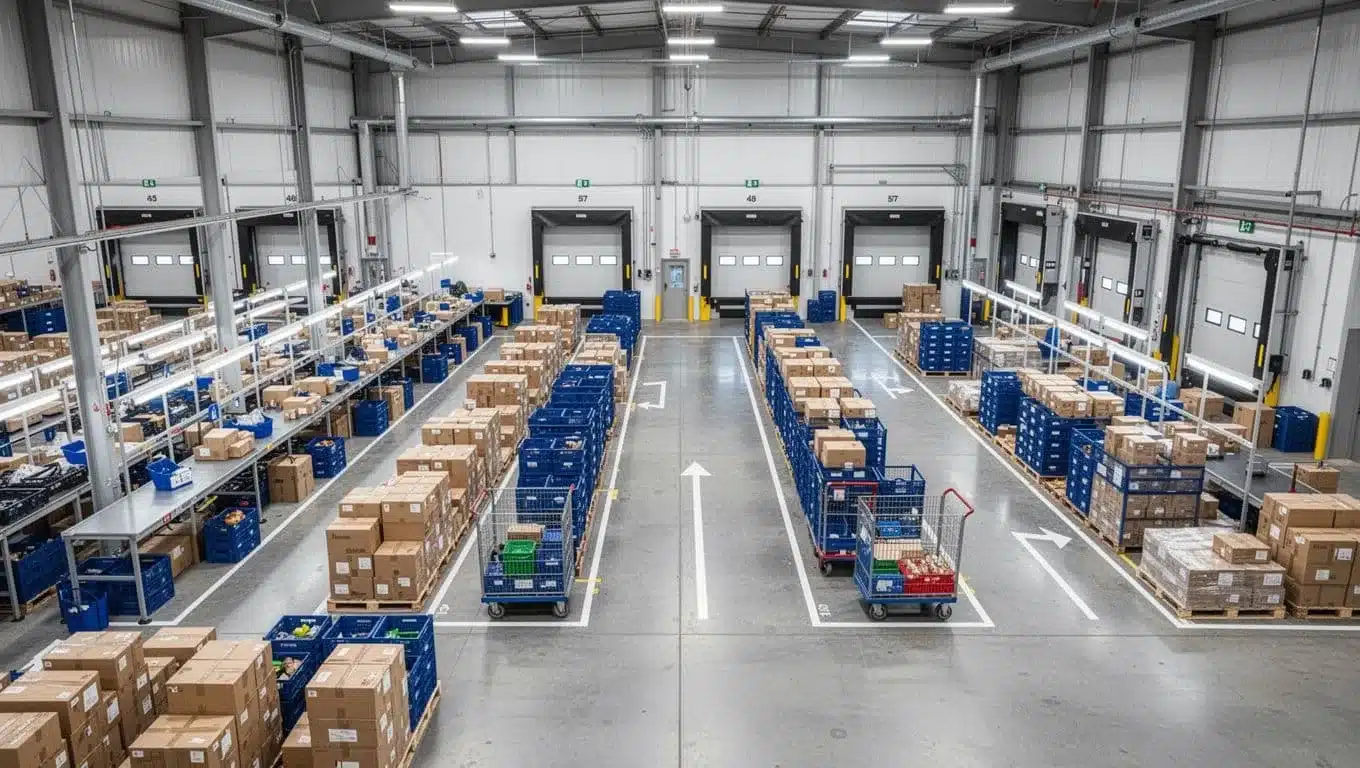
Packing stations also need enough space for real volume. If pack-out is undersized, cartons stack up, scanners get shared, and people start waiting on each other. A right-sized pack area gives each station room for supplies, completed orders, and clean handoff to staging.
Replenishment has its own layout role. If reserve pallets block pick aisles during the busiest hours, travel time climbs for everyone. Create clear replenishment lanes and simple rules, such as:
- Refill fast pick faces before peak pick windows
- Keep reserve moves out of the main pick path when volume is high
- Separate forward pick zones from bulk storage where possible
Most importantly, don’t wait for empty bins to trigger chaos. Replenishment should support picking quietly in the background, like a pit crew that keeps the race moving without stopping the car.
Speed up receiving, putaway, and replenishment before they slow down orders
Outbound speed often depends on inbound discipline. Many teams chase picking gains, but the real delay starts earlier, at the dock, in the aisles, and at the pick face. When receiving is messy, putaway is late, or replenishment runs behind, orders stall later with stockouts, searches, and extra touches that should never happen.
Think of inbound as the setup for the whole shift. If that setup is loose, the rest of the day turns into recovery work.
Make receiving faster with clear dock rules and standard checks
Receiving moves faster when the dock runs on simple rules, not guesswork. Pre-booked appointments help level labor, reduce truck bunching, and stop pallets from piling up in mixed lanes. Once trailers arrive, labeled receiving zones make it clear where each load belongs, so product does not sit in the wrong place waiting for someone to sort it out.
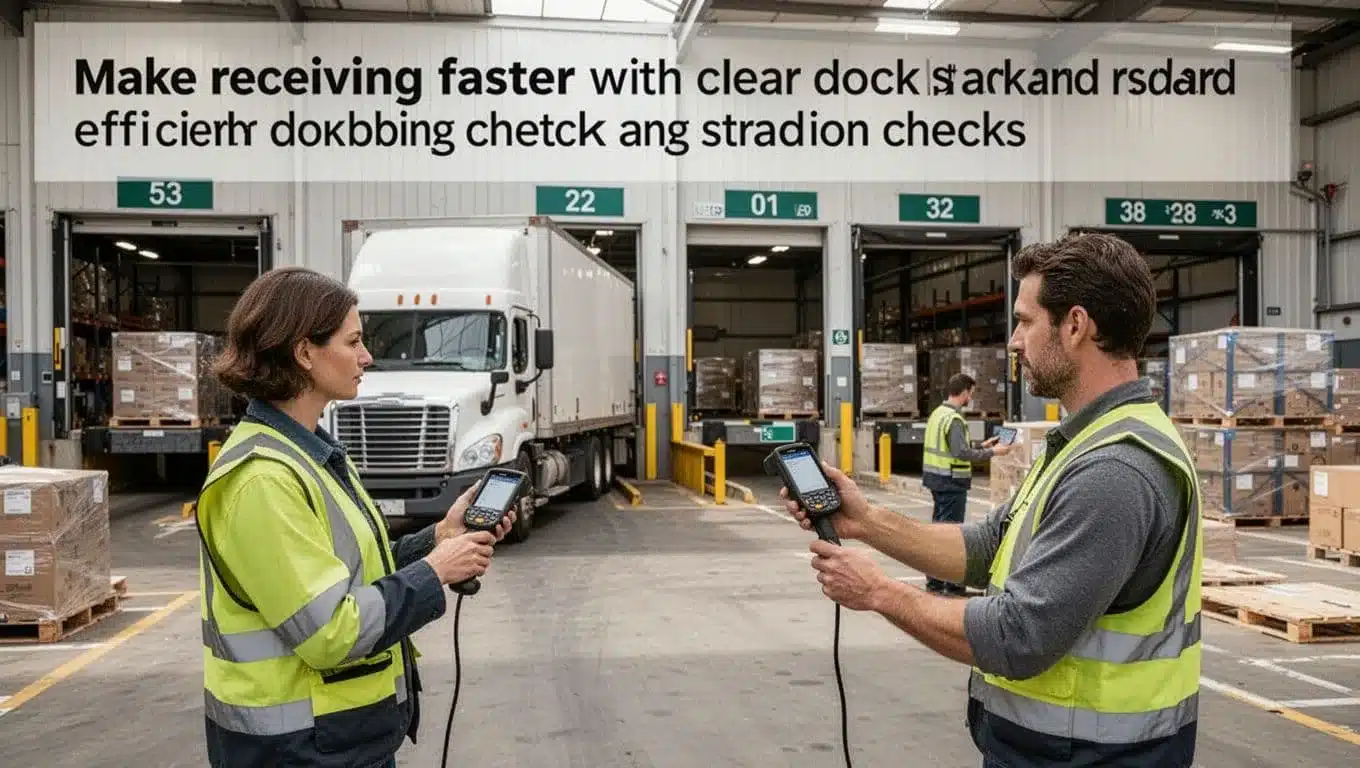
The check itself should stay short and repeatable. Focus on the basics first:
- Quantity check: Confirm counts against the PO or ASN
- Damage check: Catch visible issues before stock hits storage
- Exception rule: Send shorts, overages, or damage to one clear hold process
- Scan confirmation: Post receipts as work happens, not hours later
That last point matters most. With scan-verified receiving at the dock, inventory becomes usable faster and errors do not spread downstream. In other words, simple receiving standards cut confusion, reduce waiting at the dock, and keep inbound from becoming tomorrow’s pick problem.
If the dock is disorganized, the rest of the warehouse spends the day paying for it.
Use directed putaway so inventory reaches the right bin the first time
Once product is received, speed depends on where it lands. If operators put stock wherever space is open, pickers lose time later searching, correcting, and moving the same inventory twice. Directed putaway fixes that by assigning the best bin the first time based on slotting rules, item size, velocity, or storage type.
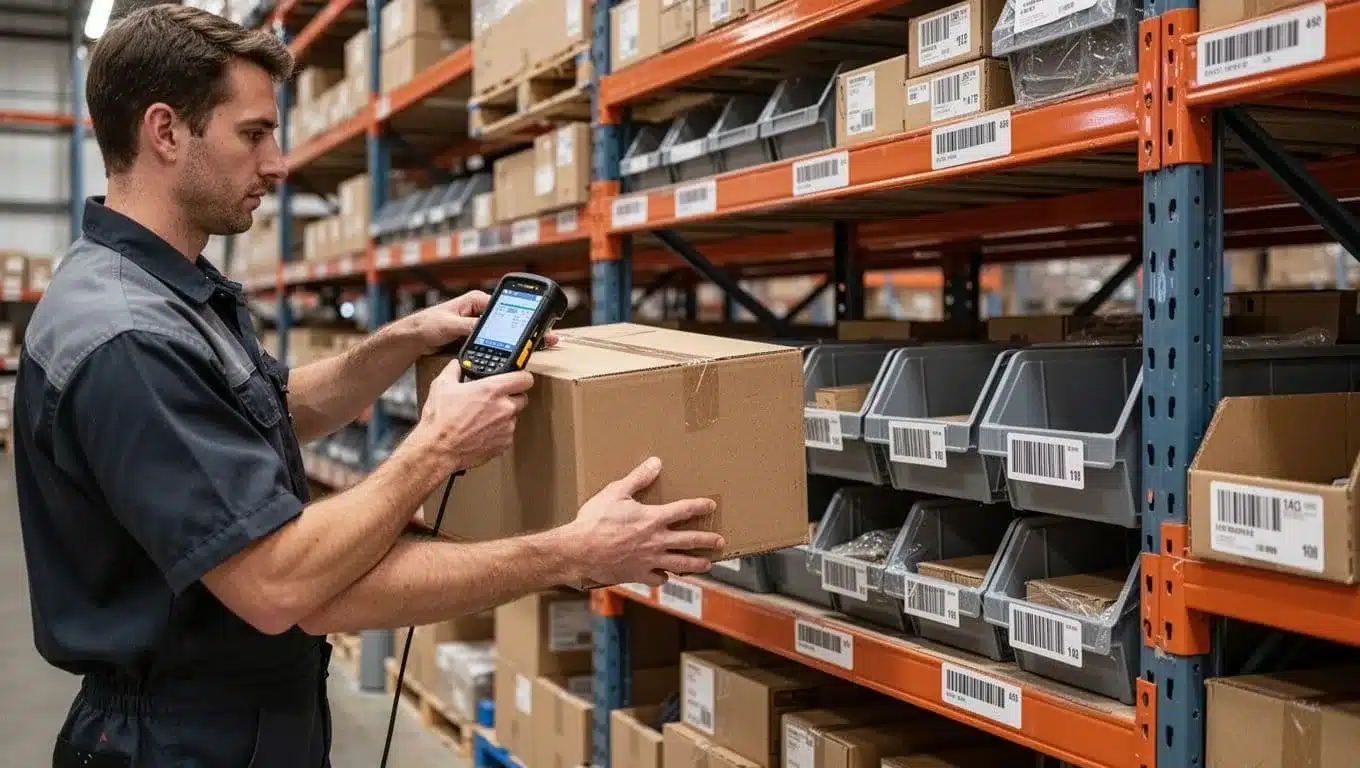
This reduces three common time drains right away:
- Searching for inventory that was stored loosely
- Misplacement that creates false stock and missed picks
- Double handling when someone has to relocate product later
Mobile workflows make this much easier because workers can scan the item, scan the destination bin, and update location data in real time. That is where barcode QR scanning in WMS helps most, it turns putaway from a memory task into a confirmed task. As a result, inventory is findable, pick paths stay cleaner, and replenishment becomes far more predictable.
Prevent pick delays with timely replenishment triggers
A fast pick line can stop cold when the forward pick bin is empty. Then the team scrambles, orders wait, and supervisors start creating rush tasks that break the flow for everyone else. Empty pick faces are not just an inventory issue, they are a cycle time issue.
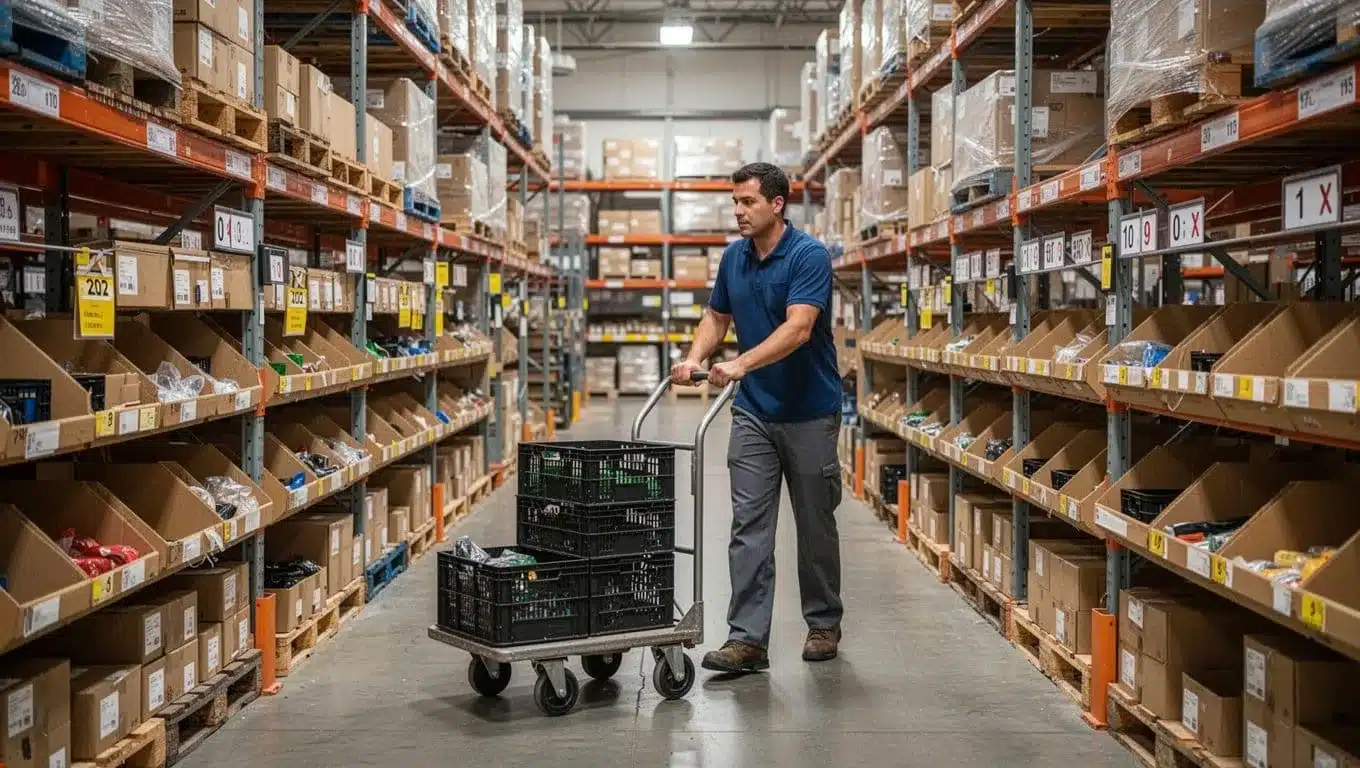
The fix is simple: trigger replenishment before a stockout, not after it. Good control usually comes from a few basic habits, such as min-max rules, set replenishment windows before peak picking, and priority alerts for urgent low-stock bins. That keeps pick faces full without constant firefighting.
A practical rhythm looks like this:
- Min-max triggers refill locations before they run dry
- Scheduled windows keep reserve moves out of busy pick periods
- Priority alerts help teams act fast on critical shortages
It is much easier to protect order flow with planned replenishment than with last-minute rescues. When receiving is accurate, putaway is directed, and replenishment fires on time, outbound work moves a lot faster with far less drama.
Make picking and packing faster without hurting accuracy
Picking and packing often eat up the most labor in the warehouse. That means small fixes here can cut total cycle time faster than big changes elsewhere. The catch is simple, if you chase speed the wrong way, errors rise, rework piles up, and any time saved disappears.
The better approach is process design, not pressure. When pick paths, tote logic, scan checks, and pack station layout are clear, people move faster because they stop guessing. In other words, speed and accuracy stop fighting each other.
Standardize the pick method for each order type
Not every order should move through the same pick flow. A single-item eCommerce order has very different needs from a wholesale carton or a multi-item B2B order. If all three use one method, workers waste time switching gears on the fly.
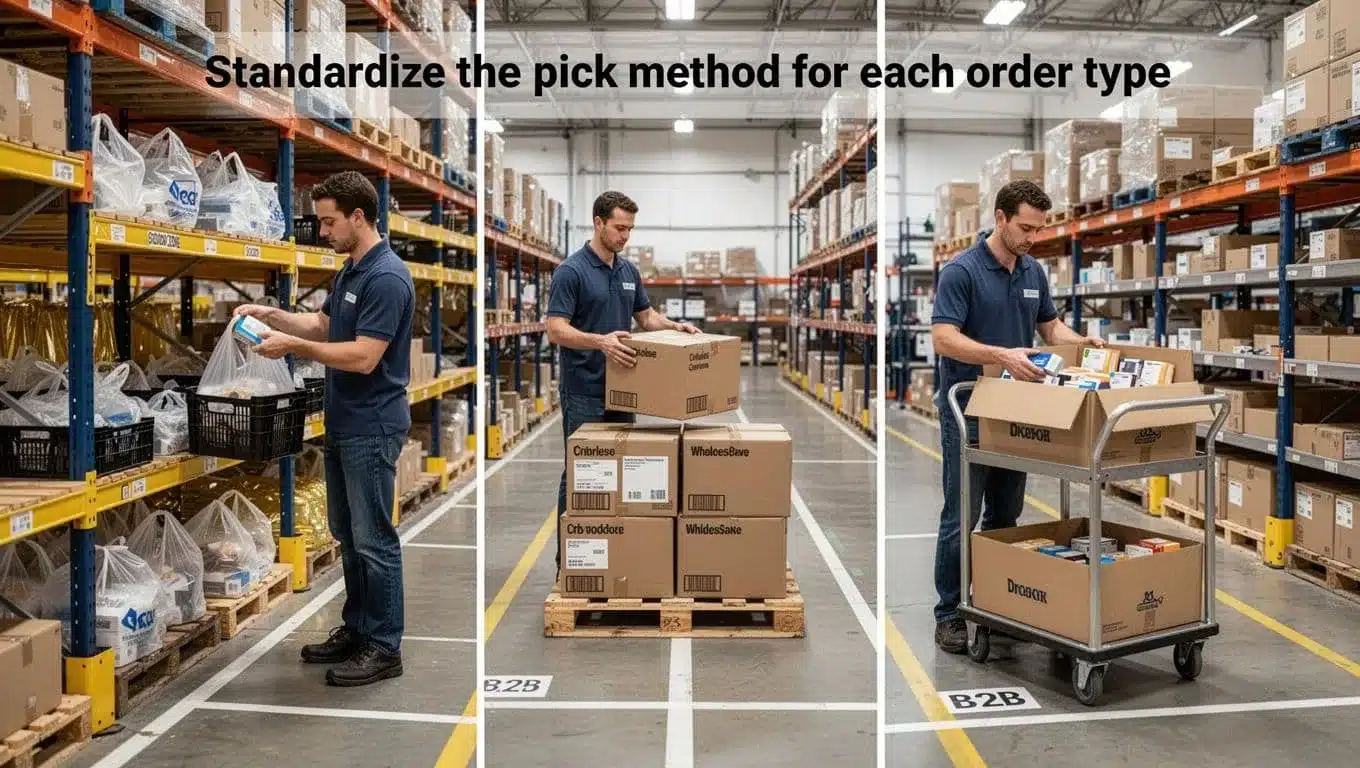
Clear rules remove those extra decisions. For example, you might route:
- Single-item eCommerce orders to batch picking with small totes or carts
- Wholesale carton orders to case or pallet picks with direct staging
- Multi-item B2B orders to a cart with divided slots and a fixed pick sequence
That kind of standard work helps in two ways. First, workers learn one repeatable pattern for each order type. Second, supervisors can spot problems faster because the process is supposed to look the same every time.
Tote and carton logic matters here too. If a worker has to stop and decide, “Do I use a tote, carton, or pallet?” on every order, you create hesitation before the real work even starts. Set simple rules based on lines, units, or item size, and the floor runs with less friction.
A good standard doesn’t make people robotic. It gives them a dependable path, like lane lines on a road. People can still move fast, but they drift less. If you’re reviewing system support for that kind of control, this WMS guide to precise picking workflows is a useful next step.
Fast picking comes from fewer decisions, not from asking people to rush harder.
Design packing stations so workers do not waste time reaching, searching, or rechecking
Packing speed often breaks down at the workstation. Tape is on one side, void fill is behind the worker, the printer is too far away, and exception orders pile up in the same space as normal work. That setup turns every carton into a scavenger hunt.
An efficient station keeps the next step close at hand. The box area, dunnage, tape, labels, scanner, and printer should all sit within easy reach. A packer should be able to complete most orders with minimal turning, stretching, or walking.
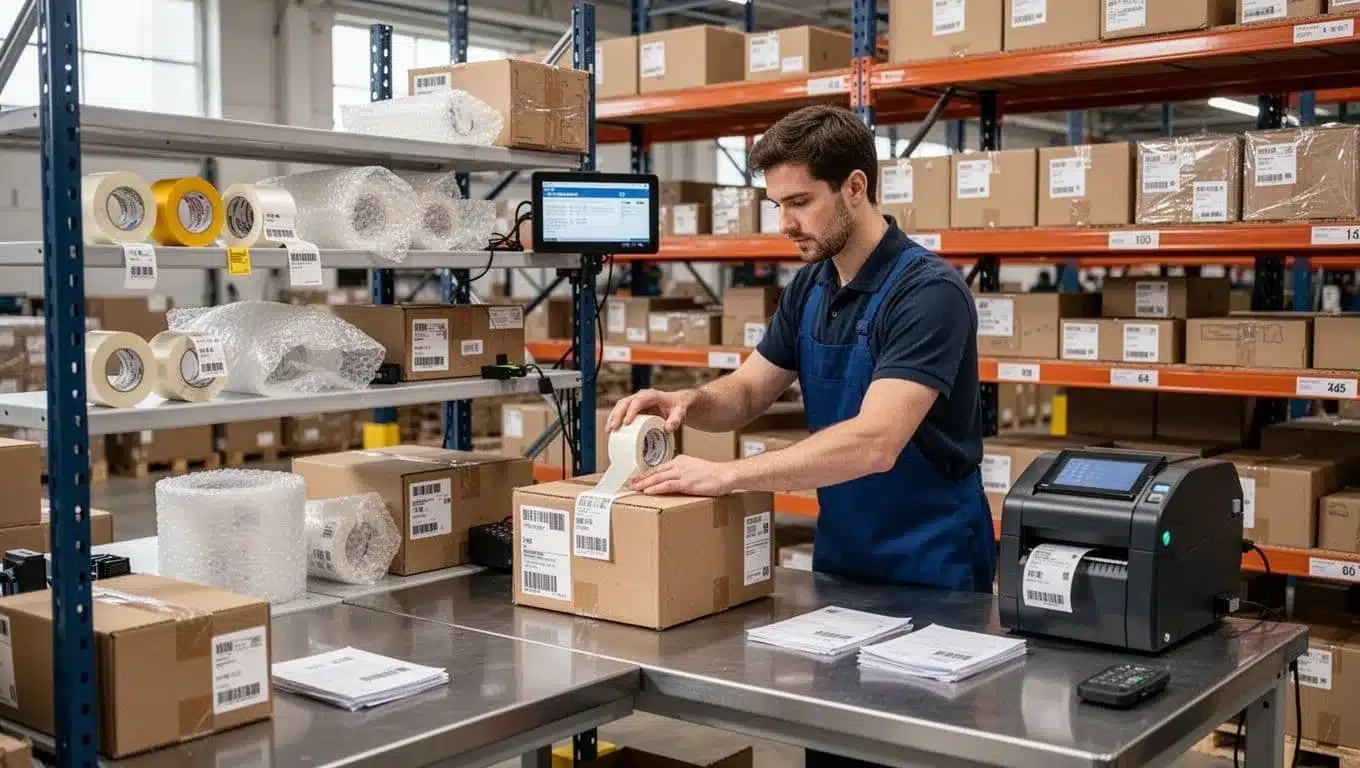
A few station rules make a big difference:
- Keep core supplies within arm’s reach, so workers don’t step away for every order.
- Place the printer close to the sealing point, so labels print where they are applied.
- Scan before seal, so the last accuracy check happens before the carton is closed.
- Leave room for exceptions, such as inserts, damaged packaging, or split orders.
That last point matters more than many teams expect. When exception handling has no home, it spills into the main flow and slows everything down. A small side area for checks, repacks, or missing-item reviews protects the speed of normal orders.
Ergonomics matter as well. A station that’s too low, too cramped, or too cluttered wears people out by mid-shift. Better reach zones and cleaner layouts support both speed and safety, which is a much better trade than pushing for short-term output and ending up with fatigue, mistakes, or injuries.
Use scanning and real time updates to reduce rework
Rework is one of the biggest hidden delays in picking and packing. A wrong item, a missed unit, or an inventory mismatch might take only seconds to create, but it can take minutes or hours to fix later. That is why simple scan checks pay back fast.
At the pick face, barcode verification confirms that the worker grabbed the right item before it moves forward. At pack-out, another scan can confirm the carton contents before sealing. Those two checks catch many of the mistakes that usually turn into customer complaints, manual corrections, or last-minute order edits.
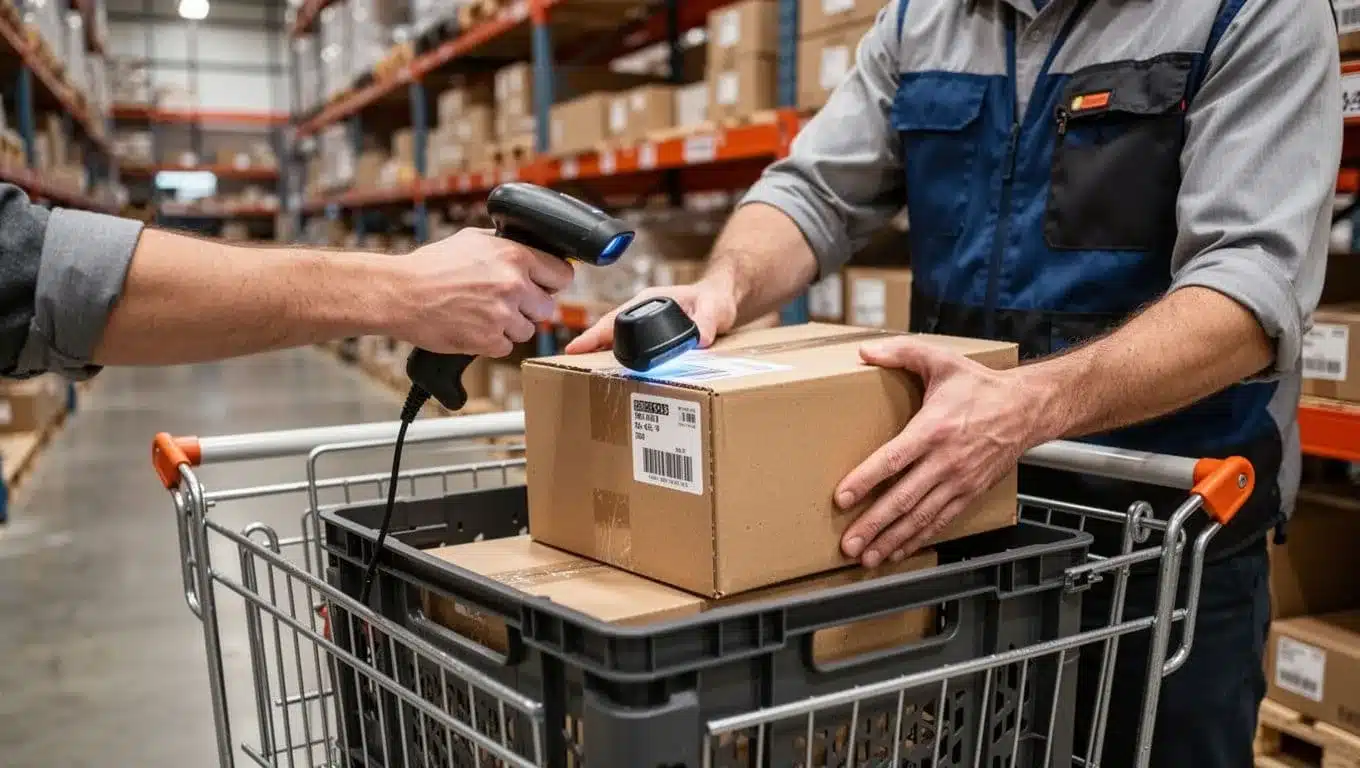
Live inventory updates help just as much. When each scan updates stock right away, the system reflects what is really available. That reduces:
- Wrong picks, because the picker is guided to the right item
- Missing items, because shortages show up sooner
- Manual corrections, because counts stay closer to reality
This doesn’t need to be software-heavy to be useful. The practical goal is simple, scan the item, confirm the move, and let the system update now instead of later. That removes the lag that causes duplicate work and confusion between picking, packing, and replenishment.
If you want to build on that idea, real-time scanning data boosts WMS accuracy explains why instant updates matter on the floor, not just in reports. For teams comparing label types, this look at barcode vs QR code scanning for inventory accuracy can also help.
In short, faster picking and packing is not about skipping checks. It’s about placing the right checks at the right moments, so bad orders never get the chance to travel downstream.
Build a faster operation with better labor planning, training, and daily problem solving
Cycle time does not stay low because of one layout change or one strong week. It stays low when the team shows up to a clear plan, learns the right method fast, and fixes repeat issues before they turn into daily friction.
That matters even more when labor is tight, order mix shifts, and seasonal volume hits hard. In a busy warehouse, people are the engine. If the plan is loose, the whole building feels it.
Match staffing to order patterns instead of spreading labor evenly
Many warehouses still spread labor evenly across the day because it feels fair and simple. The problem is that order flow is rarely even. Work comes in waves, carrier cutoffs bunch demand, and inbound receipts can flood one area while another sits half idle.
Instead, staff to the real pattern of work. Look at volume by hour, by zone, and by task. Picking may peak from 10 AM to 2 PM, while packing spikes near the last parcel cutoff. Receiving may need more help early when appointments stack up. One flat staffing plan cannot cover all three well.
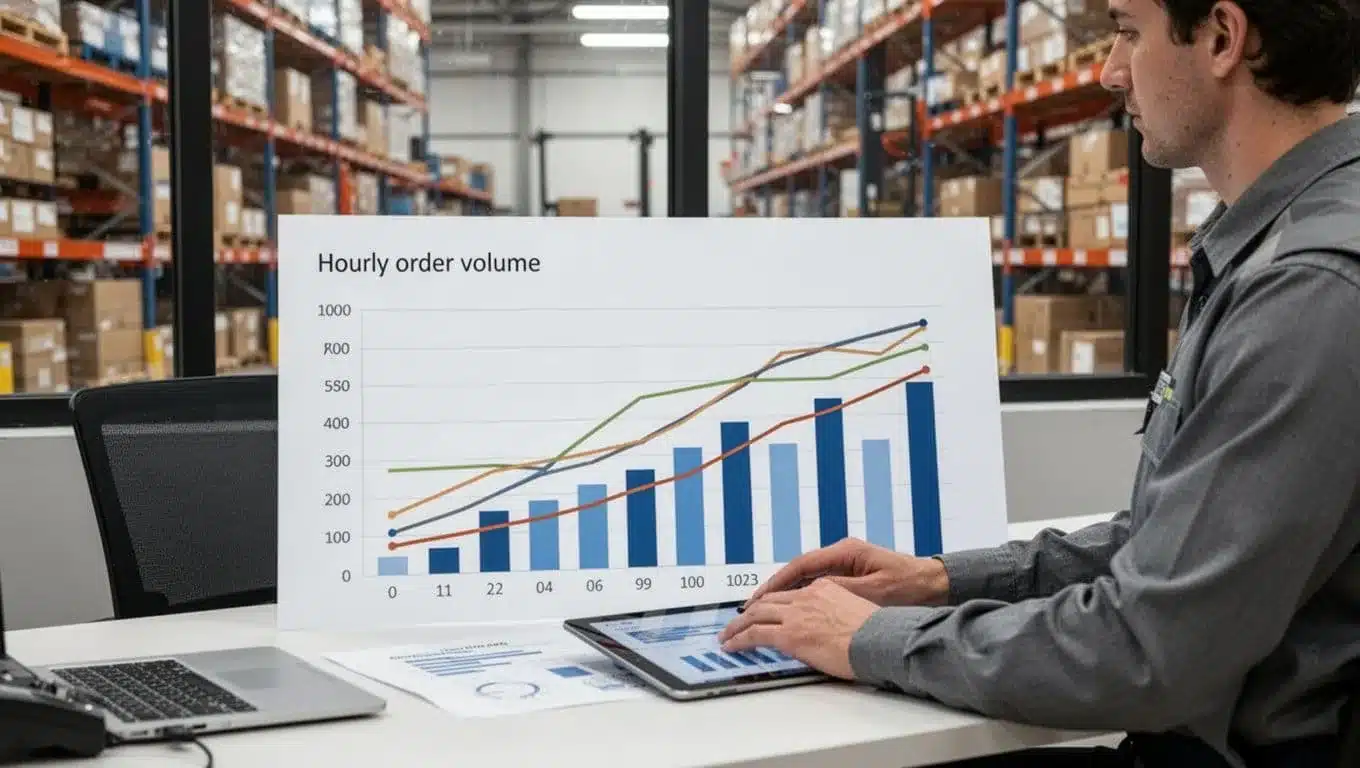
A simple forecast usually gets you most of the way there. Start with:
- Historical order waves by hour and day
- Carrier cutoff times that shape pack and ship urgency
- Inbound schedules that affect receiving and putaway load
- Known promos or seasonal spikes that change the mix
Then adjust labor where the work actually lands. That might mean moving cross-trained people into pack-out for two hours, starting replenishment earlier, or shifting breaks away from the main release window. Small moves like that often cut more delay than adding headcount.
If you need a clearer view of how labor changes affect cost and output, a WMS saving calculator can help frame the tradeoffs. The point is simple, use facts, not habit. Labor should move like traffic control, guiding flow where pressure builds.
When labor follows volume, orders spend less time waiting for the next touch.
Train with standard work so new hires reach full speed sooner
New hires slow cycle time for a reason. They are learning, they hesitate, and they often create extra checks for the rest of the team. That is normal. What is not helpful is throwing them into a process that lives only in a supervisor’s head.
Standard work fixes that. Give each task a short, repeatable method with clear steps. Keep instructions visual, not wordy. A picker should see the flow at a glance, scan location, scan item, confirm quantity, place in tote, move on. The simpler it looks, the faster confidence builds.
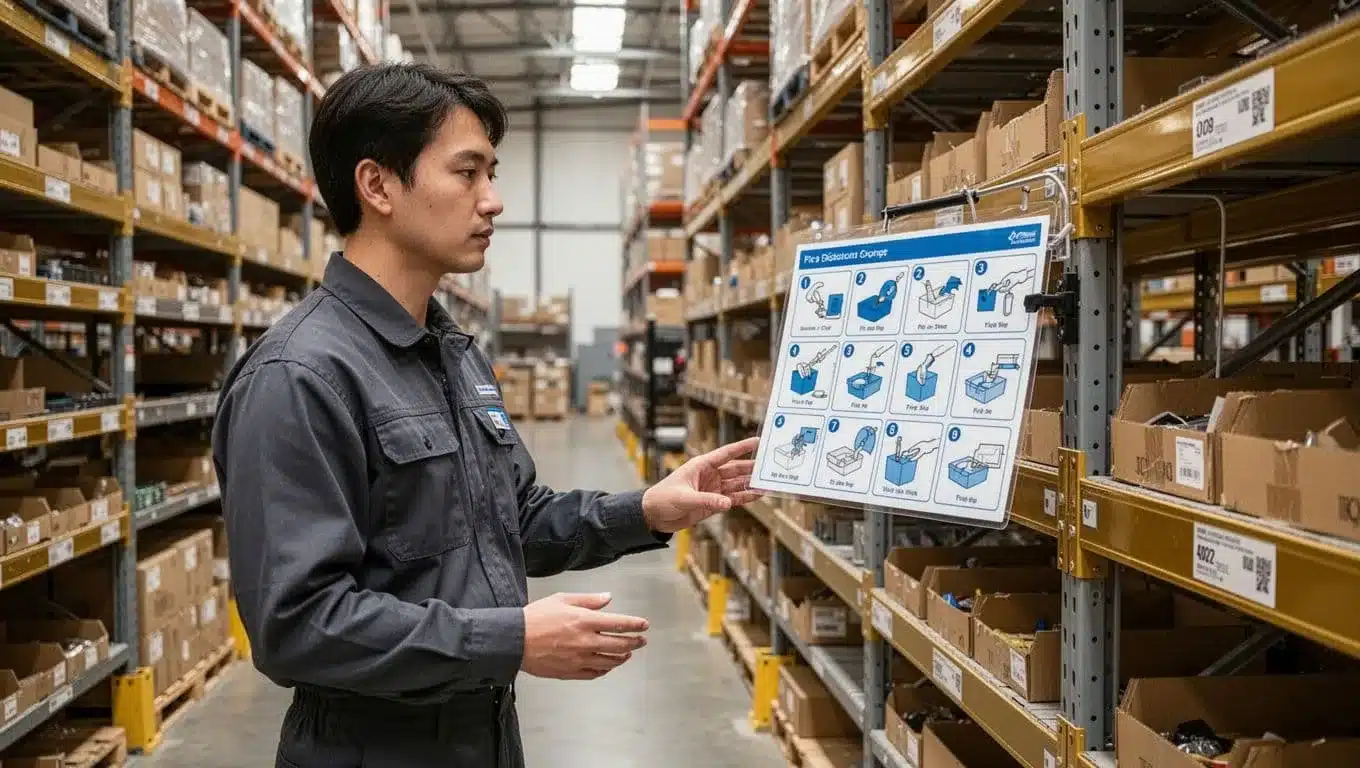
Good training in a warehouse is usually short and step-based. It should include:
- Visual work instructions at the point of work
- Scan-based checks so the system confirms key moves
- Coaching by process step, not vague feedback like “go faster”
That last point matters a lot. If a new packer keeps pausing, watch the step where the pause starts. Maybe labels print too far away. Maybe the carton rule is unclear. Maybe the worker is unsure when to scan. Fix that one step, and speed usually follows.
Consistent methods reduce both errors and hesitation. People stop guessing. Supervisors can coach faster because the right way is visible. During peak season, that becomes a major advantage. When you onboard ten temporary workers in one week, you need the process to train them, not just your best lead.
Think of standard work like painted lines in a parking lot. Without them, everyone still tries to park, but the result is messy and slow.
Run short daily reviews to remove the bottlenecks that keep coming back
Some delays are not random. They repeat because no one owns the fix. Late replenishment today becomes late replenishment tomorrow. Aisles stay blocked. Labels go missing. The same printer fails again at 3 PM. Teams work around the problem until the workaround becomes the process.
A short daily review stops that cycle. Keep it practical and brief. The goal is not a long meeting. The goal is to clear one or two obstacles that keep stealing time.
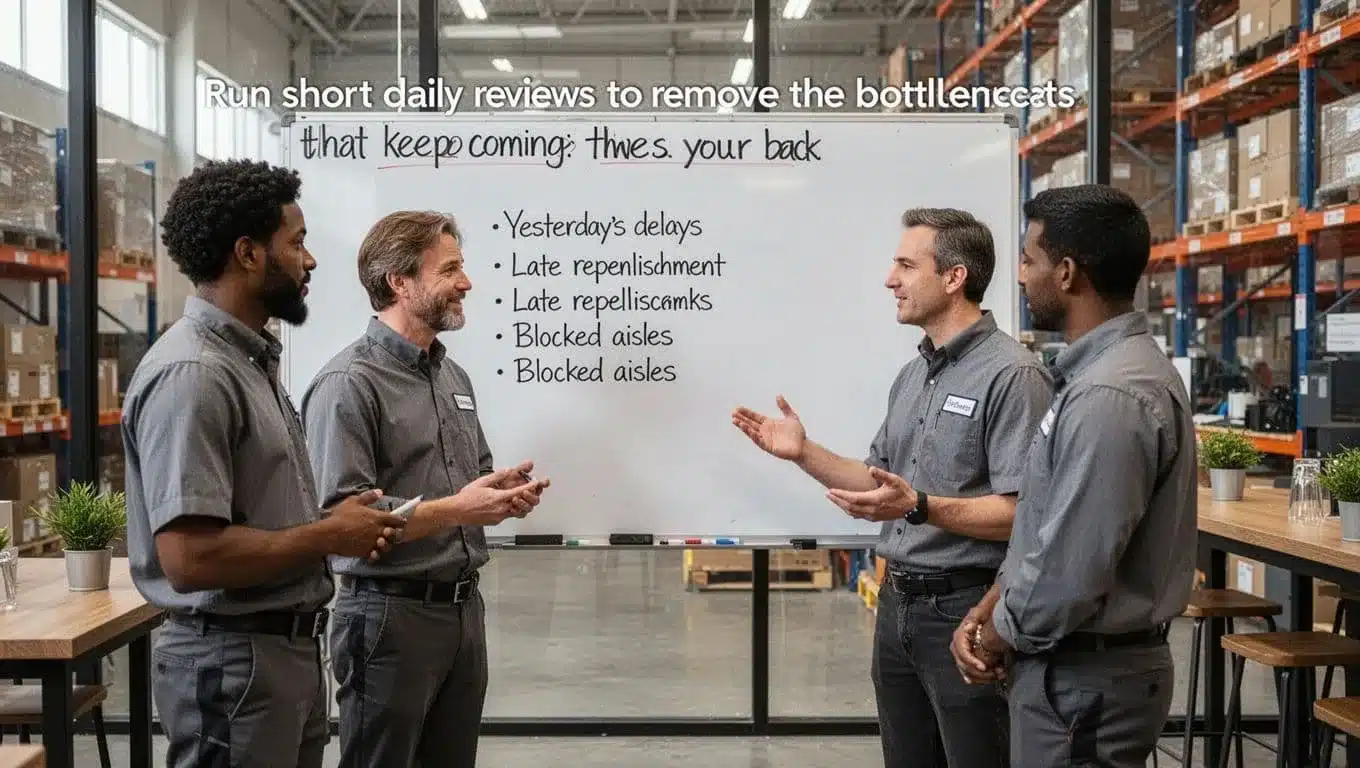
A simple daily routine works well:
- Review yesterday’s biggest delays by area or shift.
- Ask what caused each one, not just where it showed up.
- Pick one or two fixes that can happen today.
- Assign an owner and a due time.
- Follow up the next day.
Focus on recurring blockers that hurt flow, such as:
- Late replenishment that empties pick faces during peak hours
- Blocked aisles that slow travel and create congestion
- Missing labels that hold up packing and staging
- Printer downtime that backs up shipment release
Keep the tone direct, not blame-heavy. If replenishment was late, ask why. Was the trigger too late? Was reserve stock in the wrong zone? Did inbound putaway fall behind? Root cause matters because symptoms lie. “Packing was slow” often starts two steps earlier.
Over time, this habit builds a stronger operation than any one-time improvement project. You are not just reacting to delays. You are teaching the warehouse to learn from itself, every single day.
Conclusion
Cycle time reduction doesn’t require a full warehouse rebuild. Most gains come from better measurement, less travel, faster inbound flow, cleaner pick and pack steps, and tighter daily follow-up when delays start to repeat.
So keep it simple. Map one process this week, from start to finish, then pick the one bottleneck that slows it down most. Fix that first, measure the change, and build from there. If inventory errors are part of the delay, this guide on inventory management software for warehouse accuracy is a smart next step.
Over time, small fixes compound. A shorter walk, a faster putaway, a better replenishment trigger, or a cleaner pack station can remove minutes from every order. That’s how faster operations are built, not through big resets, but through simple, repeatable systems that remove delay at every step.