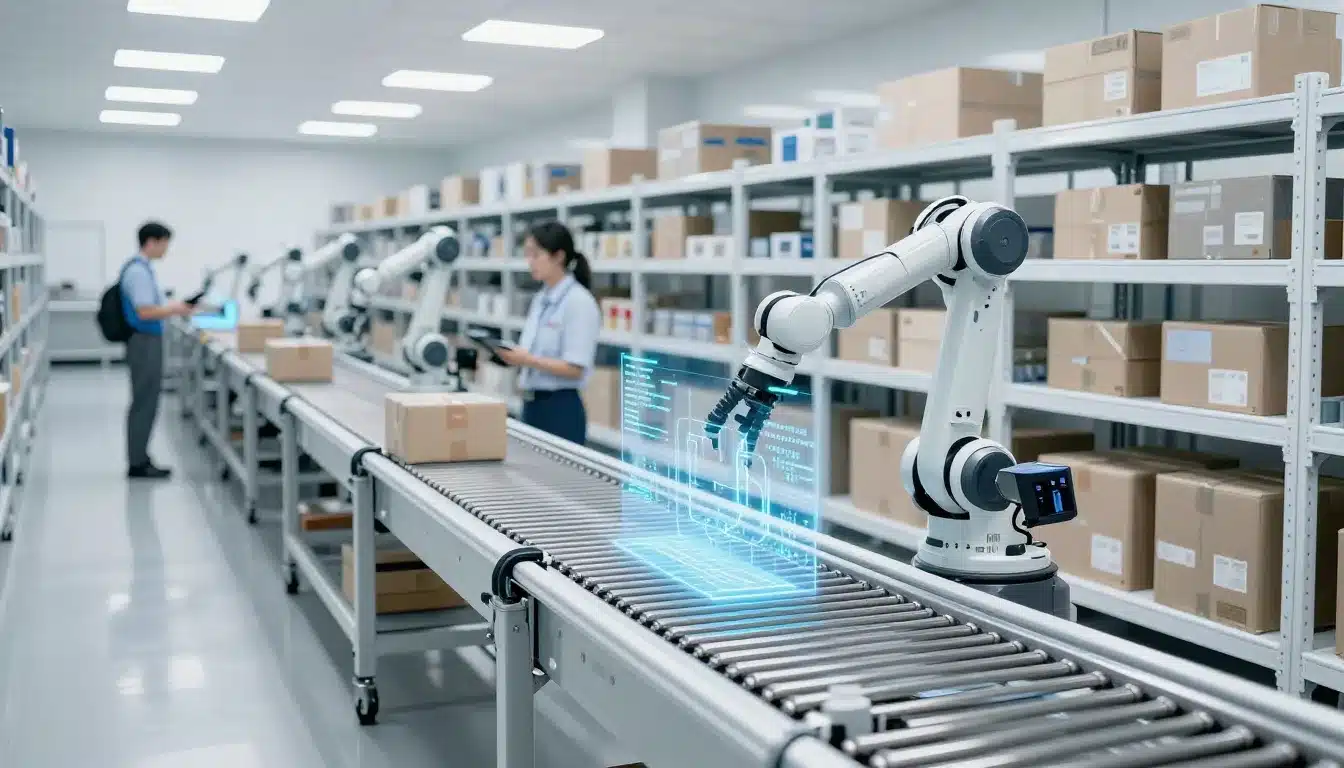

Growing ecommerce operations run into the same bottlenecks fast, inventory gets out of sync, pick paths slow down, shipping slips, and returns pile up. Ecommerce Automation helps you remove those repeat touches, so your team spends less time fixing orders and more time moving product.
Leanafy is built for the fulfillment side of ecommerce, with tools for 3PL, B2B, and D2C teams that need tighter control, better accuracy, and faster order flow. With warehouse management software for ecommerce, you can get real-time visibility, barcode-driven workflows, and cleaner handoffs across receiving, picking, packing, and returns.
The goal isn’t more dashboards, it’s easier work on the warehouse floor. When automation clears out manual steps and keeps data current, day-to-day fulfillment gets faster, mistakes drop, and your team can scale without losing control.
What Ecommerce Automation Means in a Leanafy Warehouse
In a Leanafy warehouse, Ecommerce Automation means the repeatable fulfillment work gets handled by software rules, barcode scans, and guided workflows instead of memory, spreadsheets, and loose follow-up. Orders, stock, and warehouse actions stay connected in one system, so the team knows what to pick, where to pick it, and when inventory changes.
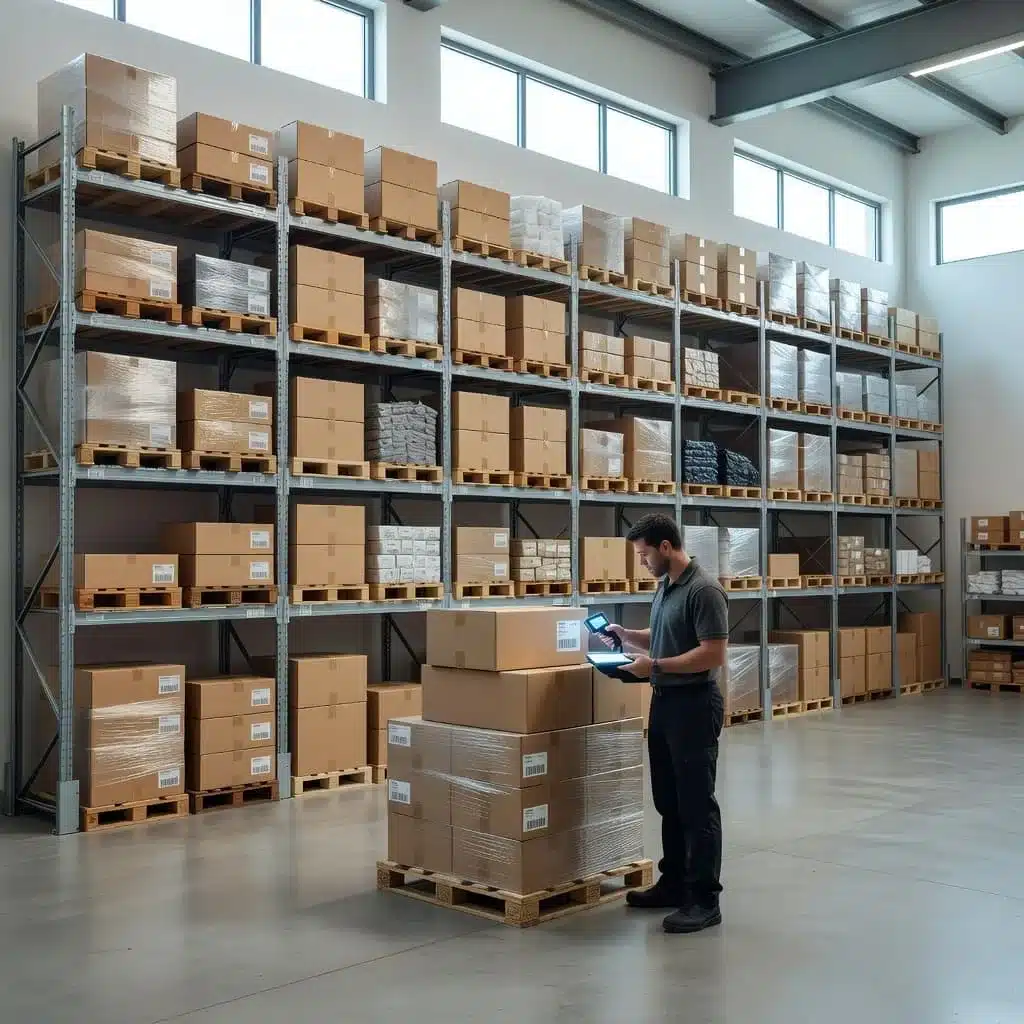
That matters because fulfillment falls apart when data lags behind the floor. A sold item can still look available online, a picker can grab the wrong SKU, or a refund can sit waiting because the return never got scanned properly. Automation closes those gaps before they spread across channels and locations.
Why fulfillment automation matters more as order volume grows
Small errors are easy to ignore when volume is low. Once orders start climbing, they turn into overselling, mispicks, delayed refunds, and a steady stream of support tickets.
Seasonal spikes make that pressure worse. Holiday surges, flash sales, and marketplace demand can push a warehouse past the point where manual checks keep up. Multi-channel selling adds another layer, because the same item may move through Shopify, Amazon, wholesale orders, and local stock at the same time.
That is where fulfillment automation pays off. It keeps the process consistent when the floor gets busy, so teams spend less time correcting avoidable mistakes and more time moving orders out the door.
When inventory updates happen late, every channel feels it. The longer that delay lasts, the more expensive the correction becomes.
How Leanafy fits into the ecommerce stack
Leanafy is the operational layer that connects inventory, warehouse tasks, shipping, and reporting. Front-end selling tools capture demand, but Leanafy manages what happens after the order lands.
That distinction matters. Your storefront, marketplace, or OMS may take the sale, but the warehouse still needs a system that assigns work, updates stock, and records what actually happened. Leanafy fills that gap with controlled workflows that reduce touchpoints and keep execution tight.
For teams that are still mixing spreadsheets with manual checks, this shift is huge. Inventory updates happen in real time, warehouse actions follow defined steps, and supervisors can see exceptions before they turn into backlogs. If you want a deeper look at how the platform supports operational control, the WMS selection guide for growing businesses is a useful place to start.
In practice, that means Leanafy helps warehouse teams:
- Keep stock counts aligned across channels and locations
- Route tasks through barcode-driven steps instead of guesswork
- Reduce errors that come from manual handoffs
- Track orders, returns, and inventory movement in one place
This is fulfillment control first, not marketing automation. The goal is to keep the warehouse accurate, visible, and easier to run as order volume rises.
The core Leanafy features that automate warehouse work
Leanafy focuses on the parts of ecommerce operations that create the most manual work. That means fewer spreadsheets, fewer handoffs, and fewer “did anyone update that?” moments.
The biggest gain is simple, the system keeps inventory, tasks, and shipping in sync as work happens. That gives your team one set of numbers to trust, whether they manage one warehouse or several.
Real-time inventory tracking across channels and locations
Real-time inventory tracking keeps stock counts current across warehouses, stores, and marketplaces. When an item moves, the count updates right away, so your team isn’t working from yesterday’s numbers.
That matters because overselling usually starts with lag. A product looks available in one channel, gets sold in another, and the warehouse spends time untangling the mismatch. With one accurate count across every location, planning gets cleaner and customer promises get more reliable. If you’re comparing system options, improving inventory accuracy with a WMS becomes a lot easier when every movement is recorded in the same place.
Leanafy also helps teams watch the signals that prevent problems before they spread:
- Low-stock alerts flag items before they hit zero.
- Inventory movement tracking shows what moved, where it moved, and when.
- Location-level visibility helps you rebalance stock between sites instead of guessing.
- Better decision-making follows naturally, because replenishment and transfers are based on live data.
When the system shows one current count, sales, warehouse, and customer service stop arguing over which number is right.
Barcode scanning and mobile workflows that reduce mistakes
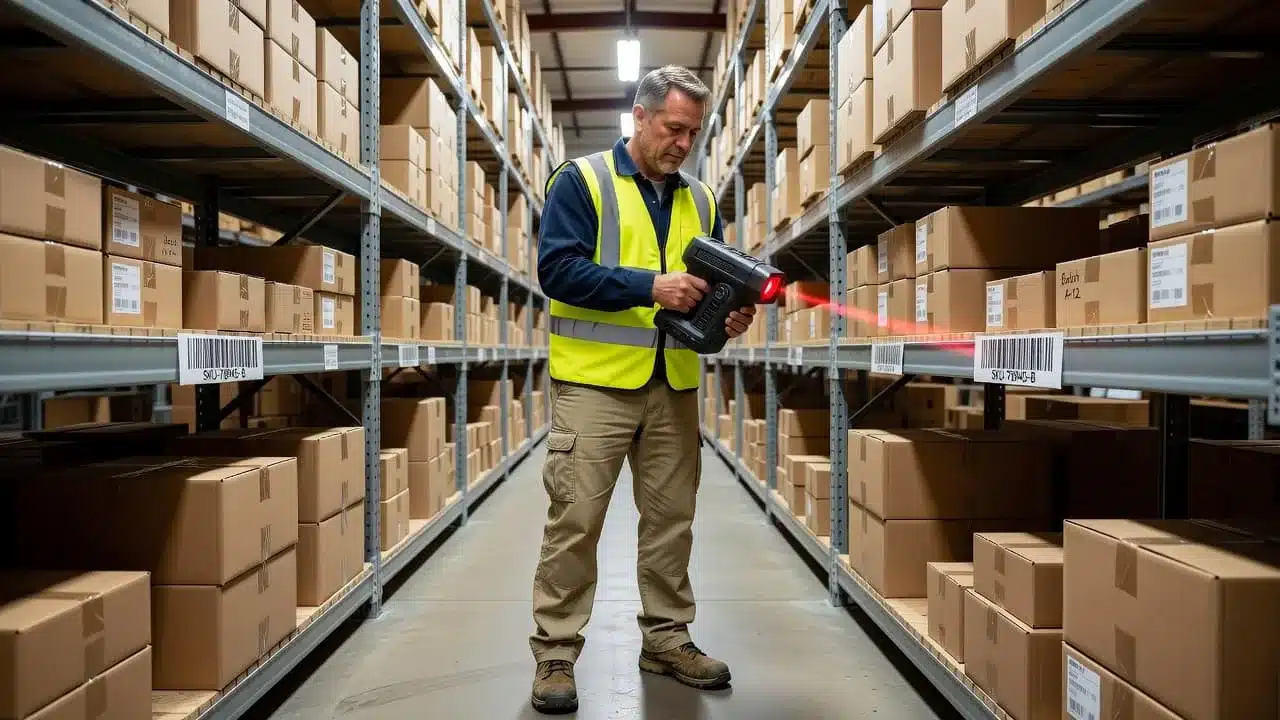
Barcode scanning removes the weak spots in manual warehouse work. Instead of typing SKUs or updating counts by memory, staff scan at the point of action, which keeps records clean and reduces avoidable errors.
Leanafy’s barcode-driven flow supports the full path of warehouse work, including receive, put away, pick, ship, and adjust. That means the item gets verified at every key touchpoint, not only when someone notices a mismatch later. In practice, that cuts down on typing mistakes, wrong-bin issues, and inventory records that drift away from reality.
Mobile-friendly workflows matter just as much. Warehouse staff can follow guided steps on the floor, so the process stays consistent even during busy shifts or staff changes. Instead of walking back and forth to a desktop terminal, they update inventory where the work happens.
A simple scan flow keeps the process tight:
- Receive the item and confirm quantity.
- Put it away in the right bin or location.
- Pick the correct SKU from the correct shelf.
- Ship the packed order after a final scan.
- Adjust stock with a reason code when damage, returns, or counts require it.
That scan discipline creates cleaner inventory records and fewer rework cycles. It also helps new hires get up to speed faster, because the software tells them what to do next instead of leaving them to guess.
Batch processing, one-click shipping, and smarter picking
Batch processing helps teams do more work with fewer steps. Instead of handling each order separately, Leanafy groups similar work so pickers can collect items in a smarter route and pack orders with less backtracking.
This is where labor time starts to shrink. If five orders need the same item, the system can organize that work so the picker handles it once, then allocates it correctly. That reduces travel, cuts repetitive touches, and keeps the floor moving during peak periods.
Leanafy also supports packing checks, label generation, and rate shopping, so the shipping stage stays fast and accurate. The packing check catches missing items before a box closes. Label generation removes another manual step. Rate shopping helps the team choose the right carrier option without opening separate tools or comparing rates by hand.
That combination matters in daily operations because shipping errors are expensive. A missed item creates a return, a support ticket, and a second round of labor. By tightening the workflow earlier, the system helps shipments go out faster and with fewer corrections.
For teams that want a fuller picture of how that work connects across the warehouse, batch order processing is one of the clearest examples of how Leanafy reduces wasted motion while keeping orders accurate.
A practical setup looks like this:
- Batch similar orders together for picking efficiency.
- Scan items during picking and packing to confirm accuracy.
- Generate labels as part of the shipping step.
- Compare carrier options before the order leaves the dock.
The result is less manual coordination and a smoother handoff from pick to pack to ship.
How Leanafy helps 3PL, B2B, and D2C teams handle growth
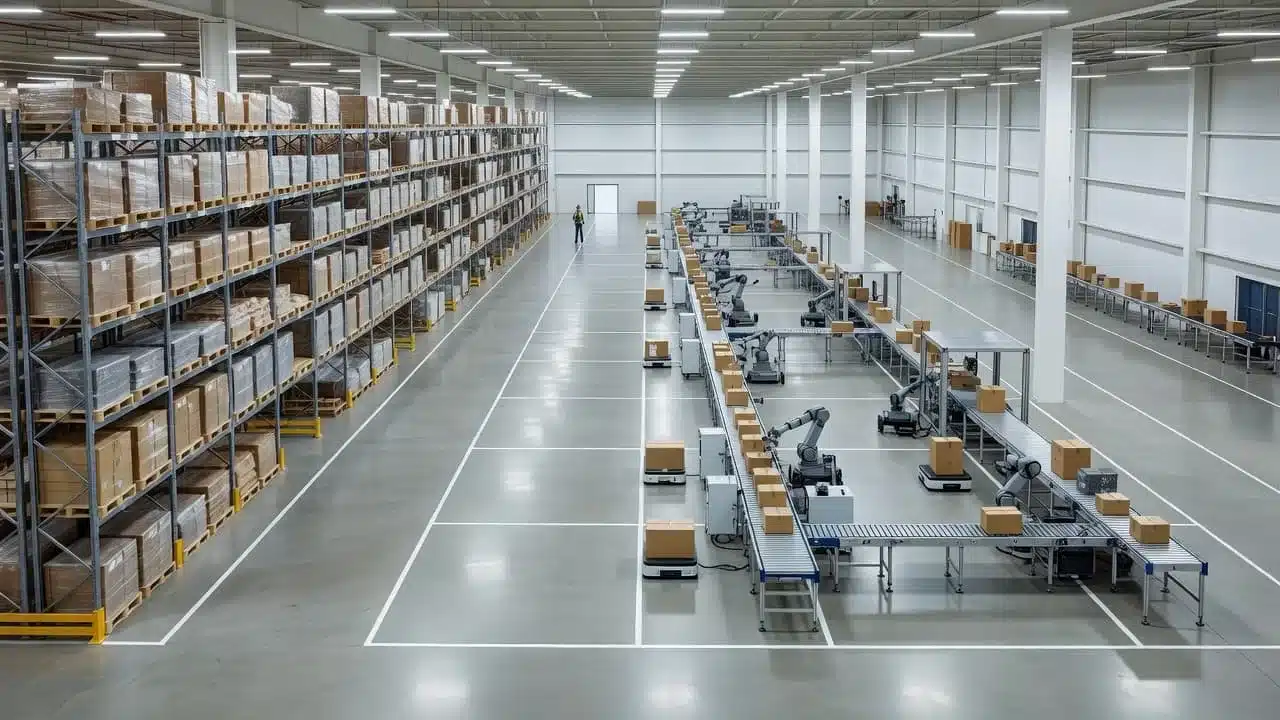
Growth looks different in every warehouse, but the pressure points are often the same, more orders, more touches, and less room for mistakes. Leanafy gives teams one system to control those moving parts, so the warehouse can take on more volume without piling on as much space or headcount.
That matters because each model needs something slightly different. A 3PL needs client-level visibility, a B2B operation needs strict traceability, and a D2C brand needs speed when demand spikes. Leanafy supports all three with the same core tools, then adapts the workflow to fit the job.
### 3PLs need clean handoffs, traceability, and faster client updates
3PLs live in a multi-client environment, so every order, adjustment, and return has to stay tied to the right account. Leanafy keeps those handoffs clean with barcode scans, real-time inventory records, and clear task history, which makes it easier to see what happened, when it happened, and who handled it.
That traceability matters when clients ask questions. If a shipment is delayed, a line item is missing, or a return is disputed, the warehouse can pull a record quickly instead of digging through emails and spreadsheets. Accurate records also support service quality and compliance, which is especially important when you manage different SLAs, item rules, and return conditions across customers.
For 3PL operators, that means fewer support loops and fewer arguments about the facts. It also makes reporting more useful, because the data reflects actual warehouse activity instead of approximations.
When clients expect faster updates, Leanafy helps the warehouse answer with confidence. For teams that want a deeper look at connected execution, the smart warehouse software guide is a useful next step.
B2B warehouses need fewer errors and stronger control
B2B orders usually carry more detail, more constraints, and more consequences when something goes wrong. Serial tracking, lot tracking, and order accuracy all become part of the daily routine, and manual handling creates too many chances for mistakes.
Leanafy tightens that process with scan-based workflows and structured records. Each item can be tied to the right order, lot, or serial number, so teams reduce mispicks, improve audit readiness, and move larger orders with less confusion.
This kind of control is what keeps B2B fulfillment repeatable. When the process is defined, the team does not need to rely on memory or shortcuts, and supervisors can spot exceptions before they become rework.
A practical B2B operation usually needs the same discipline on every shift:
- Verify the item at pick and pack.
- Tie inventory movement to the correct lot or serial record.
- Keep outbound orders aligned with customer requirements.
- Flag exceptions before shipment leaves the dock.
Large orders do not fail because of one big mistake, they fail because small errors stack up across too many handoffs.
Automation helps remove those weak points. It lowers manual touch time, keeps records consistent, and lets the warehouse handle more detailed work without losing control.
D2C brands need speed during peak seasons
D2C growth can be smooth in normal weeks, then explode during holidays, flash sales, or product drops. Popular SKUs move fast, returns pile up, and customers expect quick answers the moment they hit submit.
Leanafy helps teams stay ahead of that pressure with faster picking, cleaner shipping steps, and quicker return handling. When the warehouse scans correctly and updates inventory in real time, high-volume items stay visible and available, which keeps orders moving before backlogs build.
That speed also protects the customer experience. If a refund is waiting on a warehouse scan, the delay can trigger support tickets and bad reviews. With better workflow control, the refund process moves faster, customers stay informed, and the brand avoids the feeling of silence that frustrates buyers.
During peak volume, the same facility can do more work with less chaos. Automation helps the team absorb spikes without turning every busy day into an all-hands scramble. The result is steadier performance, even when demand jumps hard and fast.
Returns, restocks, and customer trust, where automation saves money
Returns touch revenue, labor, inventory, and support at the same time. That is why Ecommerce Automation matters here just as much as it does in picking and shipping.
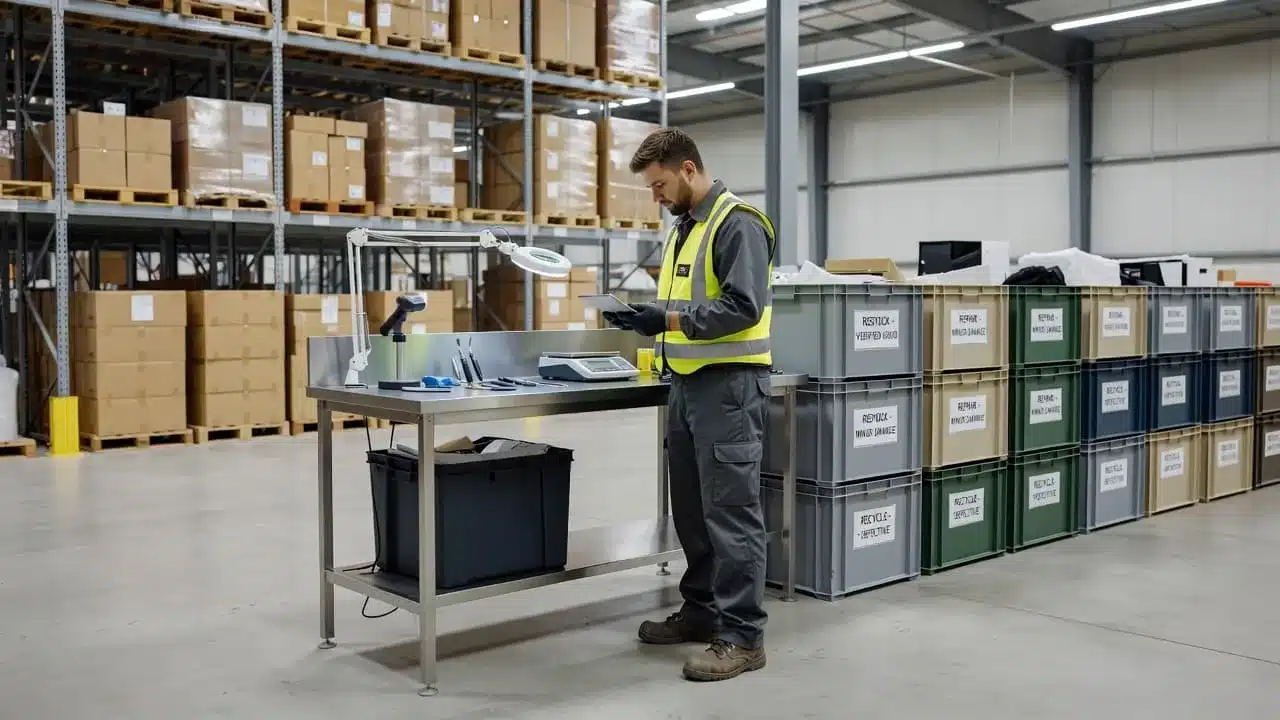
When the return flow is slow or unclear, good inventory sits in limbo, refunds drag, and customers open tickets. When the flow is automated, each item moves through triage, inspection, and restocking with less waste and fewer delays.
### Use return reason codes to find the biggest fixable problems
Return reason codes are one of the simplest ways to spot what keeps coming back. Review them weekly, group them by pattern, and you will quickly see which issues deserve attention first.
Common themes usually show up fast:
- Wrong size or poor fit points to weak sizing charts or missing fit notes.
- Color mismatch often means product photos are not telling the truth.
- Damage in transit can signal packaging that needs more protection.
- Not as described usually means the product page needs clearer copy or better images.
Once those patterns are visible, the fix becomes practical. Add fit guidance like “runs small” or “relaxed fit”, show items in natural light, include close-up fabric shots, and call out finishes clearly. If customers keep saying the item feels different than expected, the product page needs work, not more returns handling.
Return codes also help teams move beyond guesswork. A SKU with repeated size complaints may need a new size chart. A product with transit damage may need stronger packaging or a better insert. A return reason review turns complaints into a roadmap, which is far more useful than scanning tickets one by one. For a deeper look at the reverse flow, managing returns with automated reverse logistics gives useful context.
Move fast on returns that can be restocked, repaired, or resold
Not every return should go through the same lane. Some items should be scanned, checked, and back on the shelf quickly. Others need testing, repair, or a hold for review.
Apparel is a good example. If a returned shirt is clean, unopened, and in demand, it should move fast through scan-and-reshelve handling so it can re-enter sellable stock while the size is still popular. Electronics need a different path because they require testing, serial number checks, and a more controlled inspection step before anyone decides to restock them.
That routing matters because every extra hour lowers value. A fast-moving return flow protects resale potential, shortens refund delays, and keeps warehouse labor focused on the right item in the right lane.
A simple triage flow helps:
- Scan the return as soon as it arrives.
- Sort it into restock, repair, quarantine, or disposal.
- Inspect only the items that need a closer look.
- Update inventory status right away.
- Trigger the refund or exchange when the correct scan happens.
Good items lose value when they sit in the wrong pile. Automation keeps them moving before they turn into markdowns.
Make refund timing and return policy easy to understand
A clear policy reduces friction before the return even starts. Customers want to know the return window, the condition rules, who pays shipping, which items are final sale, and when the refund will hit their account.
Keep the language plain and specific:
- State the return window in days from delivery.
- Explain the condition required, including tags, packaging, and wear limits.
- Say who pays shipping costs for defects versus preference returns.
- Spell out which exchanges are allowed and how to request them.
- List final sale items by category, not in a vague catch-all line.
- Explain any fees, such as label deductions or restocking charges.
That transparency cuts support tickets because customers do not have to ask basic questions. It also protects trust, since surprises feel like a penalty and clear rules feel fair. If your operation uses formal terms for subscriptions or non-refundable items, connect customers to those terms so there is one source of truth.
For teams that want a fuller framework, the best practices for efficient returns management align well with this kind of policy clarity. The goal is simple, customers should know what happens next, and your warehouse should know exactly how to process the item once it comes back.
When returns are handled this way, they stop acting like a support burden and start working like an operations signal. The more clearly you scan, sort, inspect, and communicate, the less money leaks out of every order cycle.
The business impact of automation, from cost per return to ROI
Automation only matters when it changes the numbers that leadership watches. In ecommerce, that usually means lower return costs, fewer labor touches, faster refunds, cleaner inventory, and better throughput in the same footprint. When those gains stack up, the business stops losing margin to avoidable manual work.
### What actually goes into the cost of a return
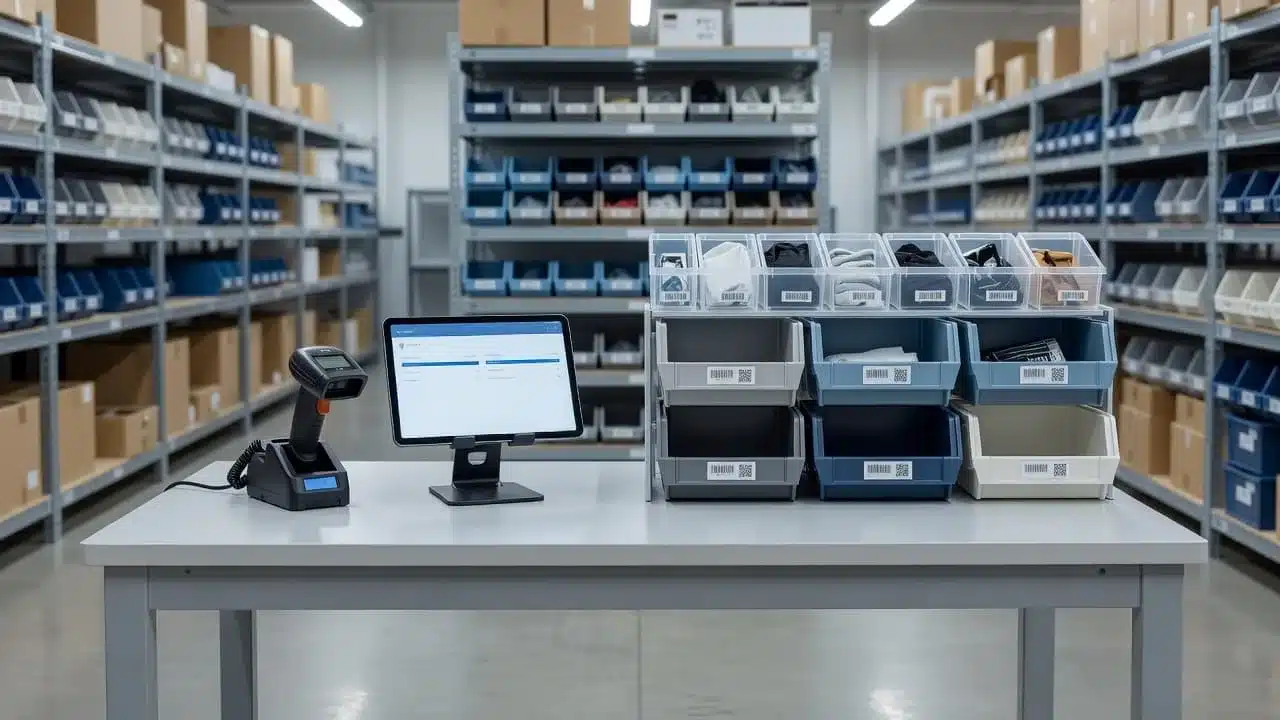
A return looks simple on the surface, but the real cost has several parts. You pay for the label, inbound shipping, labor time, packaging, value loss, and sometimes disposal. Each piece is small on its own, yet together they can eat through margin fast.
Handling time is one of the biggest hidden costs. Every scan, inspection, repack, and exception review takes paid labor, and that labor can be more expensive than the return label itself. If the item comes back damaged, opened, or unsellable, the cost climbs again because the team needs extra touches before it can be restocked or written off.
Value loss matters too. A returned item that was worth full price on the outbound order may only be worth a markdown later, or nothing at all if it has to be discarded. Slow refunds add another layer of pain, because customers open tickets when they do not see movement. That creates more support work and can damage trust.
A useful way to think about it is this:
- Label and shipping cover the carrier cost to move the item back.
- Handling minutes cover the labor to receive, inspect, and sort it.
- Packaging and supplies cover the new materials used to rework the item.
- Value loss covers the gap between original price and resale value.
- Disposal covers trash, recycling, or vendor return fees.
For a more accurate view of the operation, some teams also keep ecommerce inventory management software tied to the return flow, so stock updates happen as soon as items are scanned and reclassified. That helps prevent good inventory from sitting in limbo.
The metrics worth watching every week
Too many dashboards create noise. The better move is to track a small set of metrics that can actually change a process. If a number does not help you fix a workflow, it does not belong in the weekly review.
The most useful return metrics usually include:
- Return rate by SKU so you can see which products create repeated problems.
- Top return reasons so product pages, packaging, or quality checks can be improved.
- Cost per return so leadership can compare return work against margin.
- Time to refund so you can catch delays before they trigger support tickets.
- Time to restock so fast-moving items do not sit idle.
- Exchange rate so you can see whether customers will swap instead of cancel.
- Customer support contacts per return so you can measure friction in the process.
When teams review these numbers together, patterns show up quickly. A SKU with high returns and high support contact volume usually needs better product content or fit guidance. A slow refund cycle often points to manual review steps or missing scan triggers. A long restock time may mean the warehouse is using the wrong lane for returned goods.
In India, return pressure is especially visible in categories like fashion and footwear, where fit and expectation gaps drive heavy volumes. Global return rates are also high enough that even a small process improvement can save real money. The point is simple, a tight weekly review gives you a short list of fixes, not a wall of reporting.
If a metric cannot lead to a process change, it belongs in an archive, not a meeting.
Why automation can pay off faster than teams expect
Automation earns its keep in several places at once. It lowers labor cost by removing manual touches, reduces errors by forcing scans and guided steps, improves inventory use by keeping stock current, and speeds up order movement because the warehouse spends less time correcting mistakes.
That creates a real ROI story. A return that used to bounce between customer service, receiving, and the warehouse can move through a scan-based flow with fewer interruptions. A picker who no longer has to fix inventory drift gets more done in the same shift. A refund that triggers automatically after the right scan cuts down on tickets and follow-up emails.
The return on investment usually does not show up overnight. Well-planned warehouse automation often pays back over a multi-year period, especially when hardware, software, training, and process change are all part of the project. Still, the operational gains begin much sooner. You can see the difference in fewer errors, faster cycle times, and less time spent on rework long before the full payback period ends.
The ROI logic is strongest when automation changes more than one cost center at once. Lower labor minutes, cleaner inventory, faster restocks, and fewer support contacts all move in the same direction. That is where automation stops being a software purchase and starts acting like a margin protection plan.
In practical terms, the biggest wins usually look like this:
- Fewer hands touch each return.
- Inventory gets updated sooner.
- Refunds move faster.
- Support teams handle fewer repeat questions.
- The warehouse processes more volume without adding the same amount of space or headcount.
For growth-focused operations, that mix matters more than a single savings line. It means the warehouse can take on more orders, more returns, and more complexity without breaking the workflow or the budget.
What to look for when choosing an ecommerce automation platform
The right platform should fit the way your warehouse already works, not force your team into a new set of headaches. Start with the basics, how it connects, how it rolls out, and how it scales when order volume rises or new sites come online.
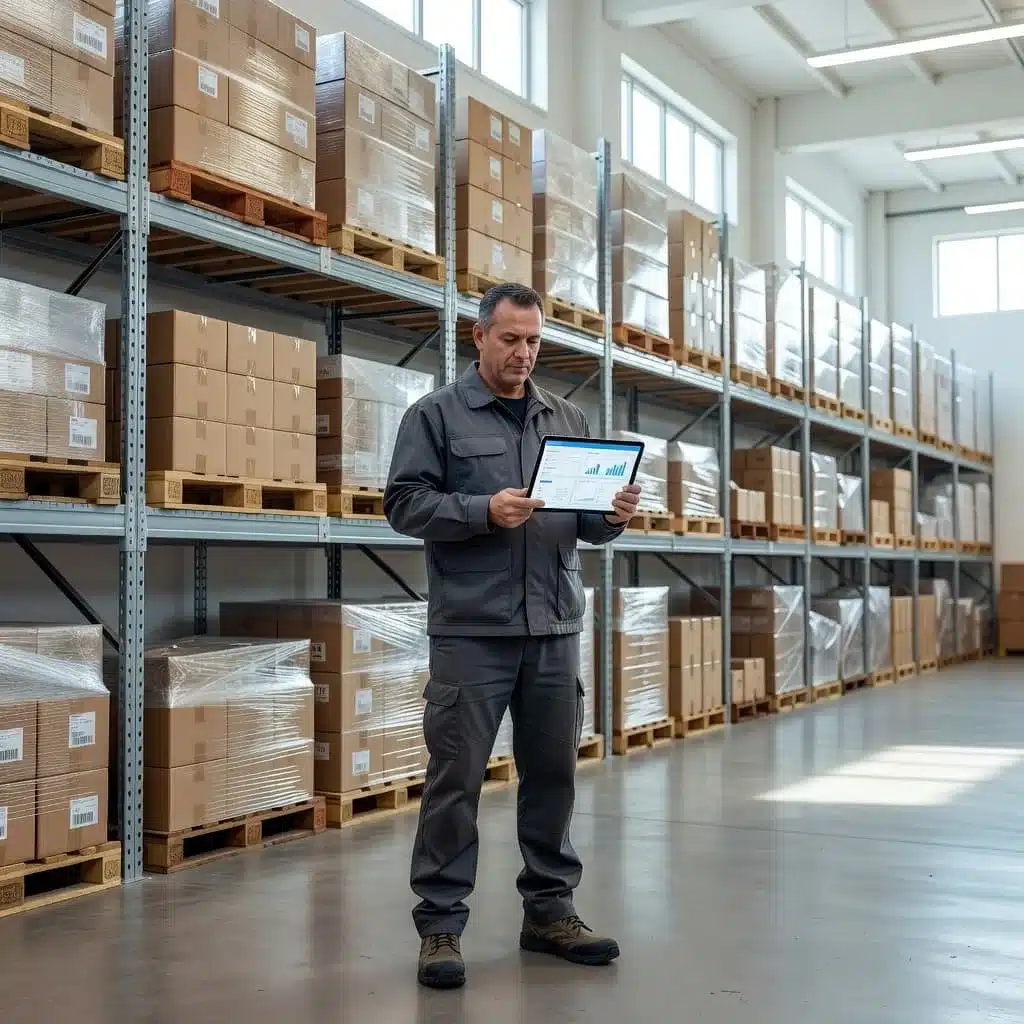
A strong choice for Ecommerce Automation keeps data moving without manual re-entry, reduces exceptions on the floor, and gives you clearer control over daily operations. If a platform creates more work for sales, warehouse, and finance teams, it will slow you down no matter how advanced it looks in a demo.
Check the integrations that matter most to your workflow
The best system is the one that connects cleanly to the stack you already use. That usually means your ecommerce platforms, shipping tools, accounting software, ERP, and any EDI requirements that support trading partners or larger customers.
If those connections are weak, people end up copying data between systems. That creates delays, typing errors, and mismatched records that show up later in shipping, invoicing, or inventory counts. A good platform should keep order, stock, and shipment data in sync without extra handoffs.
Look for direct support for the tools your operation depends on every day:
- Ecommerce channels such as Shopify, Amazon, WooCommerce, or similar storefronts
- Shipping tools that handle labels, rates, and tracking
- Accounting systems that need clean order and invoice data
- ERP connections for larger planning and fulfillment workflows
- EDI support for wholesale or trading-partner requirements
If the platform cannot fit your current systems, you will spend more time fixing integrations than improving fulfillment.
The goal is simple, fewer manual exports, fewer duplicate entries, and fewer places where the numbers can drift apart. For teams that need a closer look at setup and connectivity, Leanafy implementation and integration services are built around those operational handoffs.
Ask how the system supports onboarding and change management
Even strong software fails when the rollout is weak. Before you buy, ask how the vendor handles process mapping, data migration, training, and support once the team starts using the system in real work.
Process mapping matters because every warehouse has its own flow. Picking, returns, replenishment, and exceptions should match the way your team actually operates, not a generic template. Data migration matters too, because poor cleanup during setup can poison inventory accuracy from day one.
Training should be practical and role-based. Pickers, supervisors, and admins do not need the same screens or the same depth of instruction. Support SLAs matter as well, because when go-live hits, slow answers can stall shipping and frustrate the floor.
A solid rollout plan should cover:
- Current process review and gap mapping
- Clean data migration and validation
- Role-based training for each user group
- Go-live support with clear response times
- Follow-up adjustments after the first wave of usage
If a vendor talks only about software features and not about implementation, that’s a warning sign. Good automation needs good adoption. For a deeper look at rollout planning, WMS rollout and configuration best practices can help you judge how much support you really need.
Make sure the platform can scale with more orders and more sites
Growth changes the job fast. A platform that works for one warehouse may struggle once you add a second site, a new zone, or a higher daily order count.
Multi-warehouse support should let you see inventory across locations, route work intelligently, and keep records accurate without scattered spreadsheets. User permissions matter too, because supervisors need different controls than pickers, and finance teams should not have to sift through floor-level tasks.
Reporting is another place where weak systems fall short. You need visibility into order throughput, inventory movement, return flow, and exception patterns, not just a stack of basic dashboards. Good reporting helps you spot slow zones, oversold items, or teams that need better task balance.
Ask whether the system can handle:
- New warehouse locations without a major rework
- Separate zones, bins, or work areas
- Role-based access for different teams
- Reporting that supports daily decisions, not just monthly reviews
- Inventory and task controls that stay consistent as volume grows
The right platform should give you room to expand without losing control. As orders rise, you want tighter execution, not a patchwork of workarounds that only one person understands.
Conclusion
Ecommerce automation with Leanafy comes down to making warehouse work easier to run and easier to trust. When inventory stays current, picking and shipping stay cleaner, and returns move through a clear process, the whole operation runs with less friction.
That matters most as order volume grows, because small mistakes turn into delays, extra labor, and unhappy customers. With intelligent inventory tracking tools, Leanafy helps teams keep control without adding more manual work or more guesswork.
The real win is simple, spend less time fixing errors and more time serving customers, moving orders, and growing the business with confidence.