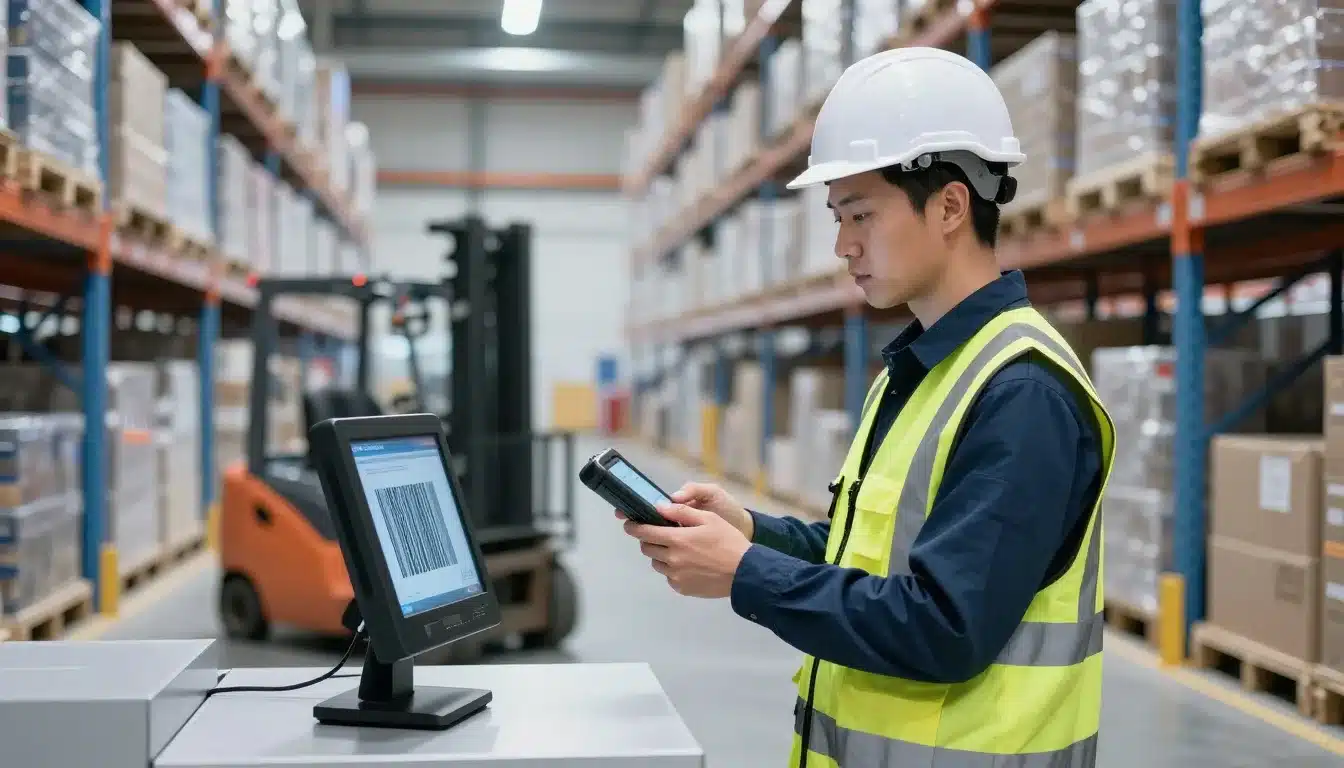

Paper pick lists, fixed workstations, spreadsheets, and manual rekeying make floor teams walk back and forth, enter the same data twice, and discover inventory errors after they’ve already affected an order. For warehouse managers, 3PLs, distributors, manufacturers, and e-commerce teams, those small delays can create missed cutoffs, mis-picks, inaccurate stock counts, and extra labor.
A WMS mobile app puts receiving, put-away, picking, packing, shipping, counting, and inventory updates on a handheld device at the point of work. Barcode scans confirm the item and location, while each completed task updates inventory and creates a clearer record of what happened.
This guide explains how mobile WMS workflows operate, the benefits they can deliver on the floor, the features to evaluate, implementation concerns, and the results worth measuring. Mobile execution is one part of a connected fulfillment process, so it should support the practices outlined in this order fulfillment guide.
WMS Mobile Apps and Their Benefits for Floor Operations
A WMS mobile app connects phones, tablets, rugged barcode scanners, or RF devices to the central warehouse management system. Workers receive guided tasks on the device, scan each required barcode, and send the result back in real time. The system then updates inventory, order status, and task progress without waiting for someone to re-enter the information at a fixed terminal.
A basic inventory app may show stock levels or record a manual adjustment. A WMS mobile app also controls how work happens. It applies location rules, picking priorities, scan requirements, replenishment triggers, and exception handling. That difference matters because warehouse accuracy depends on recording each movement at the moment it occurs. These capabilities align with the broader functions described in this warehouse management system overview.
How a scan-led task works from dock to shipment
Consider a purchase order arriving at the receiving dock. The receiver scans the purchase order, then scans the item barcode, confirms the quantity, records the condition, and scans the destination bin. If the shipment is short, damaged, or incorrectly labeled, the receiver selects the appropriate reason code instead of quietly changing the expected quantity.
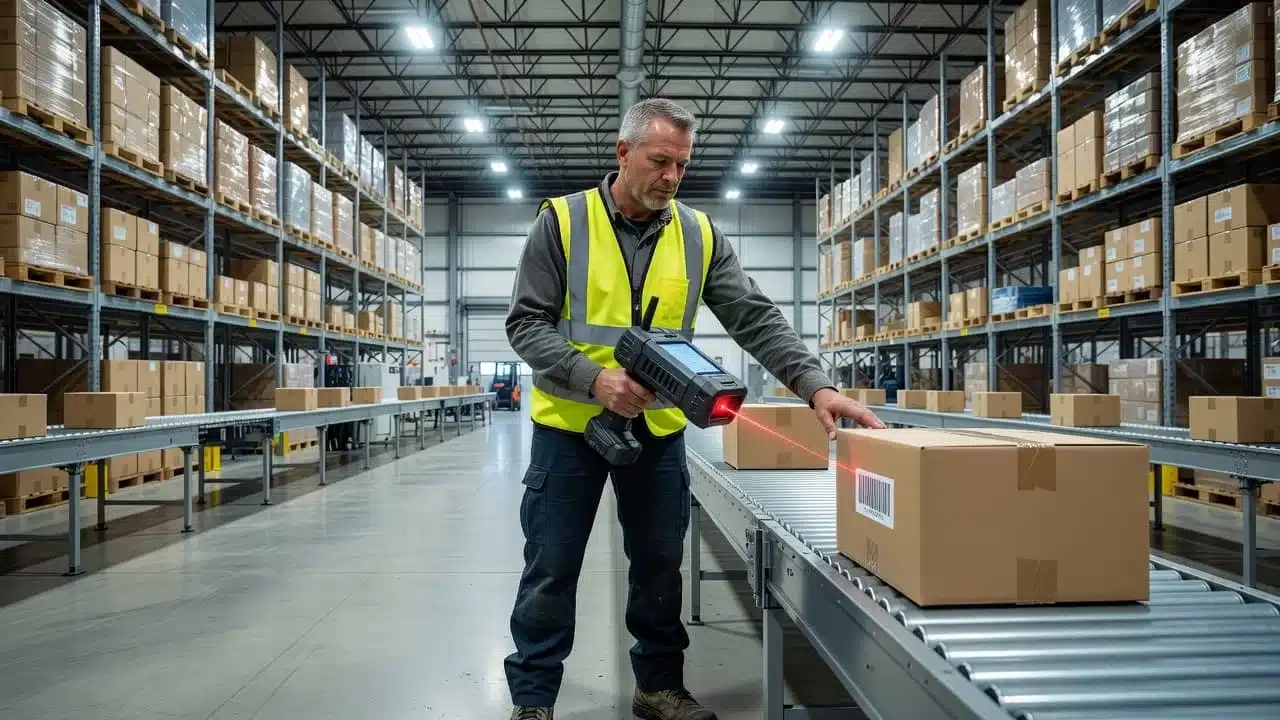
Each scan creates a traceable inventory event. The WMS records what happened, where it happened, when it happened, and which user completed the task. That record reduces typing errors and limits inventory drift because the system does not rely on memory or a later spreadsheet update. For practical guidance on device-based workflows, see this warehouse mobile scanning guide.
During put-away, the worker scans the product and the assigned location before placing stock in the bin. A replenishment task follows the same pattern, confirming the source location, SKU, quantity, and destination pick face. The picker then scans the location and SKU before removing inventory. If the barcode does not match the task, the app can stop the transaction before a wrong-item pick occurs.
At packing, the worker verifies the carton contents against the order. Shipping completes the chain by confirming the packed order, carton, or license plate before dispatch. Cycle counts, stock transfers, returns, and manual adjustments use the same controlled process. Reason codes identify shortages, damage, customer returns, count variances, and other exceptions, giving supervisors useful information for follow-up instead of burying every problem in an unexplained quantity change.
What changes for workers and supervisors on the floor
Workers see the next task, item details, quantity, and location on the device in front of them. They don’t carry paper lists or return to a workstation after every movement. Clear prompts also give new employees a consistent process to follow, which reduces dependence on memory and informal shortcuts.
Supervisors gain a live view without leaving the floor. They can search inventory by SKU, location, or license plate, check task progress, investigate exceptions, coach an employee beside the rack, and change priorities when an urgent order arrives. Because updates reach the central WMS immediately, the supervisor can act on current information rather than yesterday’s report. Mobile access keeps decisions and warehouse work close to the stock, orders, and people that need attention.
The Biggest Floor-Level Benefits of a Mobile WMS
A mobile WMS connects barcode or RF scanning, guided tasks, and real-time inventory updates in one floor-level workflow. Workers record each movement where it happens, while managers gain cleaner data for labor planning, service decisions, and cost control.
The benefits depend on more than installing an app. Clean item and location data, reliable devices, practical process design, and consistent user adoption determine whether the system improves daily work.
Higher inventory and picking accuracy
Forced scans make each transaction pass a basic verification before it continues. The worker may need to scan the location, item or variant, and quantity, so the system can catch a wrong SKU, color, size, lot, or bin before the order reaches packing. This point-of-work validation is a core reason mobile scanning reduces warehouse errors.
Receiving follows the same control. The receiver confirms the expected SKU, quantity, barcode, and product condition instead of accepting a shipment based on a paper count. A damaged carton, short delivery, or unrecognized barcode can move into an exception workflow before the stock becomes available for sale.
Fewer mis-picks mean fewer reships, support tickets, customer returns, and inventory write-offs. When a worker makes an adjustment, the system should require a reason code, such as damage, count variance, or return, and record the user who made it. Managers can then identify recurring issues by SKU, location, shift, or process instead of treating every discrepancy as an isolated mistake.
### Faster work with less walking and rekeying
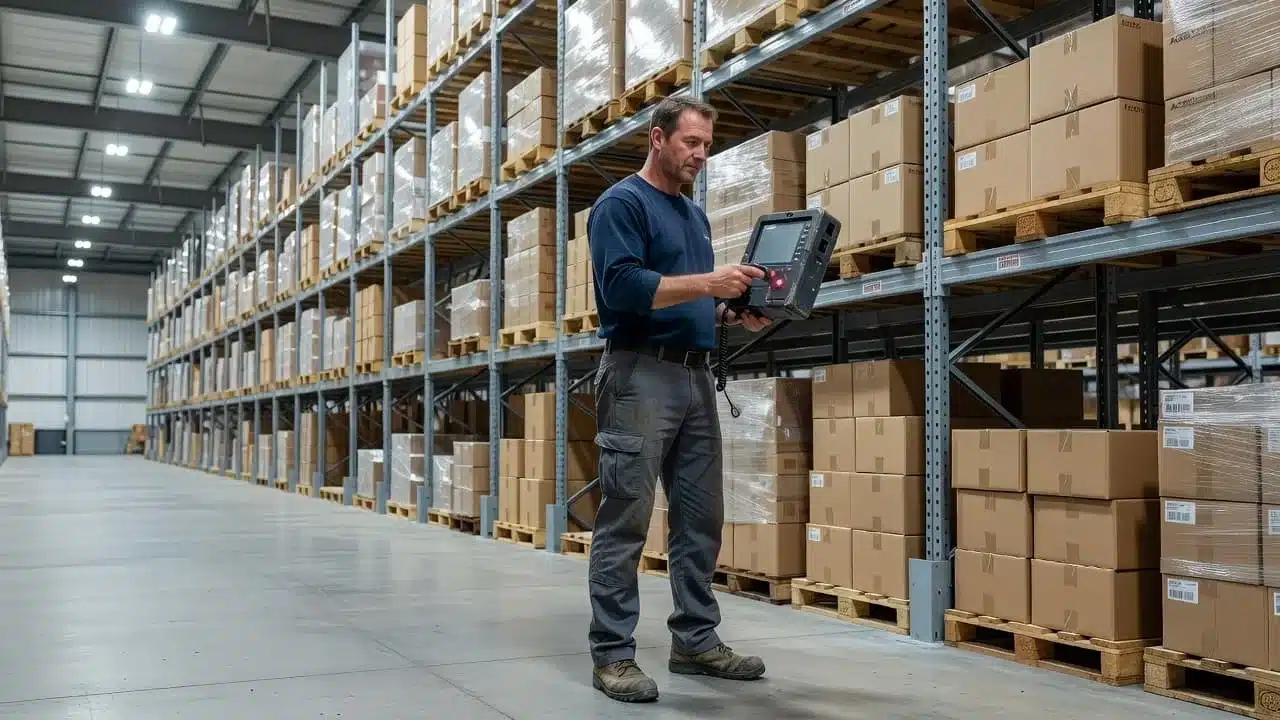
A mobile WMS can place the next assignment on the worker’s device and guide them to the correct location. Task queues, zone assignments, batch picking, wave picking, and replenishment prompts can reduce unnecessary travel when the warehouse configures them around its actual operating conditions.
The best picking method depends on the layout, order volume, product mix, and carrier cutoff times. A small warehouse with varied orders may benefit from task-by-task picking, while a high-volume operation may gain more from batches or waves. A mobile app doesn’t automatically create an efficient route, so supervisors still need to test and refine the workflow.
Workers also enter information once, at the source. They scan a receipt, pick, transfer, or count instead of writing it down and typing it into a workstation later. That removes duplicate handling and gives the next team a current transaction record.
Real-time visibility for better decisions
Current stock and task status help managers decide what needs attention now. They can prioritize an order nearing its carrier cutoff, release replenishment for an empty pick face, transfer stock between warehouses, or communicate a backorder before promising an unavailable item.
This visibility becomes more valuable across multiple facilities or 3PL client accounts. A manager can compare inventory, receiving backlogs, open tasks, and shipment progress without waiting for separate spreadsheets from each site. Leanafy WMS supports this type of multi-warehouse and client-level visibility.
A receiving backlog may reveal a labor issue before it delays available-to-promise stock. A stalled packing queue may threaten a pickup window. Live updates give supervisors time to move labor, change priorities, or contact customer service before a small delay becomes a service failure.
Lower operating costs and stronger customer service
Fewer errors and faster execution reduce rework, overtime, reshipping, and support costs. Accurate stock records also prevent overselling, so customer service can answer availability questions with confidence instead of checking several disconnected sources.
Traceable transactions support claims, audits, returns, and supplier discussions. A manager can identify when a product arrived damaged, who moved it, and where the discrepancy entered the process.
Still, a mobile WMS has upfront costs for hardware, software, integration, training, and maintenance. The business case should compare those costs with measurable improvements in accuracy, labor time, reships, refunds, and order service.
Which Warehouse Processes Improve Most with Mobile Workflows?
Mobile workflows improve operations wherever workers must verify a physical item, location, quantity, or status. Scanning at each handoff gives the WMS a current record and stops small mistakes before they spread across orders and inventory.
Receiving and put-away without paperwork
At the dock, the receiver opens the purchase order on a handheld device and scans each incoming SKU. The app compares the expected item, variant, barcode, quantity, and condition with the actual delivery. A short shipment, damaged carton, incorrect product, or unrecognized barcode moves to an exception lane instead of available inventory.
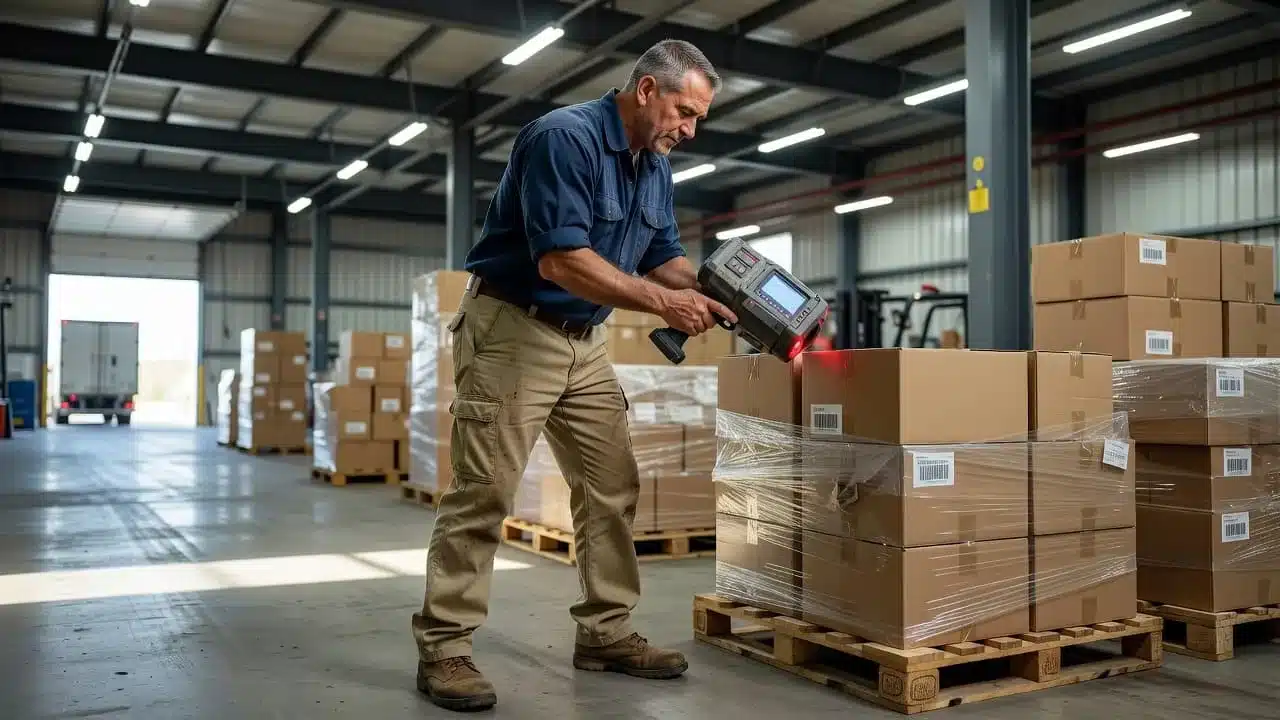
This control keeps questionable stock from entering the same pool as sellable goods. The worker can also capture a reason code or damage photo while the evidence is still at the dock. As a result, receiving teams have a clearer record for supplier claims and internal review.
During put-away, the app directs the worker to the assigned bin. Scanning the product and destination location confirms that the right stock reached the right place. That simple check prevents inventory from drifting into a nearby but incorrect aisle. Early error detection is cheaper than correcting a wrong receipt after the product has been mixed with other stock. These practices support better barcode scanning for inventory accuracy.
Picking, replenishment, packing, and shipping
A mobile WMS guides the picker by location and sequence, reducing unnecessary travel and guesswork. The worker scans the bin, item, and required quantity before confirming the pick. For look-alike SKUs, the scan separates one model from another. For apparel, it confirms the exact size and color. Serialized products require the correct serial number, while lot-controlled goods can require the approved lot and expiration details.
When a pick face falls below its minimum level, the system can create a replenishment task. The replenisher scans the reserve location, quantity, source item, and destination face before completing the move. Therefore, pickers find stock where the system says it should be.
Packing adds another verification point. The packer scans the order and each unit, so missing or extra products are caught before the carton closes. At shipping, the app confirms the order, carton, shipping label, and carrier service before release. Barcode-based workflows can improve accuracy while reducing repeated data entry, as outlined in this barcode inventory system guide.
Cycle counts, transfers, and inventory adjustments
Workers can count selected bins directly on the device without printing count sheets or waiting for a supervisor. The app records the counted quantity, compares it with the system balance, and sends a material variance for review when the numbers differ.
The same workflow controls transfers between bins or facilities. A worker scans the source location, item, quantity, and destination, then confirms the move. Damaged stock, quantity corrections, and status changes should use reason codes and approval rules based on value or risk.
A clear audit trail matters as much as the adjustment itself. The WMS should record who made the change, when it happened, which location was affected, and who approved it. That history helps managers separate normal counting errors from recurring receiving, picking, or shrink problems.
Returns and exception handling on the floor
When a return arrives, the worker scans the package, matches it to the original order, inspects the item, and assigns a condition grade. The app then routes it to restock, repair, quarantine, liquidation, donation, recycling, or disposal.
Apparel may move quickly through inspection, steaming, and restocking when tags and condition meet policy. Electronics need a controlled path for functional testing and serial number checks. The same triage process can flag short picks, missing labels, damaged cartons, barcode failures, and suspected fraud, including empty-box claims or mismatched serial numbers.
Fast routing shortens refund delays and protects recovery value. Goods left in an unassigned returns pile can lose resale value, require extra handling, or become a write-off. Tracking return reasons, time to refund, time to restock, and cost per return helps managers fix the steps that create the most labor and customer friction.
Mobile WMS Features That Matter in Real Warehouse Conditions
A mobile WMS should hold up where warehouse work actually happens, including cold rooms, crowded aisles, trailers, weak Wi-Fi zones, and peak shipping periods. Prioritize features that prevent skipped steps, preserve transaction history, and help each role complete work with minimal screen time.
A polished demo can hide practical failures. Test the system with your labels, devices, users, product variants, connectivity gaps, and busiest workflows before committing.
Barcode, RFID, camera, and force-scan support
Handheld barcode scanners are usually the best choice for high-volume receiving, picking, packing, and shipping. They scan faster than a phone camera and reduce delays when workers handle many cartons in succession. Phone cameras can work well for cycle counts, exception checks, or smaller operations, while QR codes help when a label stores more information than a basic barcode.
The app should also support wired and wireless readers, including Bluetooth scanners and integrated devices. RFID may fit operations that need rapid identification of tagged pallets, cases, or assets without aiming directly at each label. However, RFID requires suitable tags, readers, placement, and testing. It should solve a real handling problem, not simply add another data-capture method.
Force scanning matters at every control point. At receiving, the worker should scan the purchase order, item, quantity, and destination. Picking should require the location and product scan. Packing should verify the order contents, while shipping should confirm the carton, label, and carrier service. If users can tap through these steps without scanning, the system may record completion without proving that the physical movement occurred.
Test real labels, including faded, wrinkled, small, glossy, and poorly positioned labels. Check scan speed in crowded aisles, low light, freezer areas, and high-volume dock conditions. The WMS should handle multiple units of measure, such as eaches, cases, and pallets, along with serial numbers, lots, expiration dates, and product variants.

### Offline operation and safe synchronization
Weak connectivity can stop work inside cold rooms, metal-heavy buildings, trailers, and distant storage areas. A useful offline mode stores approved tasks and transactions on the device, clearly marks pending activity, and synchronizes when service returns. It should not leave workers guessing whether a receipt, pick, or adjustment was saved.
Ask vendors how the app prevents duplicate movements after reconnection. Also test simultaneous edits, rejected transactions, partial syncs, device loss, and user alerts. Which workflows can run offline? Can workers receive, pick, count, print labels, or ship without a connection? What data can they access, and how long can the device operate safely?
Offline mode should include an activity queue, sync status, recovery process, and audit trail. A system that simply stores scans for later upload may not provide the same control as an app that executes guided WMS workflows offline. Review warehouse barcode implementation guidance when comparing batch scanning with true mobile execution.
Simple screens, role-based access, and alerts
Floor users need short prompts, large controls, quick quantity entry, and minimal screen changes. Pickers should see tasks and scan instructions, while receivers need purchase orders, quantities, conditions, and exception reasons. Supervisors may need overrides and live activity, but administrators need broader configuration rights.
Role-based access reduces accidental changes without slowing routine work. Alerts should flag low stock, overdue tasks, count variances, damaged goods, carrier cutoffs, and blocked orders. Also test multilingual labels, accessibility options, glove-friendly controls, and configurable workflows for different clients or warehouse zones.
Integration with ERP, commerce, shipping, and reporting tools
The WMS must exchange items, orders, inventory balances, purchase orders, shipment confirmations, tracking numbers, returns, and financial status with connected systems. That may include an ERP, e-commerce platform, EDI provider, accounting system, and carrier network. A mobile warehouse software approach is most useful when floor transactions reach those systems without duplicate entry.
Test API failures, delayed messages, invalid records, retry rules, and error logs using production-like data. Define who owns item, customer, order, and inventory master data. Reporting should break activity down by SKU, location, user, order, and reason code, not only show total scans. That detail helps managers identify whether a variance came from one product, bin, employee, order type, or process.
How to Choose the Right Mobile WMS for Your Operation
The right mobile WMS depends on your operation, not the length of a vendor’s feature list. Warehouse size, order volume, product complexity, number of locations, customer requirements, existing systems, and device choices all affect the best fit.
Start with the work your team performs today. Then test whether each app makes that work more accurate, faster, and easier to audit. A practical buying process should include process data, live demonstrations, implementation details, and total cost.
Start with process gaps and measurable goals
Document your current baseline before speaking with vendors. Record receiving time, pick accuracy, inventory accuracy, order cycle time, restock time, refund time, labor touches, and support contacts per return. These measures show where the operation loses time or creates avoidable work.
Then identify the problems that matter most. Are wrong shipments creating reships and complaints? Does slow receiving delay available inventory? Do long travel paths consume too many labor hours? Are poor stock records causing overselling? Do weak controls make lot, serial, or return traceability difficult?
Keep the list focused. Choose a few targets that the team can review after implementation, such as:
- Reduce receiving time per purchase order.
- Improve pick accuracy for look-alike SKUs.
- Shorten the time from return receipt to refund.
- Reduce labor touches and customer contacts per return.
- Improve inventory accuracy by location or product category.
If a number cannot trigger a process change, it probably doesn’t belong in the scorecard. A useful WMS evaluation connects each target to a workflow, such as a required scan, exception reason, approval, or automatic status update. For additional context, review this warehouse management system guide.
Test the app with real items and edge cases
Ask each vendor to demonstrate your workflows with your own items and devices. A polished desktop presentation won’t show whether a picker can work quickly in a crowded aisle or whether a receiver can handle an incomplete delivery.
Use look-alike SKUs, different sizes and colors, damaged cartons, partial receipts, short picks, backorders, returns, and products with lot or serial controls. Include a temporary network outage. Watch how the app handles an exception, not just a successful transaction.
Pay attention to the number of taps, scan prompts, exception steps, and supervisor approvals. Can a worker correct a mistake without abandoning the task? Does the system prevent a wrong item from being picked? After reconnection, does it avoid duplicate transactions?
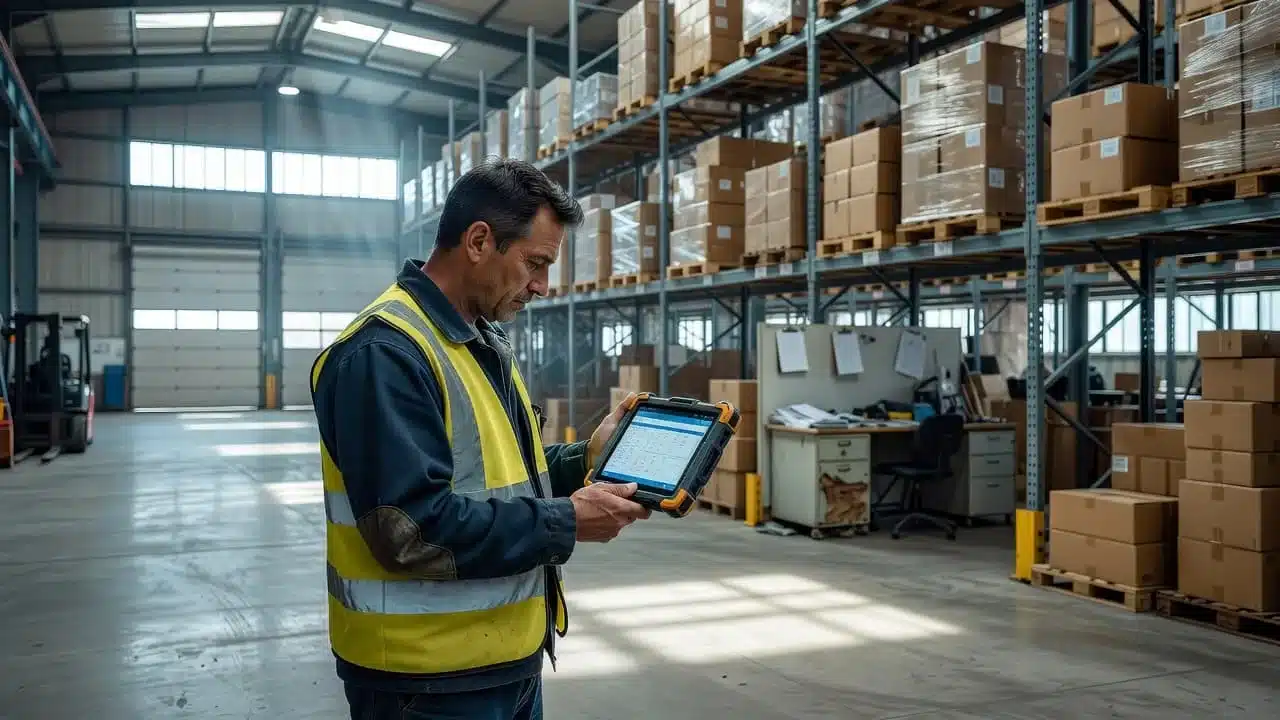
Test the software on the actual handheld scanners, phones, or tablets your team will use. Check scan speed, screen visibility, glove use, battery life, Wi-Fi coverage, and ease of training. Mobile functionality should support floor work directly, as described in this mobile WMS components guide.
Review implementation, support, security, and total cost
Ask how much setup the provider handles. Confirm the work required for item-data cleanup, barcode labeling, integrations, device configuration, wireless coverage, user training, backups, permissions, and audit controls. Also ask who owns data issues when item records, orders, or inventory balances fail to sync.
Review software fees, device purchases, support response times, updates, and rollout plans for additional warehouses. Hands-on implementation and clear support ownership can prevent a technically capable app from stalling during launch.
Finally, calculate total cost instead of comparing subscription prices alone. Include labor saved, fewer shipping errors, reduced inventory loss, faster throughput, lower support volume, and quicker refunds. A mobile WMS earns its place when measurable operational savings outweigh the full cost of owning and running it.
How to Roll Out a Mobile WMS Without Disrupting the Warehouse
A mobile WMS rollout works best as an operations project, not a software switch. Before launch, confirm that item records, location labels, device connectivity, physical workflows, and training support the way work happens on the floor. A phased plan lets your team find weak points while the impact is still contained.
Use clear exit criteria for each phase. For example, move forward only when test transactions work, opening inventory is reconciled, users can complete core tasks, and supervisors know how to handle exceptions. This step-by-step WMS implementation guide provides a broader planning framework for data preparation, testing, training, and go-live.
Clean item, location, and barcode data first
Every SKU needs one useful record. Confirm the description, variant, unit of measure, barcode, dimensions, weight, lot or serial rules, and storage requirements before configuring mobile workflows. A picker cannot make the right decision when the system treats a case, each, and pallet as the same unit.
Remove duplicate records and retire inactive items. Creating a new SKU for every minor wording difference may feel convenient, but cluttered item data makes scanning, reporting, slotting, replenishment, and training harder. If two records describe the same sellable product, decide which one is correct before labels reach the floor.
Location records need the same discipline. Each bin, rack, staging area, quarantine zone, and dock position should have a unique code that matches its physical position. Labels must be readable from the normal scanning distance, securely attached, and consistent across the warehouse. Test faded, reflective, small, and partially damaged labels before rollout.
A mobile app cannot correct a wrong barcode or an ambiguous bin. It will only record the mistake faster.
Pilot one workflow or warehouse zone
Start with a high-volume area or a defined process, such as receiving, cycle counting, or picking. Label the pilot area, configure a short workflow, and train a small group of users who understand the work and can give direct feedback.
Run the mobile process beside the old method for a limited period, then compare receiving time, scan completion, inventory variances, pick accuracy, exception volume, and rework. Use real products, real labels, and realistic order examples. Include a controlled connectivity outage if the app supports offline work.
Floor feedback should shape the next version of the workflow. Ask where users need extra taps, which instructions are unclear, and whether exception steps match actual warehouse conditions. Fix those issues before expanding. A short pilot is less risky than discovering them across every shift and facility.

### Train for normal work and exceptions
Hands-on practice should cover routine scans and the problems workers face during busy shifts. Include quantity changes, damaged items, missing labels, short picks, offline mode, and supervisor overrides. Keep work instructions short, visual, and role-specific.
Provide floor support during the first shifts instead of sending users back to a classroom when they get stuck. Track completed scans, error types, help requests, abandoned tasks, and manual workarounds. Login counts only show that someone opened the app, not that the process works.
Expand in stages and improve through weekly reviews
After the pilot meets its success criteria, add one zone, shift, facility, or workflow at a time. Hold a short weekly review covering the top error types, locations causing rework, affected SKUs, backlog age, and user feedback.
Assign one owner to each improvement and change one process at a time. That discipline makes results easier to see. If picking improves after a location-label change, the team can keep the change with confidence instead of guessing which of several simultaneous adjustments worked.
Mobile WMS Metrics That Prove Floor Operations Are Improving
A mobile WMS should produce more than completed scans. It should show whether the warehouse is becoming more accurate, faster, easier to manage, and less expensive to operate. Compare results with a pre-launch baseline, then separate software impact from changes in order volume, staffing, layout, product mix, or seasonality. The right warehouse efficiency metrics connect each result to a process change.
Accuracy and inventory control metrics
Track pick accuracy, mis-pick rate, short-ship rate, and receiving accuracy together. Pick accuracy shows whether workers select the correct item and quantity. Mis-pick and short-ship rates reveal the errors that reach packing or customers. Receiving accuracy shows whether inbound stock enters the system correctly in the first place.
Also monitor cycle-count variance, overall inventory accuracy, adjustment volume, and scan compliance. A high adjustment count may point to poor receiving, misplaced inventory, weak count practices, or skipped scans. Scan compliance helps confirm whether workers follow the required mobile workflow rather than marking tasks complete manually.
Break every result down by:
- SKU, especially look-alike or high-velocity products
- Location, aisle, zone, or pick face
- Shift, day, or workload period
- User or team
- Process, such as receiving, picking, counting, or packing
That detail finds the source instead of blaming the whole warehouse. For example, a variance tied to one overflow location needs a different fix than a variance tied to one product barcode. Managers can then relabel a bin, re-slot a SKU, adjust training, or add a scan requirement.
Speed, labor, and service metrics
Measure picks per labor hour, travel time or steps per pick, receiving cycle time, order cycle time, and dock-to-stock time. These metrics show whether workers complete more useful work with less movement and whether inbound inventory becomes available sooner. On-time ship rate, backlog age, and rework minutes connect floor activity to customer service.
A useful productivity comparison includes both output and quality. If picks per labor hour rise while mis-picks, rework, and short ships also rise, the operation has shifted work downstream rather than improved. The same warning applies when workers skip scans to protect a speed target. Warehouse labor performance metrics can provide comparison points, but your own baseline should guide decisions.
Visibility, returns, and financial impact
Returns need their own operational scorecard. Track time to restock, time to refund, recovery rate, return rate by SKU, exchange versus refund rate, support contacts per return, and cost per return. High returns and high support contacts for one SKU may point to poor product information, fit guidance, packaging, or picking accuracy.
Use a defensible formula:
Cost per return = shipping + handling labor + packaging + value loss + disposal
Include every handling touch. For example, a $9 shipping cost, $4 in labor, $1 in packaging, $10 in value loss, and $1 in disposal creates a $25 return cost. That figure supports better decisions about exchanges, packaging, return fees, and product changes.
Review a small dashboard every week. Choose measures that can trigger action, such as pick accuracy, inventory variance, dock-to-stock time, on-time ship rate, return processing time, and cost per return. If a number cannot change a process, leave it out of the meeting.
Conclusion
A WMS mobile app turns warehouse work into guided, scan-based, traceable actions at the point of execution. Instead of relying on paper lists and fixed workstations, teams can improve accuracy, move inventory faster, and maintain clearer visibility across receiving, picking, packing, shipping, counts, and returns. Mobile scanning solutions support the controlled data capture behind these gains.
The results depend on clean item and location data, usable workflows, reliable connectivity, system integration, and steady training. Together, these conditions help reduce rework while giving supervisors better information for daily floor decisions.
Start with one high-cost problem, such as mis-picks, slow receiving, or delayed restocks. Measure its current impact, run a focused mobile workflow pilot, and expand only after the results show that the process works on your floor.