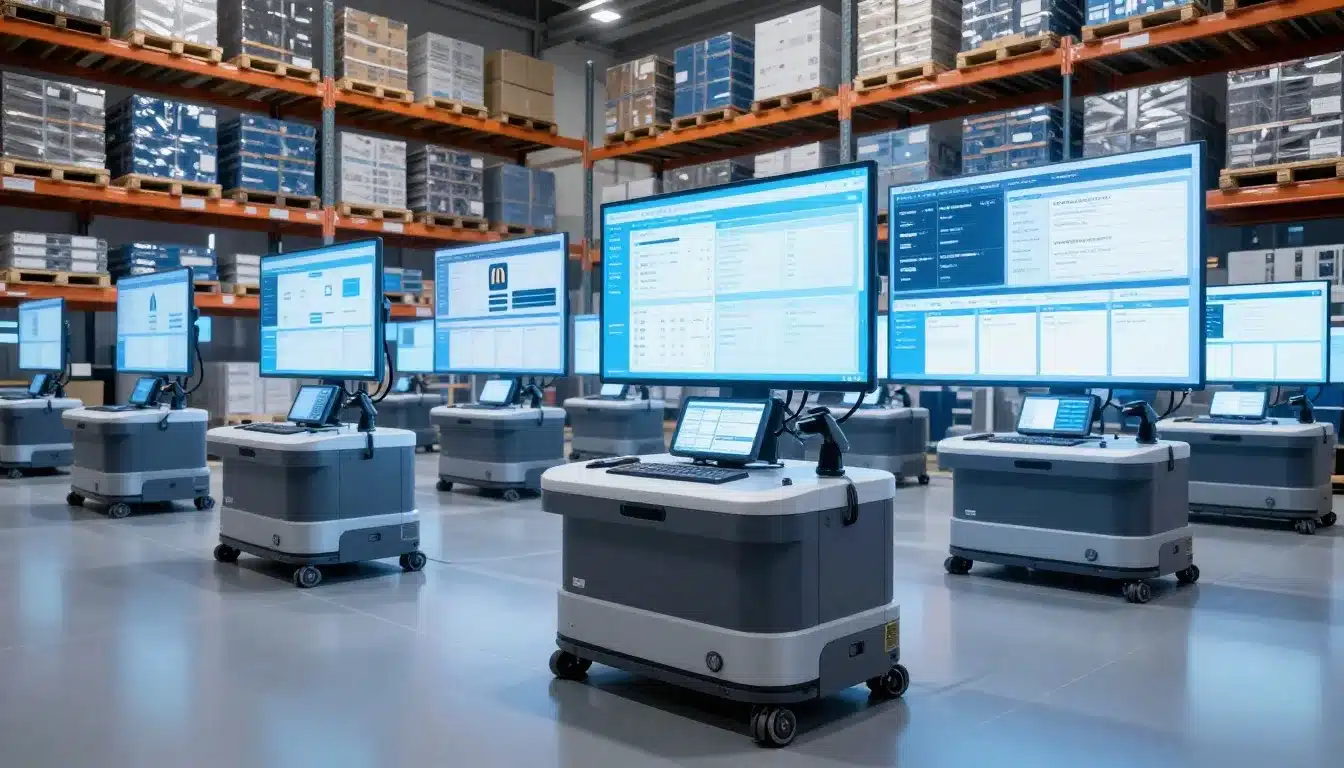

A warehouse system built for one operation can cover the basics, but a 3PL WMS has to handle many clients at once, each with its own rules, reports, and billing needs. That difference matters fast when you’re tracking shared inventory, service levels, and customer-specific workflows in the same space.
Standard WMS software often stops at receiving, picking, and shipping. A 3PL setup needs more, including client configs, rate logic, traceability, and the kind of flexibility that keeps changes from slowing the whole team down. If you’re comparing options, a WMS selection guide for 3PL can help frame what to look for.
The gap between the two is bigger than most teams expect, and the details affect daily work, client trust, and margin. That’s where the real difference starts.
Why a standard WMS falls short in a 3PL warehouse
A standard WMS can handle core warehouse tasks, but a 3PL runs on a very different model. You are not managing one company’s stock, one set of shipping rules, or one approval chain. You are managing many clients at once, and each client can change the workflow.
That changes everything. The software has to protect inventory by owner, apply customer-specific rules, and keep people out of the wrong data. It also has to support billing, reporting, and service-level promises without turning every exception into a manual project.
In many cases, the issue is bigger than feature count. A standard WMS is often built around a single business operating model, where the warehouse serves one brand and one set of processes. A cloud-based WMS for 3PL providers is built for shared space, client separation, and constant variation. That difference matters the first time two customers want the same pallet handled in two different ways.
One warehouse, many customers, many rule sets
A 3PL warehouse has to treat the same physical space as many different logical warehouses. One bin may hold products for several clients, but access, allocation, and reporting still need to stay separate. The same item may also follow different paths depending on who owns it and how that client wants orders processed.
That is where standard systems start to feel rigid. A single workflow may work for a private warehouse, but a 3PL often needs client-specific labels, packing rules, carton choices, routing logic, and shipping cutoffs. One customer may require a branded insert in every box. Another may need strict lot checks before shipment.
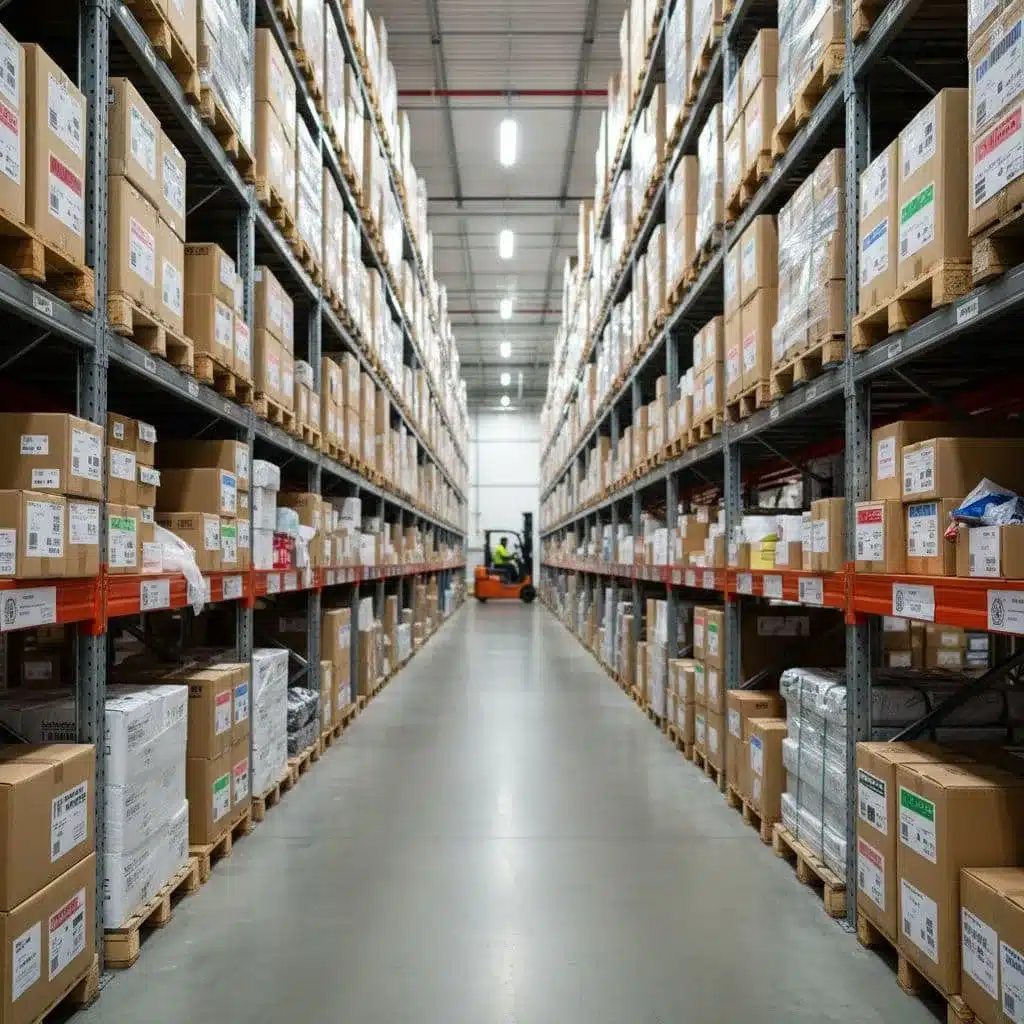
In practice, that means the system must support separation without slowing the team down. Pickers, packers, and supervisors need to see the right rules at the right time. If the software cannot isolate each client cleanly, small errors turn into missed SLAs, wrong packs, and avoidable chargebacks. For teams that need tighter order flow control, preventing retail chargebacks in 3PL often starts with better execution rules inside the warehouse system.
Where basic inventory tools start to break
Standard inventory tools usually track what is on hand, where it sits, and where it moves next. That helps, but it does not cover the full complexity of a multi-client operation. Shared stock visibility can get messy fast when one dashboard must show inventory by client, status, lot, serial, and location at the same time.
Manual reporting is another weak spot. If the WMS cannot produce client-ready data on its own, your team ends up building reports by hand. That wastes time and creates room for errors, especially when customers want daily counts, proof of fulfillment, or exception logs.
Lot and serial tracking can also become fragile. A standard system may capture the data, yet still make it hard to trace across multiple clients and workflows. Exception handling is often limited too, so damaged goods, short picks, mismatched labels, and quarantine holds require workarounds instead of clean system logic.
A 3PL needs more than item tracking. It needs a system that supports the way the warehouse actually operates, with clear ownership, flexible rules, and fast access to accurate data. A 3PL management platform for growing warehouses is built around that reality, while a standard WMS usually expects the warehouse to fit the software instead.
The real gap is not just features. It is whether the software matches a multi-client operating model.
In short, a standard WMS can keep a single warehouse organized. A 3PL warehouse needs a system that can separate customers, adapt to each workflow, and still keep the whole operation moving.
How 3PL WMS software is built for multi-client operations
A 3PL warehouse does not run on one clean lane. It runs on many lanes at once, with different owners, rules, and service levels sharing the same floor. That is why a 3PL WMS has to be built around separation first, then efficiency.
The best systems keep one warehouse view for the operator, while each client still sees its own world. That balance matters because the software has to protect inventory, support different workflows, and give customers the confidence that their data stays clean. For a broader look at why these systems matter, real-time inventory tracking for 3PLs is a good place to start.

Client-level visibility without mixing inventory
In a 3PL, every unit needs an owner attached to it. The system should track that ownership at receipt, during storage, and all the way through shipping. That way, the warehouse can share bins, racks, and labor without blending one client’s stock into another’s.
This is where sub-inventory logic matters. The WMS can hold one item in one physical location, but still separate it by client, status, lot, serial number, or hold code. A picker may see one pallet, yet the system knows exactly which customer owns which units.
A good 3PL WMS also gives each client a clean view through a portal or dashboard. They can check receipts, on-hand counts, order status, and exceptions without seeing another customer’s data. That keeps reporting accurate and reduces back-and-forth with your team.
For the operator, the real value is control without clutter. The warehouse moves as one operation, while the data stays split where it should.
Flexible workflows for each account
No two clients want the same process. One may need ASN-driven receiving with lot checks. Another may want kitting, relabeling, and extra QC before shipment. A 3PL WMS has to handle those differences without requiring a custom build each time a client changes a rule.
That means the system needs configurable workflows. Receiving steps, put-away logic, packing methods, value-added services, and shipping rules should adapt by account. The warehouse team should follow the right path based on the client, not on a manual note taped to a workstation.
In practice, that flexibility keeps operations stable when business grows. You can add a new account, change a pack-out rule, or adjust shipping logic without breaking the whole setup. A WMS built for 3PL growth supports that kind of change because it treats variation as normal, not as an exception.
If every account change needs custom work, the system becomes a bottleneck instead of a control center.
The best 3PL software handles this with rules, templates, and account-level settings. That keeps labor focused on warehouse work, not on reconfiguring the system for every customer request.
Role-based access and audit trails that protect trust
Multi-client operations need tight permissions. A warehouse associate should see only the tasks and inventory tied to their work. A customer service rep may need read access to client records, while a manager may need broader control. The system should limit access by role, account, and function.
That matters because trust depends on more than good service. Clients want proof that their inventory, orders, and billing data are protected. They also want a clear record when something goes wrong, such as a short pick, a damaged carton, or a disputed charge.
Audit trails give that record. The WMS should log who changed inventory, who approved an exception, who re-routed an order, and when the action happened. Those logs help with compliance, but they also make dispute resolution much easier. When a client asks what happened, the warehouse can answer with facts instead of guesses.
In a multi-client setting, that traceability is part of the product, not a bonus feature. It keeps operations accountable, reduces errors, and gives customers a reason to stay confident in the relationship.
The features that matter most in real 3PL work
The best warehouse software gets judged on the floor, not in a demo. In a 3PL, the real test is simple, does it help people move faster, stay accurate, and keep each client happy when volume spikes or orders get messy?
That is why the strongest 3PL WMS features are practical ones. They reduce clicks, cut handoffs, and keep every task tied to the right inventory, account, and order rule. When those tools work well, the warehouse feels calmer, even on busy days.
Barcode scanning and mobile work on the warehouse floor
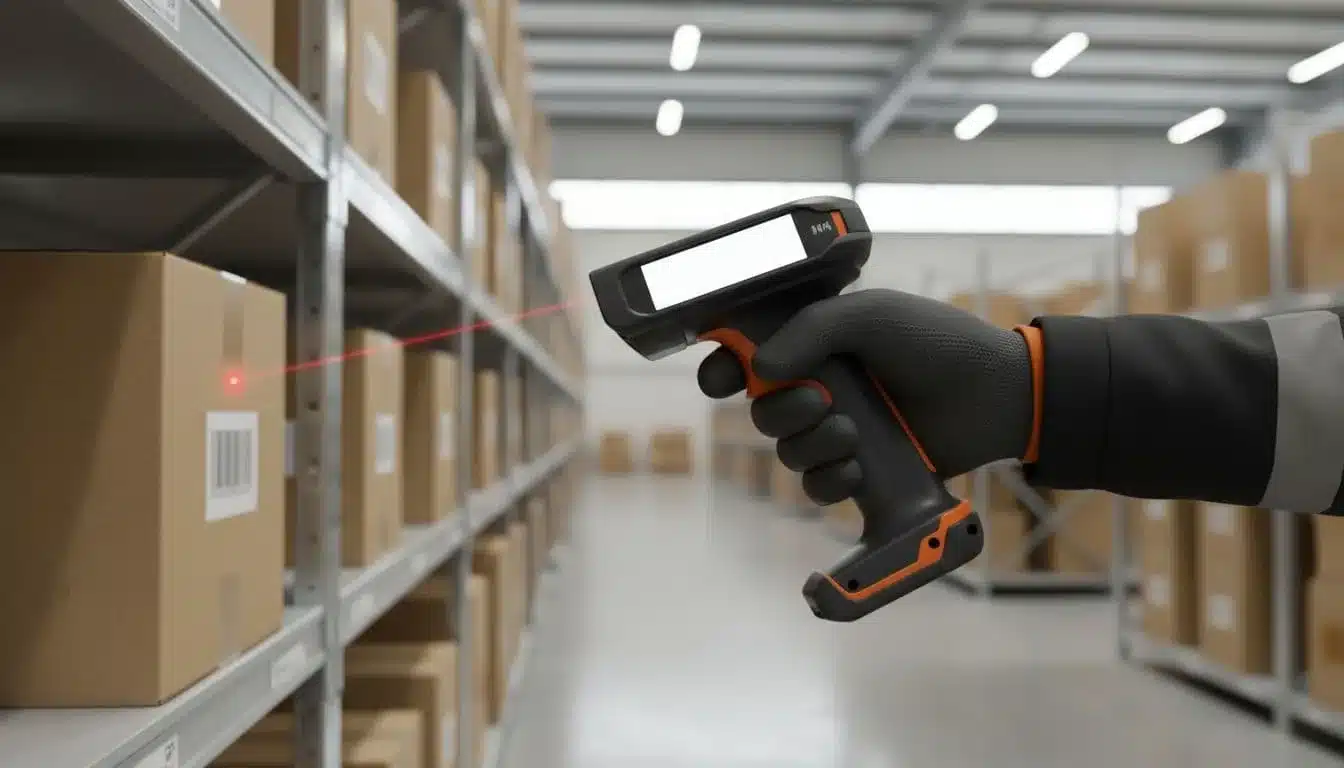
Barcode scanning is one of the clearest signs that a WMS is built for daily warehouse work. Every scan confirms a receipt, move, pick, pack, or count in seconds, so workers spend less time typing and less time fixing mistakes later. In a 3PL, that speed matters because one error can affect billing, customer service, and the next outbound step.
Mobile access matters just as much. Associates need task lists, item details, location info, and order instructions in their hands while they move through the building. A strong mobile scanning warehouse workflows setup keeps work close to the pallet, the bin, and the dock, which is where it belongs.
That helps in every core task:
- Receiving gets faster because workers scan items as they arrive instead of waiting on manual entry.
- Picking stays cleaner because the system can confirm the right item and location before the carton closes.
- Packing improves because labels, order checks, and carton contents match in real time.
- Cycle counts take less time because staff can scan and verify stock without stopping the flow for paperwork.
If workers must leave the floor to update the system, the system is slowing the warehouse down.
For 3PL teams, fast scanning also supports better inventory accuracy. A useful reference on this is barcode scanning for accurate warehouse inventory, because the case for scanning is really about fewer corrections and cleaner counts.
Real-time inventory visibility across locations
Live inventory is non-negotiable when multiple clients share the same site, or when stock moves across more than one warehouse. Without it, the team guesses on availability, customers get delayed promise dates, and sales staff overcommit stock that is already spoken for.
A good 3PL WMS updates inventory the moment work happens. That means receipts, transfers, picks, adjustments, and holds all flow into one current view. As a result, the warehouse knows what is available now, what is reserved, and what cannot ship yet.
This matters even more when you support multiple facilities. One site may be full while another still has open space or available units. If the WMS keeps counts aligned across locations, planners can route orders better and avoid unnecessary split shipments.
Accurate counts also protect client trust. No one wants to hear that the system said 40 units were available when only 28 were real. Better visibility lowers overselling risk and helps the customer service team give smarter promise dates.
Lot, serial, and expiration tracking for tighter control
Some products need more than a simple item count. Food, health products, regulated goods, and high-value items often need lot control, serial capture, or expiration tracking from receiving through shipment. A 3PL WMS should handle that without extra spreadsheets or manual logs.
Traceability matters when a customer asks where a batch came from, which units shipped, or what stayed on hold. It also matters during recalls, audits, and claim reviews. When the system can answer those questions fast, the warehouse saves time and the customer gets cleaner records.
A strong modern warehouse management with mobile scanning workflow helps here too, because the trace data gets captured at the point of work, not after the fact. That lowers the risk of missed scans and makes compliance easier to manage.
For the 3PL, this control reduces liability and protects service quality. For the customer, it means better recall readiness, tighter inventory control, and fewer surprises when product age or serial status matters.
Exception handling when orders do not go as planned
Real warehouse work is full of exceptions. A carton arrives damaged. A pick comes up short. A customer wants a hold placed before shipment. A partial order needs to go now, while the rest waits for replenishment. A 3PL WMS should guide those cases with clear workflows, not leave staff to improvise.
That is where many standard systems fall short. They can process the happy path, but they get clumsy when the order changes midstream. In a 3PL, that leads to inconsistent handling, bad notes, and missed service commitments.
Clear exception workflows keep the team aligned. The system can route damaged goods to quarantine, flag shortages for review, pause a shipment for approval, or send special handling orders to the right queue. That cuts confusion on the floor and gives supervisors a record of what happened and why.
For a 3PL, this is where service quality is won or lost. The warehouse will always face exceptions, but the software should make them easy to spot, easy to route, and easy to report back to the client.
Billing, reporting, and customer visibility are built in, not added later
In a 3PL, the warehouse system has to do more than move product. It also has to track service work, turn that work into charges, and show clients what happened without long email chains or manual spreadsheets. That is where a 3PL WMS separates itself from a standard warehouse system.
When billing and reporting are built into the workflow, every scan, task, and exception becomes part of the record. That gives you cleaner invoices, fewer disputes, and better day-to-day control. It also gives customers the visibility they expect, without forcing your team to rebuild the story after the fact.
Chargeable services and usage-based billing
A 3PL lives on billable events. Receiving, storage, picking, packing, kitting, relabeling, and special handling all need to be captured as they happen. If the WMS misses even a few of those events, revenue slips away and clients get invoices that don’t match the work.
That is why automatic capture matters. The system should record the event at the point of action, not after someone tries to reconstruct the day. A scanned receipt, a completed pick, or a kitting step should trigger the right charge logic right away.
Common billable activities often include:
- Receiving for inbound handling, count checks, and dock labor
- Storage for pallet, bin, shelf, or location-based space use
- Picking and packing for order fulfillment work
- Kitting and assembly for value-added services
- Relabeling and repacking for customer or compliance changes
- Special handling for fragile, urgent, or nonstandard work
A good WMS billing automation setup ties those events to client-specific rate rules. That keeps pricing consistent and gives your team a clear trail when a customer asks why a line item appeared. The result is simple, the warehouse gets paid for the work it actually performs.
Reports that clients can actually use
Generic reports tell you something happened. Client-ready reports tell you what happened, when it happened, and how it affects the account. That difference matters because customers do not want raw warehouse data, they want answers they can use right away.
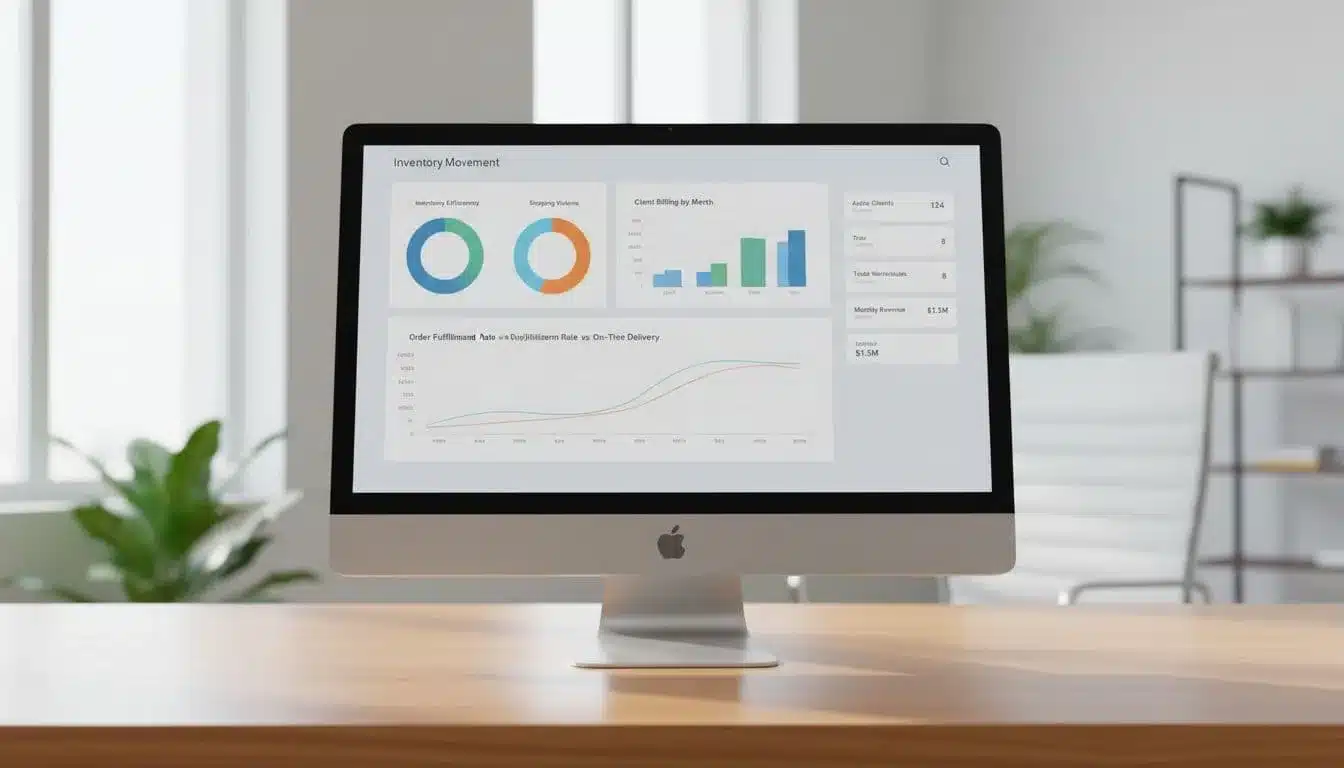
A strong 3PL WMS should provide reports that cover inventory snapshots, order status, SLA performance, and billing support. Those reports should be easy to read, easy to export, and easy to match against invoices or service reviews. If your team has to reformat the data before sending it, the system is doing too little.
This is where customer visibility earns trust. A client portal or shared report can show what came in, what shipped, what is still on hand, and where delays occurred. It cuts down on support calls because customers can check the status themselves instead of waiting for someone to pull numbers.
For a closer look at inventory management tools, the key is not just tracking stock. It is turning that stock data into reports people can use for billing, replenishment, and planning. In practice, that means fewer surprises on both sides.
Forecasting and analytics for better planning
Reporting helps with the past, but analytics help with tomorrow. In a busy 3PL, that matters because labor planning, client growth, and seasonal spikes all hit the floor at once. Good analytics show those shifts early enough to act on them.
A useful 3PL WMS should help supervisors see patterns in order volume, warehouse activity, and client demand. If one account keeps growing, you can plan labor before the rush hits. If storage or pick volume climbs every September, you can staff for that window instead of scrambling later.
These insights also help with daily decisions. Managers can spot slow moving inventory, repeat exceptions, and accounts that keep triggering extra handling. They can then adjust labor, dock flow, or client expectations before problems stack up.
For example, a warehouse might use its data to:
- Add shift hours before a known order surge.
- Reassign labor when one client’s intake spikes.
- Flag accounts with frequent billing exceptions.
- Spot SLA misses before they turn into complaints.
When reporting is tied to real warehouse activity, planning gets sharper and billing gets cleaner.
That is the value of built-in visibility. It helps the warehouse team work with better numbers, and it gives customers a clearer view of what they are paying for.
How to choose the right 3PL WMS for your operation
Choosing a 3PL WMS is less about chasing a long feature list and more about fit. The right system should match how your warehouse bills, reports, onboard clients, and handles change without adding more manual work.
A good buying process starts with your real pain points. If the software cannot support your client model, your shipping rules, and your support expectations, the system will create new problems faster than it solves old ones.

Questions to ask before you buy
Before you compare vendors, get clear on what the system has to do every day. A useful checklist keeps the conversation grounded and stops you from getting distracted by polished demos.
Ask direct questions about these areas:
- Client setup: How quickly can a new customer be configured? Can you separate rules, inventory views, and pricing by account without custom code?
- Billing logic: Does the system track chargeable events automatically? Can it handle storage, handling, special services, and account-specific rate tables?
- Reporting: Can clients get their own inventory, order, and SLA reports? Can your team export clean data without rework?
- Mobile use: Does the warehouse team get full task support on handheld devices? Can they receive, pick, pack, count, and adjust stock on the floor?
- Warehouse complexity: How does the system handle lots, serials, holds, multiple locations, and exception workflows?
- Support response times: What happens when something breaks during peak hours? Is there a clear SLA for support, escalation, and follow-up?
If a vendor cannot answer these questions clearly, the software may not fit a 3PL operation.
You can also review a 3PL WMS upgrade checklist before you sit through demos. It helps you spot the gaps in your current process first, which makes vendor comparisons far more useful.
Why integrations and implementation support matter
A 3PL WMS rarely works alone. It has to connect with eCommerce platforms, ERP systems, carriers, and accounting tools so data moves cleanly across the business. Without those links, your team ends up re-entering orders, shipments, and invoice data by hand.
That is where implementation matters as much as the software itself. Migration, process mapping, and training can make or break adoption. If your team does not understand the new steps, they will fall back on old habits and workarounds.
Strong onboarding should cover three things. First, it should map current workflows and identify where the new system changes them. Second, it should move data carefully, so inventory and order history stay accurate. Third, it should train each role, because warehouse staff, customer service, and billing teams use the system in different ways.
For a broader view of what to evaluate, WMS selection guidance for 3PLs is a useful external reference. The main point is simple, integrations and onboarding are not extras. They are part of the purchase.
Signs you are outgrowing a standard WMS
Some teams wait too long to switch because the old system still “works.” In reality, it may be holding the operation together with manual patches. Once that starts happening, the cost shows up in labor, errors, and client frustration.
Watch for these warning signs:
- More manual work: Staff are using spreadsheets or side notes to finish tasks the WMS should handle.
- Client complaints: Customers keep asking for corrections, missing reports, or billing explanations.
- Reporting gaps: Your team cannot pull clean data fast enough for billing, SLA reviews, or account checks.
- Slow onboarding: Adding a new client takes too long because every setup needs a workaround.
- Too many workarounds: Small exceptions keep turning into permanent fixes.
If this sounds familiar, the system may be forcing the warehouse to adapt to it instead of the other way around. That is a clear sign to compare options that are built for multi-client work. A best-fit warehouse system for growing 3PLs should reduce manual effort, not hide it behind more steps.
The right choice usually becomes obvious when you look past the demo and focus on daily operations. If the platform handles setup, integrations, support, and client complexity with less friction, it is closer to the system your warehouse actually needs.
Conclusion
A standard WMS helps run a warehouse. A 3PL WMS helps run a business that serves many customers at once.
That difference shows up in the details that matter every day, separate client inventory, account-based workflows, chargeable services, and reporting that holds up under review. When those pieces live inside the system, teams spend less time patching gaps and more time moving orders with control.
If your operation handles multiple clients, billable services, and changing rules, the software has to be built for that reality. Anything less will keep forcing the warehouse to adapt to the system, and that gets expensive fast.