

When inventory records are split across spreadsheets, paper logs, production areas, and separate warehouse systems, answering a simple question can take hours. A missing lot number or delayed update can leave your team unsure which materials went into a product, where finished goods are stored, or which customers received an affected batch.
Inventory traceability means knowing what an item is, where it is, which lot it belongs to, and what happened to it at every step. For manufacturers, that record supports quality checks, faster investigations, accurate stock counts, and better recall readiness. It also reduces the manual entry and guesswork that create inventory errors.
Leanafy connects barcode scanning, lot tracking, real-time inventory updates, and mobile workflows so teams can capture movement as it happens. With a real-time inventory tracking platform, you can follow materials through receiving, production, storage, and shipment while giving warehouse and production teams a shared view of stock. The result is stronger control over inventory, clearer lot history, and quicker action when a quality issue appears. Next, we’ll look at how traceability works and why it matters across the manufacturing process.
Inventory Traceability with Leanafy and Why It Matters for Manufacturers
Inventory traceability gives manufacturers a reliable history for every material and product movement. Basic inventory visibility tells you that 500 units are in stock. True traceability also shows which supplier delivered them, which batch they belong to, where they moved, who handled them, and which customer received the finished goods.
Leanafy supports this record with barcode labeling and scanning, lot-based inventory control, real-time updates, reporting, and visibility across multiple warehouses. When teams record each movement as it happens, production, quality, warehouse, and customer service teams work from the same information.
What a Traceable Manufacturing Inventory Record Should Show
A useful record starts with a unique SKU for each raw material, component, work-in-progress item, and finished product. From there, the required detail depends on the product and the risk involved. A food or chemical manufacturer may need lot, batch, and expiration data. An electronics or medical-device manufacturer may need a serial number for every unit. A durable product may also require condition and status information.
At a minimum, the record should answer five questions:
- What is it? Record the SKU, description, quantity, lot or batch number, and serial number when individual-unit tracking is needed.
- Where did it come from? Capture the supplier, purchase receipt, source lot, and receiving details.
- Where is it now? Show the warehouse, zone, bin, production area, or quarantine location.
- Who handled it? Keep the scan, transfer, adjustment, inspection, or approval history tied to the responsible user.
- Where did it go next? Connect the material to a production order, finished batch, transfer, shipment, return, or rejection record.
The same logic applies throughout the product lifecycle. Raw materials need receiving and supplier details. Work in progress needs its production stage, consumed components, quantity, and current condition. Finished goods need their completed batch or serial history, storage location, and shipment destination. Returned or rejected items need a clear status such as pending inspection, approved for restock, quarantined, repaired, or scrapped.
Not every product needs every field. Tracking serial numbers for low-risk bulk materials can add unnecessary scanning work, while skipping serial control for high-value equipment can create serious gaps. Manufacturers should choose material-, lot-, or serial-level tracking based on recall, warranty, service, and regulatory needs. See this lot and serial number comparison for the practical difference between batch records and individual-unit records.
### Why Traceability Protects Quality, Compliance, and Customer Trust
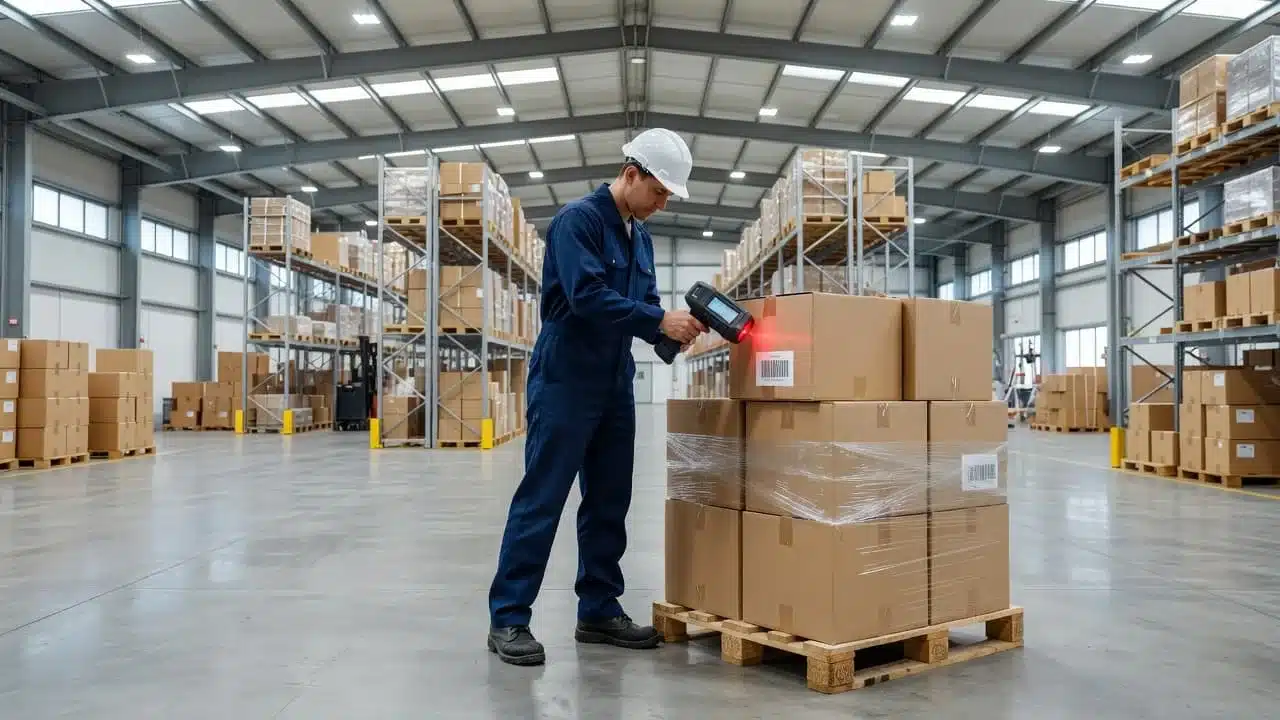
Traceability shortens investigations because your team can search the affected lot, review its movement history, and identify related inventory without checking every product manually. A food manufacturer can isolate one ingredient batch. A pharmaceutical company can confirm expiration and handling records. An electronics producer can locate the serial numbers tied to a component defect, while an automotive supplier can connect a finished part to its production run and supplier lot.
That same history supports narrower recalls, fewer shipping mistakes, and stronger supplier accountability. It also helps answer customer questions with evidence instead of estimates. During an audit, organized records make it easier to show how materials were received, inspected, transformed, stored, and shipped.
Software doesn’t guarantee compliance by itself. Your fields, approvals, retention rules, inspection steps, and recall procedures must match the regulations and quality standards for your industry. However, a platform such as Leanafy can give those processes a consistent place to operate, with real-time records that support better decisions before a small inventory issue becomes a customer-facing problem.
How Leanafy Creates a Traceable Flow Across the Warehouse
Traceability depends on recording each physical handoff while it happens. Leanafy connects barcode scans, mobile workflows, location updates, lot controls, and reports so a material’s history stays connected through receiving, production, shipping, and returns.
A practical scan flow follows the product, not just the order:
- Receive and verify the material.
- Move it to a confirmed location or production stage.
- Link consumed material to the finished batch.
- Confirm the customer order before shipment.
- Preserve the history if the product comes back.
Receiving: Capture the Right Details Before Stock Enters Inventory
Receiving is the least expensive place to correct an inventory error. A receiver can match the purchase order, packing slip, and physical goods before the material gets mixed with available stock.
The check should confirm the quantity, condition, SKU, barcode, supplier lot, and expiration date when applicable. A crushed carton, missing unit, wrong variant, or short expiration window should trigger a hold instead of an automatic increase to available inventory.
With Leanafy’s mobile barcode workflow, the receiver can scan the item, confirm the count, and capture the supplier lot directly at the dock. If something doesn’t match, a reason code such as damaged, short shipped, wrong item, or expired provides context for the exception. The goods can then move to quarantine while purchasing or quality teams review them.
That early separation matters. Once incorrect stock is put away and mixed with approved inventory, someone must search multiple bins, reverse transactions, and determine which units are affected. Barcode scanning also reduces the typing errors that contribute to inventory drift. These controls align with warehouse barcode accuracy practices that limit manual input at key movement points.
Putaway, Production Movement, and Location Accuracy
After approval, the receiver scans the destination bin as well as the item. That creates a location event showing where the lot moved and when the transaction occurred. If the material goes to raw material storage, production staging, work in progress, finished goods, quarantine, or damaged stock, each status and location should follow a defined rule.
For example, a raw material lot can move from receiving to a staging area for a production order. When an operator scans the material into production, Leanafy can preserve the lot connection as part of the finished batch record. A hold status can also prevent warehouse staff from picking or consuming the material before inspection.
Clear location rules stop inventory from becoming a collection of guesses. Teams can use Leanafy’s warehouse management platform to support mobile movement updates, lot tracking, quality checks, and reporting across warehouse activities.
### Picking, Packing, Shipping, and Returns
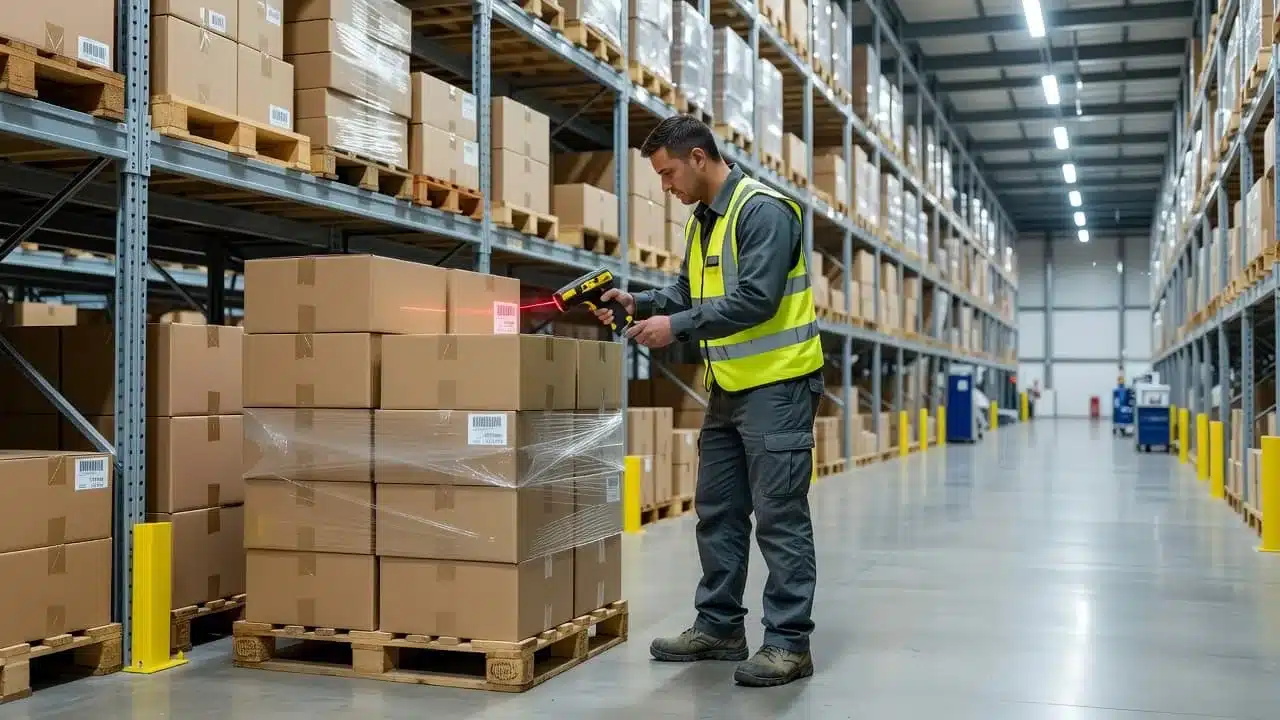
When a finished batch is ready, the picker scans the location and item, then confirms the required quantity and lot against the customer order. At packing, a final scan can catch a wrong SKU, missing unit, or incorrect batch before the carton is sealed. The shipment record then connects that order to the finished batch and its source material history.
Returns need the same discipline. Scan the returned item, record the reason code, and attach the inspection result. The system can then route it to restock, repair, quarantine, refurbishing, or disposal. A recurring “damaged in transit” code may point to a carrier or packaging problem, while a mismatch between the return claim and inspection result may require review.
Each event gives operations a usable answer: what moved, where it went, why its status changed, and which order or batch it affected. That is how traceability supports faster investigations without freezing unrelated inventory.
The Manufacturing Problems Better Traceability Helps Solve
Inventory traceability addresses the problems that make manufacturing slow and expensive: inaccurate counts, mis-picks, delayed investigations, excess safety stock, and product holds. When every movement creates a reliable event, teams spend less time searching for answers and more time correcting the process that caused the issue.
Stop Inventory Records from Becoming a Guess
Manual counts, spreadsheets, typed adjustments, and disconnected production systems all create gaps. Employees get interrupted, records update late, and the same inventory may appear available in one system but missing in another. After enough workarounds, your inventory record becomes a rumor supported by several partial versions of the truth.
Required barcode scans create a consistent audit trail. The receiver scans the item and quantity, the putaway operator scans the destination bin, and the picker scans both the location and SKU. At shipping, a final scan confirms the packed order. Adjustments also require a scan, a user, a time, and a reason.
Reason codes add context that a quantity change alone can’t provide. Use clear options for damage, returns, count corrections, production scrap, expiration, supplier shortages, and misplaced stock. That record helps supervisors identify recurring problems instead of treating every variance as an isolated mistake.
A platform such as warehouse software for real-time decisions gives teams a shared view of inventory activity. Fewer manual searches and rechecks can reduce labor touches, release orders sooner, and limit mis-picks before they reach customers.
Find Quality Issues and Recalls Faster
A lot or batch history lets your team trace affected goods in both directions. You can identify the supplier lot, see which production run used it, locate remaining units, and review the orders connected to the finished goods. That means you can isolate the inventory that needs action instead of placing every similar product on hold.
For example, suppose a supplier reports that a resin batch may contain a contamination risk. Your team can search the lot, find the raw material still in storage, identify work-in-progress and finished batches that consumed it, then review related shipments. Quality staff can quarantine those units while unaffected lots remain available for production or sale. Better material history also supports manufacturing traceability practices.
Traceability improves response speed, but it doesn’t replace quality management procedures. You still need approved suppliers, inspections, documented release decisions, corrective actions, recall plans, and record-retention rules. The system provides dependable evidence for those procedures, while trained quality teams decide what action the evidence requires.
Reduce Waste, Delays, and Hidden Inventory Costs
Accurate status and location data improves replenishment decisions. Buyers can see usable stock before placing another order, while production planners can distinguish available materials from quarantined, damaged, or already allocated inventory. That reduces duplicate purchases, unnecessary safety stock, and obsolete goods occupying valuable space.
The savings also appear in routine exceptions. Every manual search, recount, recheck, repack, and approval review adds paid labor. Faster location searches can release orders sooner, while prompt disposition sends damaged or aging goods to repair, return, liquidation, or disposal before their value falls further.
Track only metrics that can change a process. Useful measures include inventory adjustment frequency, mis-pick rate, time to locate a lot, time to release a hold, and value recovered from aging stock. If a number can’t lead to a staffing change, scan-rule update, slotting decision, or quality review, it belongs in an archive rather than a meeting.
Which Leanafy Traceability Features Matter Most to Manufacturers?
Manufacturers need more than an inventory count. They need to connect each material, batch, location, production step, and shipment in one record. Leanafy supports manufacturers, distributors, 3PLs, and e-commerce operations, but manufacturing teams should prioritize the features that protect product identity and production history.
Barcode Scanning and Labels for Reliable Item Identification
Printed barcode labels give every raw material, component, work-in-progress item, finished product, bin, and pallet a clear identity. Leanafy can generate labels and support mobile scanning, which reduces the keying errors that occur when employees type SKUs, quantities, or locations by hand.
Scans should happen at the points where inventory changes ownership or status:
- Receiving, to confirm the supplier item, quantity, lot, and condition
- Putaway, to verify the destination bin or staging area
- Production issue, to connect consumed material with a work order or finished batch
- Picking and packing, to confirm the correct SKU, variant, and quantity
- Transfers, cycle counts, adjustments, and shipping, to preserve the movement history
The workflow must be quick enough for a busy dock or production floor. If workers need several screens, repeated logins, or manual notes after every scan, they will create side processes. A simple mobile workflow keeps the record current while the physical work happens. Manufacturers can also use Leanafy warehouse management software to connect warehouse tasks with inventory and order activity.
Barcode standards and label fields should match the products your company makes and the information your suppliers, customers, carriers, and EDI partners expect. A label may need a SKU, variant, lot number, serial number, quantity, expiration date, or customer-specific identifier. Consistent formats prevent a partner’s label from becoming unreadable at receiving.
### Lot, Batch, and Serial Tracking for Different Product Risks
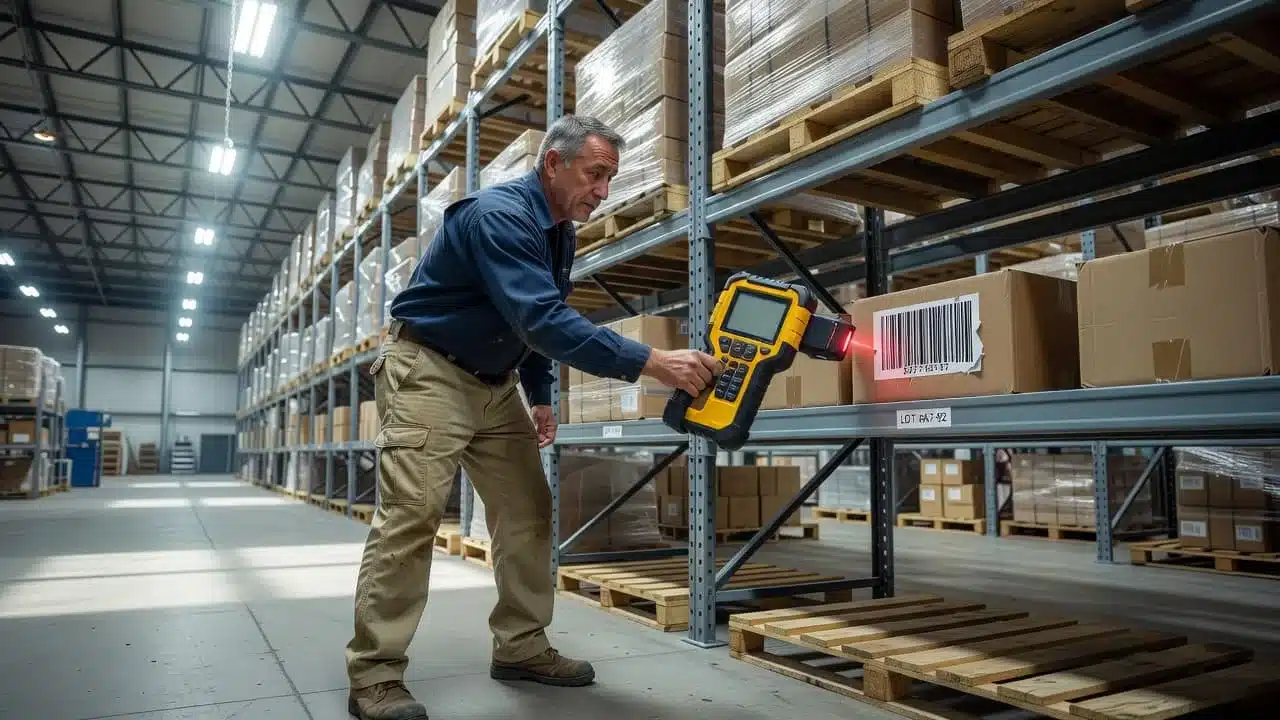
Lot and batch tracking groups goods that share a production or supplier history. Serial tracking identifies each individual unit. The right choice depends on the product’s risk, value, service needs, and shelf life.
| Tracking method | Best fit | Useful details |
|---|---|---|
| Lot or batch | Food ingredients, pharmaceuticals, chemicals | Supplier lot, production date, expiration date, and affected orders |
| Serial number | Electronics, machinery parts, medical devices, high-value equipment | Unit history, warranty, ownership, repairs, and shipment |
| Both | Finished equipment with controlled components | Batch history plus individual-unit service records |
For example, a food manufacturer may need to identify every finished batch that used an ingredient nearing expiration. A pharmaceutical company may need expiration and supplier-lot records for a targeted hold. An electronics producer may need to trace one defective serial number, while a machinery manufacturer may need warranty details for each shipped unit. Lot tracking records are most useful when they connect supplier receipt to production consumption and customer shipment.
Real-Time Reports and Connected Systems
Dashboards should show stock by warehouse, location, lot, status, movement, and production stage. Managers can then separate available inventory from allocated, quarantined, damaged, expired, or work-in-progress stock.
Leanafy also connects with ERP, accounting, EDI, commerce, and shipping tools, including Shopify, Amazon, QuickBooks, UPS, and FedEx. These integrations reduce duplicate entry, but each field needs one clear owner. For example, the ERP may own item master data, Leanafy may own warehouse quantity and location, QuickBooks may own financial records, and the shipping platform may own tracking events. Defining those boundaries prevents conflicting updates and keeps traceability data dependable.
How to Put Inventory Traceability in Place Without Slowing Production
A traceability rollout works best when it follows the way your factory already operates. Start with the products, locations, and errors that create the most risk, then add scanning at the points where inventory changes. A focused rollout gives your team useful records without forcing every process to change at once.
Map the Items, Locations, and Events That Need a Record
Begin with a process map that follows material through the facility. Include raw materials, work in progress, finished goods, returns, quarantine stock, and scrap. For work in progress, record each production stage so operators can see whether material is waiting, being processed, held, or ready for the next operation. Leanafy’s intermediate goods tracking can help keep WIP identity attached as items move between work centers.
Next, define the events that create a traceability record. Most manufacturers need records for:
- Receipt and inspection
- Putaway and location moves
- Production staging and material consumption
- Completion of a batch or work order
- Quantity or status adjustments
- Picking, packing, and shipment
- Returns, rework, quarantine, and scrap disposition
Each event should capture what moved, who handled it, when it happened, where it was located, and why its status changed. Before importing data, clean the item master. Remove duplicate SKUs, fill in missing units of measure, standardize descriptions, and confirm that bills of materials use the correct components.
The same discipline applies to labels and locations. Choose one SKU naming convention, one lot format, and one set of units, such as each, case, pound, or gallon. Give every warehouse zone, bin, staging area, quarantine lane, and scrap area a unique location code. A license plate or pallet ID can support handling, but it shouldn’t replace the actual lot or batch code required for product traceability. The FMI Traceability Implementation Guide makes that distinction clear.
Start with a Focused Pilot and Test Real Exceptions
Choose one high-volume or high-risk product family and a small group of warehouse locations. High-volume items reveal workflow friction quickly, while high-risk items test whether lot, expiration, quarantine, and production links work correctly.
Set measurable pilot goals, such as improved cycle-count accuracy, fewer mis-picks, faster lot searches, or fewer manual adjustments. Then test conditions that a polished demonstration often ignores:
- Short shipments and damaged goods
- Wrong scans and missing labels
- Lot holds and expired materials
- Partial picks and production shortages
- Slow or offline mobile devices
A reliable system must tell the operator what to do next when a scan fails. It should route a damaged receipt to quarantine, prevent a held lot from being consumed, and preserve the reason for an adjustment. A workflow that handles exceptions is more useful than one that only works when every item, label, and quantity is perfect.
### Train Teams Around Simple Scan-Based Workflows
Train each role on the few actions it performs daily. Receivers need instructions for inspection and labeling. Warehouse workers need clear steps for putaway, picking, packing, and shipping. Production operators need guidance for staging, consumption, completion, scrap, and shortages. Returns staff need consistent inspection and disposition codes.
Keep the workflow short, with visible prompts and as few screens as possible. Consistent reason codes also make adoption easier because workers don’t have to invent explanations for every exception. Assign a process owner for each area, then review early errors every day during the pilot.
Before expanding, test integrations with the ERP, accounting, shipping, and production systems. Confirm that item masters, quantities, lot data, statuses, and shipment records move correctly in both directions. Once the pilot meets its targets, add one product family or zone at a time, keeping the same labels, roles, exception rules, and review process.
How to Measure the Business Value of Traceable Inventory
Traceability creates business value when it improves a measurable operating result. Set a baseline before rollout, compare the same measures afterward, and connect each improvement to a financial outcome. A short scorecard keeps the review practical:
- Inventory accuracy: Compare system quantities with physical counts. Repeated variance should trigger cycle-count changes, location cleanup, or a review of receiving and adjustment workflows.
- Scan compliance: Measure the percentage of required movements captured by scan. Low compliance usually points to training gaps, slow devices, poor label placement, or a workflow that adds too many steps.
- Receiving-to-available time: Track how long approved stock takes to become usable. Slow results may require a separate inspection lane, clearer hold rules, or faster putaway.
- Order accuracy: Review wrong SKUs, quantities, lots, and shipments. A decline should trigger pick confirmation, pack verification, or item-master corrections.
- Time to locate stock: Measure the time needed to find a specific lot, pallet, or unit. Long searches often indicate location drift, incomplete transfers, or inconsistent bin labels.
- Lot investigation time: Record how long it takes to identify affected stock and shipments. Repeated lot errors may point to label formats, master data, or missing production links.
- Adjustment volume: Track corrections by reason code, location, SKU, and employee role. A rising volume may reveal weak receiving controls, counting problems, damage handling issues, or production scrap that isn’t being recorded at the source.
- Stockout rate and inventory aging: Compare unavailable demand with aging, quarantined, or slow-moving stock. These measures can expose poor allocation rules, delayed disposition, or purchasing decisions based on unusable inventory.
The ASCM warehouse KPI guide also identifies inventory accuracy as a key measure because inaccurate records can contribute to back orders and customer dissatisfaction. However, metrics should earn their place in the meeting. If no one owns a number and no action follows it, move that metric to an occasional report instead.

### The Metrics That Help a Manufacturer Make Better Decisions
A scorecard becomes useful when every result leads to a decision. For example, low scan compliance may require refresher training for receivers, simpler mobile prompts, or a label redesign. Repeated lot mismatches may require a master-data owner to correct supplier formats and production records.
Slow restock time deserves a closer look at the physical process. Returned or inspected goods may need a separate lane with defined steps for testing, repackaging, quarantine, and release. Similarly, frequent order errors may call for a second scan at packing rather than another manual count at the end of the shift.
Build a Weekly Traceability Review with Clear Owners
Hold a short weekly review during rollout, then move to a monthly schedule once results stabilize. Cover inventory discrepancies, top exception reasons, aging and quarantined stock, delayed receipts, order errors, and open quality investigations.
Assign one person to each corrective action, along with a target date and a success measure. For instance, the warehouse manager may own scan compliance, while quality owns aging holds and operations owns recurring receiving delays.
Return and damage reasons should lead to prevention projects, not only record corrections. A recurring damage code may require stronger packaging or a carrier review. Frequent “wrong item” returns may require better pick verification. When the same exception appears each week, treat it as a process problem with a defined fix.
What to Check Before Choosing a Manufacturing Inventory Traceability System
A traceability platform should match the way your facility receives, moves, transforms, holds, and ships inventory. Compare barcode and mobile support, lot and serial controls, location accuracy, production movements, multi-warehouse visibility, reporting, integrations, permissions, audit history, ease of use, implementation time, support, and total cost.
Ask each vendor to demonstrate your products and exceptions, not a polished sample workflow. Confirm how the system handles partial quantities, recalls, holds, returns, label formats, offline scanning, API limits, data ownership, and user-based pricing. A practical lot tracking software evaluation guide can help your team build a consistent comparison scorecard.
Questions to Ask During a Product Demo
Give the vendor real SKUs, labels, lot numbers, production steps, and customer orders before the demonstration. Then ask them to run these scenarios live:
- Receiving a split lot: Receive one supplier lot into two quantities, such as 600 units into separate warehouse locations. Confirm that both portions retain the original lot history.
- Moving inventory between sites: Transfer stock from one warehouse to another. Check whether the system preserves quantity, lot, status, user, timestamps, and in-transit visibility.
- Placing stock on hold: Put a damaged or unapproved lot on hold. Ask whether the system blocks picking and production consumption until an authorized user releases it.
- Consuming a component in production: Issue a component to a work order, record a partial quantity, and complete a finished batch. Verify that the finished batch links back to the exact component lot.
- Tracing a finished batch to customer orders: Search the finished batch and show every shipment, customer order, remaining unit, and affected location. This is the recall test that exposes weak genealogy.
- Correcting a count with a reason code: Adjust a physical variance and require a reason such as damaged, misplaced, or count correction. The audit record should show the old quantity, new quantity, user, time, and explanation.
- Processing a return: Scan a returned unit, attach its reason and inspection result, then route it to restock, repair, quarantine, or scrap. Serial-controlled products should follow the same history.

Don’t stop at the normal path. Ask the vendor to show audit history, hold reports, adjustment reports, recall searches, and exception dashboards. Also test a lost connection, an unreadable label, a duplicate scan, and a user without override permission. Manufacturing traceability software should support complex batching, rework, and integrations, not only simple warehouse movements, as outlined in this manufacturing traceability software guide.
Common Traceability Mistakes That Undermine Good Software
Software can’t repair poor item master data. Duplicate SKUs, incorrect units of measure, incomplete bills of materials, inconsistent lot formats, and missing locations will produce unreliable records, even when every scan succeeds.
Ownership must also be clear. Decide which system owns item data, production status, warehouse quantity, customer orders, and financial records. Then confirm how integrations, API limits, label formats, and offline activity affect that arrangement.
Skipped scans create gaps, while shared logins make accountability impossible. Inconsistent labels cause failed reads and manual workarounds. Temporary workers need role-specific training, simple mobile prompts, and clear exception instructions. Permissions should give supervisors access to approvals and reports while limiting floor users to the tasks they perform.
Finally, avoid tracking fields that nobody maintains. Start with data that supports quality, fulfillment, compliance, and inventory decisions. Add another field only when someone owns it, workers can capture it reliably, and the resulting report will change a process.
Conclusion
Manufacturers gain control when every important inventory movement creates a reliable, searchable record. Traceability connects raw materials, work in progress, finished goods, production activity, and shipments, so teams can investigate quality issues faster, isolate affected inventory, and make decisions based on current facts instead of scattered notes.
Leanafy supports this process with barcode workflows, lot and batch tracking, mobile operations, real-time inventory visibility, reporting, and connected business systems. These tools can strengthen inventory management software for warehouse accuracy, but software alone won’t produce dependable results. Clean item data, consistent labels, defined ownership, employee training, and disciplined scanning must support every workflow.
Start with one product and map its full journey through receiving, storage, production, shipment, and returns. Measure current inventory errors, lot-search time, adjustment volume, and scan compliance. Then test a focused traceability workflow, review the exceptions, and expand only after the process works reliably on the floor. A complete record for one product is the foundation for traceability across the operation.