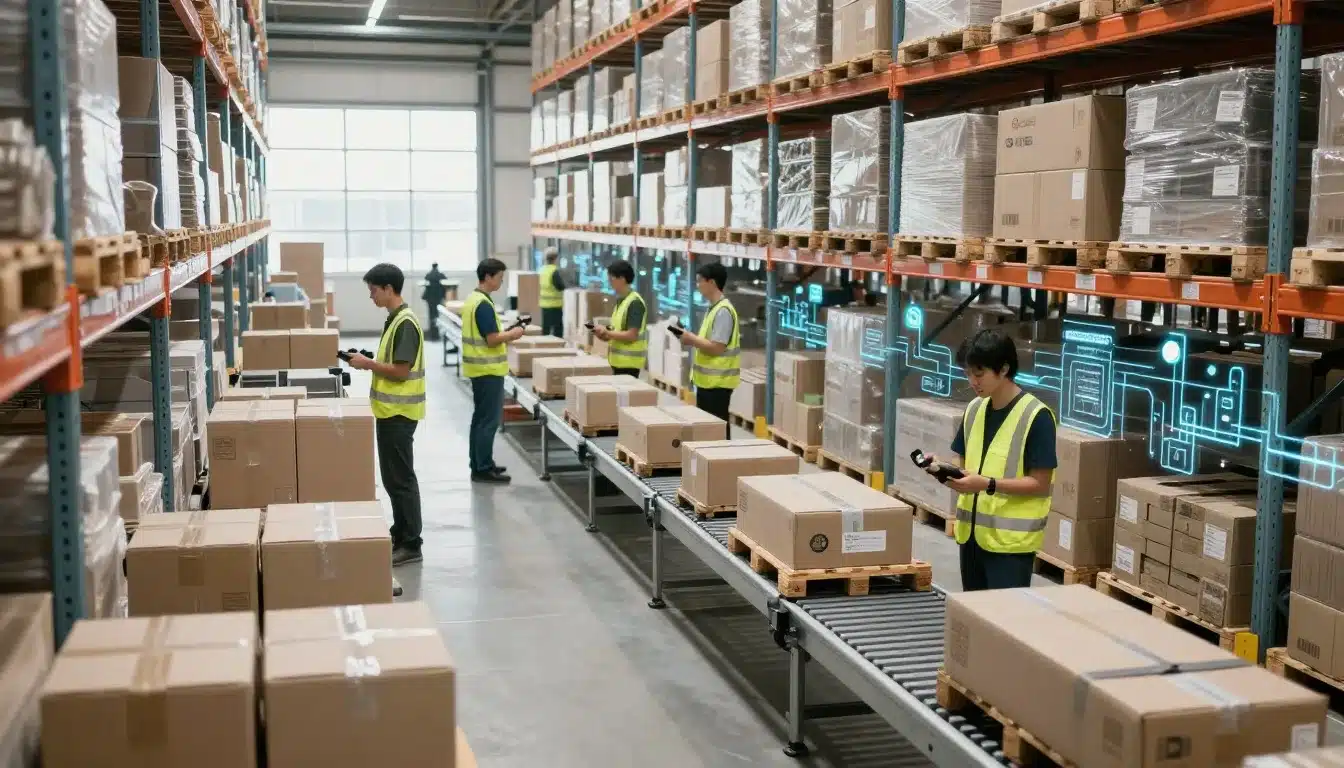

Intermediate goods are items you use in production, but don’t sell as finished products yet. They move through receiving, storage, work-in-process, and fulfillment, so they need the same tight control as any other stock.
That matters for manufacturers, 3PLs, and warehouse teams because these items can disappear into blind spots fast. When visibility is weak, you get count errors, missed moves, delays on the floor, and waste from damaged or lost inventory. If your team tracks parts, assemblies, or packed goods across multiple steps, you need a system that shows what’s on hand and where it is right now.
This is where real-time inventory tracking for 3PL warehouses helps. With the right WMS, you can keep intermediate goods accurate as they move, scan, and change status, which makes day-to-day control much easier.
The next section breaks down what intermediate goods are and how Leanafy WMS helps you track them with better visibility and less guesswork.
Start with the basics: what counts as an intermediate good?
Intermediate goods sit in the middle of production. They are not raw materials anymore, but they are not ready for the customer either. They may be parts, subassemblies, packed kits, or items that still need one more step before they become finished products.
That middle stage is where things get messy in a warehouse. An item can start the day as a component, move to a work cell, get repackaged, then sit in a staging zone under a new status. If your system does not keep up, it’s easy to lose track of what the item is, where it is, and how much usable stock you really have.
Examples of intermediate goods in real warehouse operations
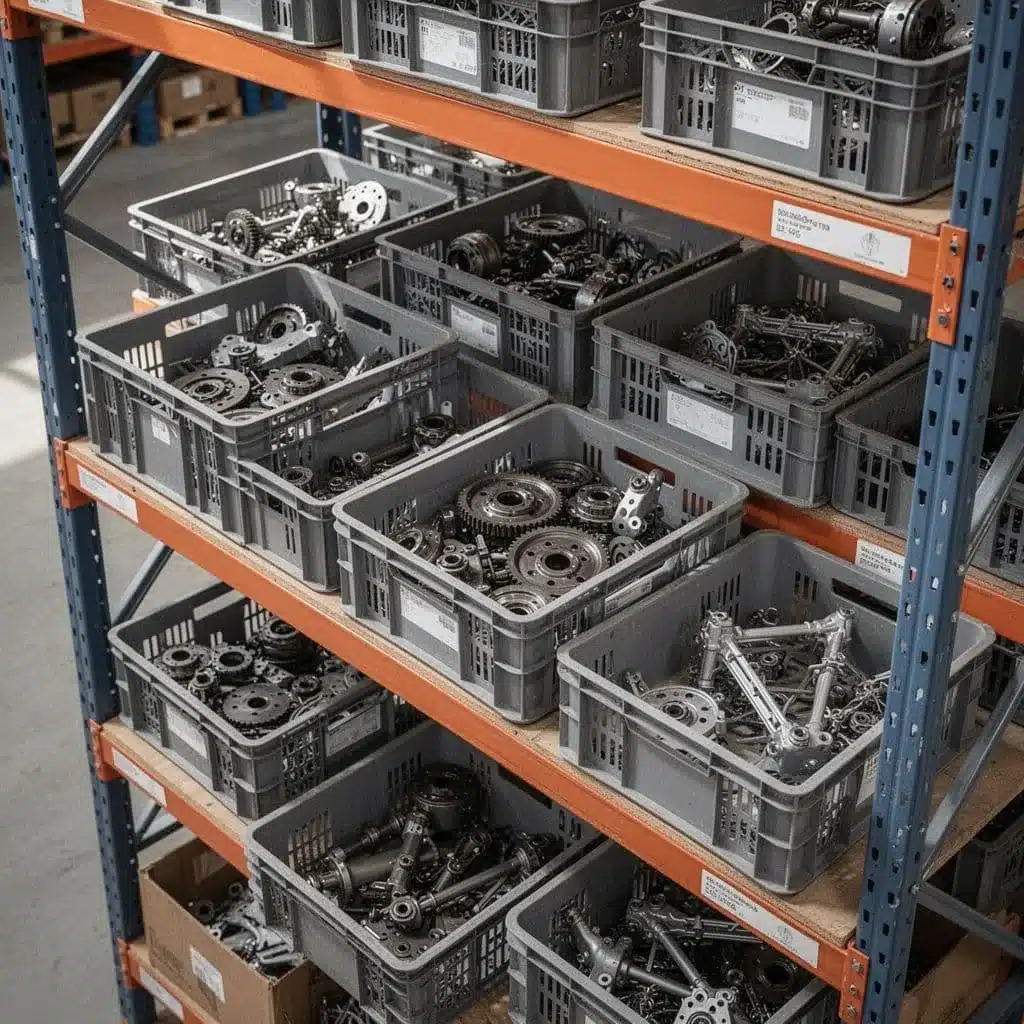
Intermediate goods show up in more places than many teams expect. In manufacturing, a motor housing, circuit board, or cut fabric panel may be waiting for the next assembly step. In packaging, printed labels, folded cartons, and shrink-wrapped bundles often count too because they will be used to finish a saleable unit.
Kitting creates another layer. A warehouse might pull a pump, hose, and fasteners into one kit, then move that kit to staging before shipment. At that point, the kit is not raw material anymore, but it is still not a finished good in the customer’s hands.
If an item still needs labor, a transfer, or a final pack-out step, it may be an intermediate good.
You also see this with repackaged inventory. A bulk case of bottled goods can become smaller retail packs after sorting, relabeling, or boxing. For a clear definition and more examples, Investopedia’s explanation of intermediate goods is a useful reference.
How intermediate goods differ from raw materials and finished products
The difference comes down to stage, purpose, and tracking. Raw materials are inputs, like steel, resin, or cardboard. Intermediate goods have already been changed, but they still need more work. Finished products are ready to ship or sell.
| Inventory type | Where it sits in production | Main purpose | Tracking focus |
|---|---|---|---|
| Raw materials | Before production starts | Feed the process | Quantity on hand, supplier replenishment |
| Intermediate goods | During production or prep | Move toward completion | Work-in-process status, location, and stage |
| Finished products | After production ends | Fill customer orders | Available-to-promise stock, shipment readiness |
This difference matters because bad classification creates bad data. If a half-assembled item is counted as finished stock, reorder plans will look healthier than they are. If packaging materials are mixed in with raw materials, purchasing can overbuy or miss a real shortage.
For warehouses that need tighter control, warehouse inventory accuracy methods can help reduce those reporting gaps. It also helps to remember that intermediate goods often move across bins, zones, and even facilities, so the system has to follow each status change, not just the final count.
That is why intermediate goods deserve their own tracking rules. They sit in motion, and that motion is where accuracy usually slips.
Why tracking intermediate goods is harder than tracking finished inventory
Intermediate goods move through more hands, more locations, and more status changes than finished inventory. That extra motion makes them harder to count, harder to label, and easier to lose track of. A finished item usually has one clear identity and one clear destination. An item in process often has neither.
That gap creates visibility problems that ripple through the whole operation. When teams cannot see partial quantities or temporary locations, they waste time searching, re-counting, and correcting records. It also gets harder to trust production plans, because the system may show stock that is already in use, on hold, or split across several stages.
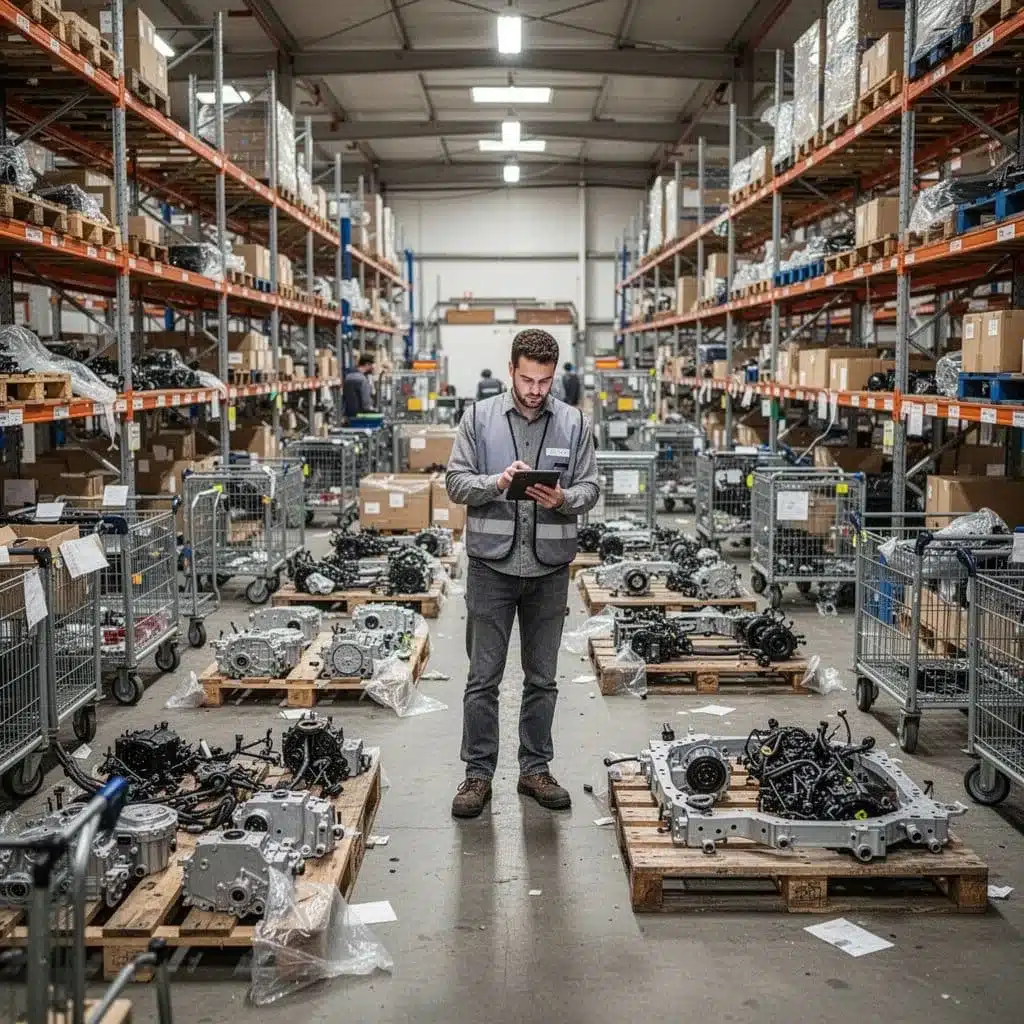
The hidden costs of poor visibility
Weak tracking does more than create messy records. It adds hidden labor every time someone has to search for a pallet, confirm a count, or sort out a label that no longer matches the item.
The cost shows up in a few direct ways:
- Extra labor goes into manual counts, phone calls, and aisle-by-aisle searches.
- Inventory shrink rises when items are misplaced, damaged, or moved without a record.
- Missed deadlines happen when production waits on parts that the system says are available but the floor cannot find.
- Scrap and rework grow when teams use the wrong lot, the wrong quantity, or an item that sat too long in the wrong condition.
- Inaccurate planning leads purchasing and production teams to make decisions from bad data.
When visibility breaks down, the damage spreads fast. A partial kit may look complete in the system, so planners schedule the next step too early. A missing subassembly may not show up until shipping day, when fixing the problem costs more time and more money.
For a broader look at the planning side, inventory visibility challenges often start with the same record gaps found in intermediate goods.
If the system cannot tell you what stage an item is in, the count may be correct and still be useless.
Where mistakes usually happen in the process
Most errors start at handoff points, where one team passes work to another. Receiving is a common weak spot, because items arrive in bulk, get split into partial quantities, and may not be tagged correctly before storage. Staging creates another risk, since product can sit in a temporary zone that never gets scanned.
Production transfer is even trickier. Parts move from storage to a work cell, then back again, often with new labels or new lot status. Quality checks can also break the chain if approved and rejected items are not separated right away.
Putaway causes problems too. A carton might land in the wrong bin, get mixed with another lot, or sit in a buffer area without being recorded. Once that happens, the item still exists, but the system loses sight of it.
The best way to reduce those misses is to treat every move as a tracked event. That includes partial counts, handoffs between teams, and items waiting for the next step. When you follow the item at each stage, you cut down on lost time and keep order flow moving.
For teams that manage WIP and parts through multiple stages, Leanafy’s intelligent inventory management software helps keep those movements visible in one place.
How Leanafy WMS helps you track intermediate goods step by step
Tracking intermediate goods gets easier when every move is recorded at the point of work. Leanafy WMS gives you that control by tying scans, locations, status updates, and item history together in one system. That means you can see where a part came from, where it sits now, and what still needs to happen before it becomes finished stock.
This matters because intermediate goods change often. They move through receiving, staging, production, quality checks, and transfers between areas or warehouses. When those changes happen in real time, your team spends less time chasing records and more time moving inventory correctly.
Use barcode scanning to capture every move
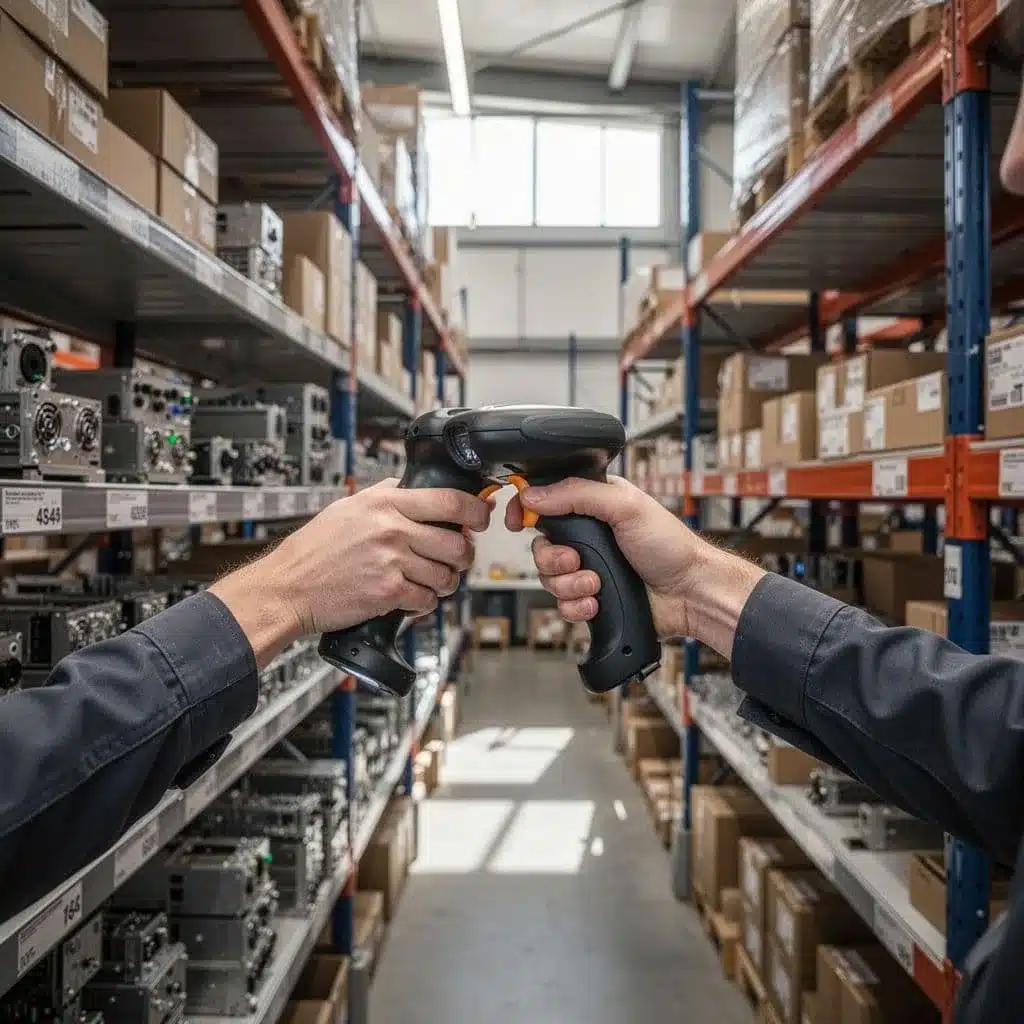
Barcode scanning cuts out the slow, error-prone parts of manual entry. Instead of typing item numbers, quantities, or location codes by hand, teams scan each item or bin and update the record in seconds. That keeps receiving, transfers, consumption, and adjustments tied to the actual movement on the floor.
For intermediate goods, that speed matters. A scanned receipt confirms what entered the workflow. A scan at transfer shows where the item moved. A scan at consumption records what was used in production, while an adjustment captures damage, shrink, or count corrections. Each step builds a cleaner trail, so you can trace the item without sorting through paper notes or old spreadsheets.
This is where barcode scanning for warehouse inventory accuracy supports better control. The system captures data as work happens, which reduces missed updates and keeps inventory records closer to the truth.
Track work-in-process by location and status
Intermediate goods often need more than a quantity count. They need a clear home and a clear stage. Leanafy WMS lets teams assign items to bins, zones, work cells, and staging areas, then mark them with the right status, such as received, in process, on hold, or ready for the next step.
That makes it easier to answer simple questions fast. Where is the batch now? Has it moved to quality review? Is it waiting for assembly, packaging, or transfer? Real-time inventory visibility gives supervisors and floor teams the same picture, so nobody has to guess.
A clean status flow also helps prevent bottlenecks. If items sit in the wrong zone, the system shows that delay. If a pallet is ready to move, teams can act before it blocks the next task. In a busy operation, that visibility keeps the work moving in the right order.
Keep lot, batch, and serial data attached to the right items
Intermediate goods often need to keep their identity as they move through production or assembly. Leanafy WMS keeps lot, batch, and serial data attached to the item, so inventory traceability stays intact from start to finish. That is important when one batch gets split, repacked, or sent through multiple work steps.
The value shows up in quality control, recalls, compliance, and customer trust. If a defect appears, you want to know exactly which lot was affected and where it went. If an audit asks for proof, the data is already attached to the item instead of buried in a separate file. For industries where traceability rules matter, FDA guidance on traceability and recalls shows why clean item history matters so much.
When intermediate goods keep their identity, you can trace them without rebuilding the story later.
That makes production records stronger too. A half-finished assembly, a labeled subpart, or a repacked kit still carries its history, so your team can follow it through every handoff.
Use mobile tools to update inventory where work happens
Floor teams work faster when they can scan and update records on the spot. With mobile access, workers do not need to walk back to a terminal or wait until the end of the shift. They can record a move at the dock, in the aisle, or beside the production line.
That reduces lag between the physical action and the system update. It also lowers the chance that someone forgets a step or enters the wrong quantity later. When the record updates right away, managers see accurate inventory sooner and can respond before a small delay turns into a bigger problem.
Leanafy’s mobile-friendly workflow supports that kind of lean operation. Teams spend less time on double entry and more time on the work itself, which cuts bottlenecks and keeps intermediate goods visible across shifts and locations.
When you combine scans, location tracking, item identity, and mobile updates, intermediate goods stop disappearing into gray areas. You get a live record of what moved, where it went, and what still needs to happen before it becomes finished stock.
Set up a simple tracking process your team can actually follow
A strong WMS helps, but the process still has to make sense on the floor. If the steps feel fuzzy, people will skip scans, rename locations on the fly, or record moves later from memory. That is how intermediate goods lose their trail.
The best setup is the one workers can repeat on a busy day. Keep the flow short, use the same language every time, and make each handoff clear enough that nobody has to guess what comes next.
Define each stage from receipt to consumption
Start with a simple path: receive, identify, stage, move, use, and close out. Each stage should have its own status, because status tells the next worker what action to take.
For example, received means the item has entered the building. Identified means it has been labeled, counted, and tied to the right record. Staged means it is waiting for the next move, while in transit shows it left one area and is headed to another. Once the item is used, the system should reduce the count or assign it to the job. Finally, closed out tells everyone the item no longer needs follow-up.
That structure keeps teams aligned. It also helps supervisors spot bottlenecks fast, since they can see where items sit and why they are still there. If you need a deeper planning framework, WMS process mapping support can help teams define the flow before go-live.
If a stage does not have a clear status, it usually gets handled two different ways on the same floor.
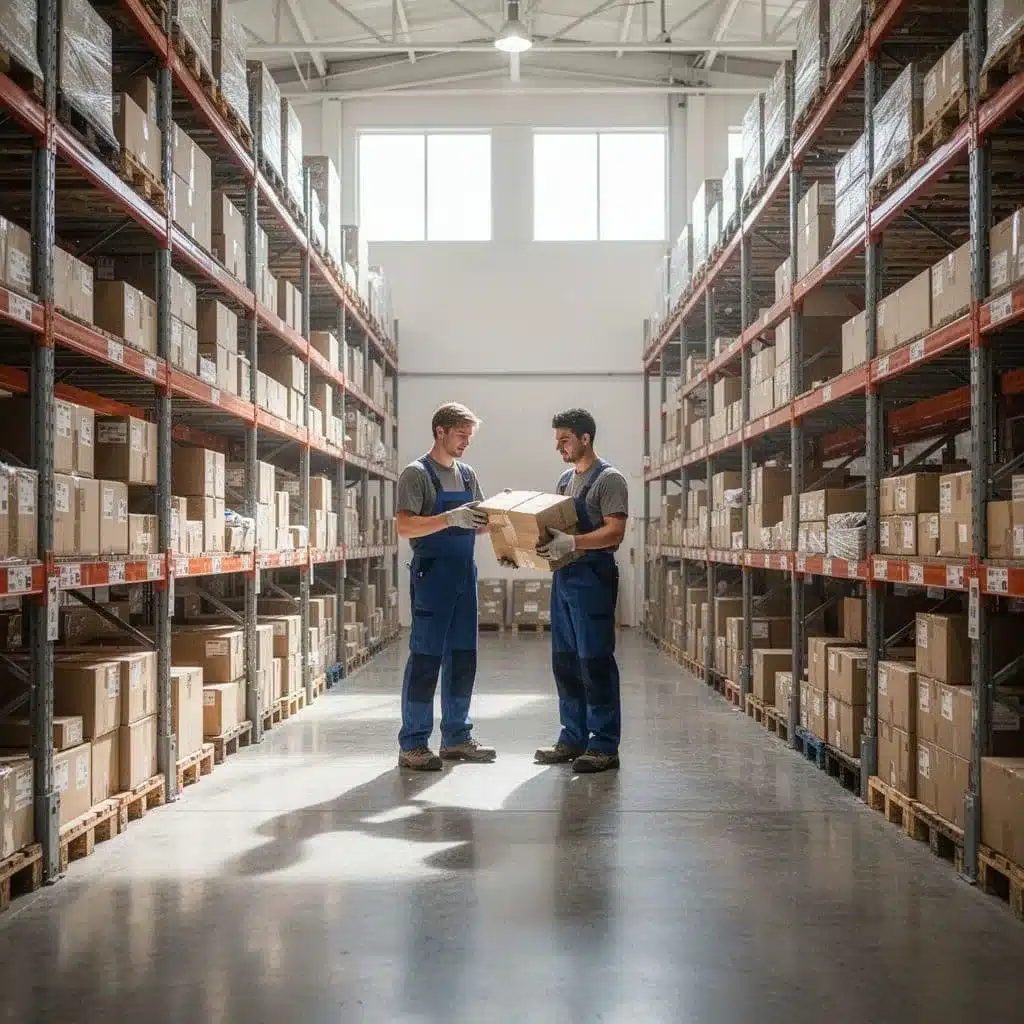
Standardize labels, bins, and movement rules
Labels should tell workers exactly what they are holding. Keep naming simple and consistent, so a bin, pallet, or carton always matches the same format in the system. That means one naming rule for locations, one label style for lots or batches, and one scan point for each transfer.
Clear location rules matter just as much. If a pallet can sit in three possible spots, you will get three different answers. Define where items wait, where they move next, and what scan confirms the handoff. Then make the transfer steps part of the job, not an afterthought.
A good setup usually includes:
- Clear bin names that match the floor layout
- Defined scan points at receiving, staging, and use
- Transfer rules that tell workers when a move is complete
- Location limits so items do not drift into random holding areas
This kind of structure cuts confusion fast. It also makes reports cleaner, because the system sees the same location names that your team uses in real life.
Train teams so the process stays accurate
Even the best software breaks down if people use it differently. Training should be short, direct, and role-based. Receivers need to know how to identify items. Floor workers need to know when to scan. Supervisors need to know how to catch missed steps before they spread.
Daily habits matter too. A quick shift check, a scan-before-move rule, and a habit of closing out used items can keep records tight without slowing work down. When people follow the same routine every time, the system stays useful.
That is where implementation support helps. Process mapping, setup guidance, and hands-on training can get a team moving faster because the workflow is clear before the first item hits the dock. For many warehouses, that early structure is what turns intermediate goods tracking into a steady habit instead of a daily scramble.
What to measure so you know the system is working
If your tracking process is doing its job, the numbers should get cleaner, faster, and easier to trust. Managers need proof, not guesswork, so the best metrics show whether intermediate goods are staying visible as they move through the floor.
Start with a small set of measures that connect directly to daily work. You want to see fewer corrections, faster movement, and less time wasted hunting for stock. Those are the signs that the system is keeping up with the process instead of lagging behind it.
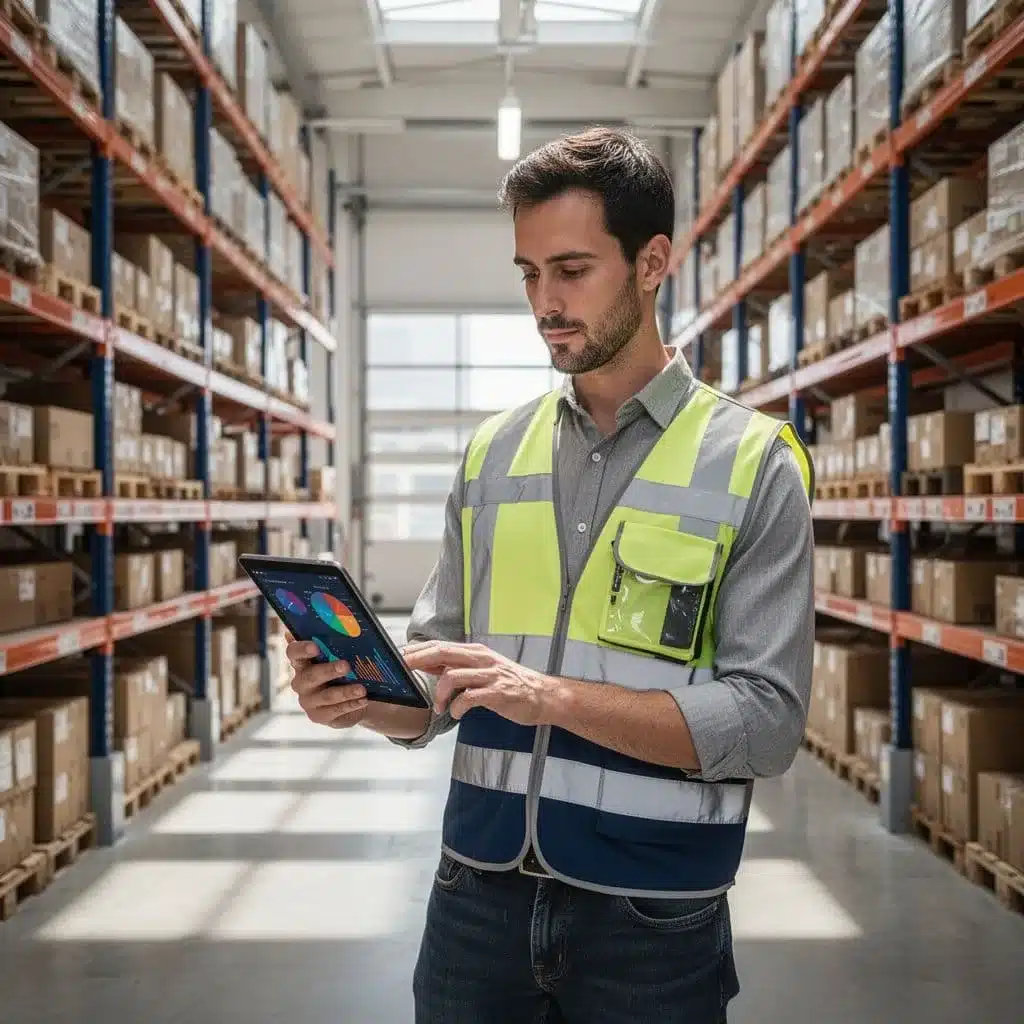
Inventory accuracy and adjustment rates
Inventory accuracy tells you whether the record matches what is actually on the floor. Adjustment rates show how often someone has to fix the record after the fact. When both numbers improve, it usually means your scans, labels, and handoffs are working as planned.
Lower adjustment rates matter because they point to fewer missed moves and fewer bad assumptions. If your team keeps correcting the same item, the process is leaking somewhere. That leak might be poor labeling, late scans, or a weak receiving step.
You can track this against cycle counts, too. Clean counts with fewer exceptions show stronger control over intermediate goods, not just better cleanup after errors. For a broader KPI framework, ASCM’s warehouse KPI guidance is a solid reference point.
Flow speed from work-in-process to finished goods
Cycle time through WIP tells you how long items sit before they become finished stock. When that time drops, production and warehouse teams usually move more in sync. Orders move faster, and service levels improve because product does not pile up in the wrong stage.
This metric also shows where the floor slows down. A long delay between staging and completion can signal a labor gap, a bottleneck, or missing material. In other words, faster flow usually means the warehouse and production line are working with less friction.
Visibility gaps and search time
Search time is one of the clearest signs of poor visibility. If workers keep looking for items, checking bins again, or fixing missing data, the system is not giving them a clean picture. Less searching means better tracking, plain and simple.
Watch for how often teams need to:
- Recheck a bin or pallet location
- Confirm a lot, batch, or status
- Fix missing or delayed scan data
- Stop work to find intermediate goods
When those numbers go down, trust goes up. You can also compare them with warehouse performance KPIs to see how inventory control affects broader operations. Scrap, rework, and missed handoffs should fall as well, because people spend less time chasing stock and more time moving it forward.
How Leanafy fits into a faster, cleaner inventory workflow
Leanafy gives intermediate goods a clear path through the warehouse instead of letting them drift between teams, bins, and spreadsheets. That matters because these items change status often, and every missed update creates more cleanup later. With one system watching the move, the work stays easier to follow and easier to trust.
One record for every location change
When a part moves from receiving to staging, or from staging to production, Leanafy updates the record in real time. That keeps intermediate goods tied to the right bin, status, and quantity without waiting for someone to fix it at the end of a shift.
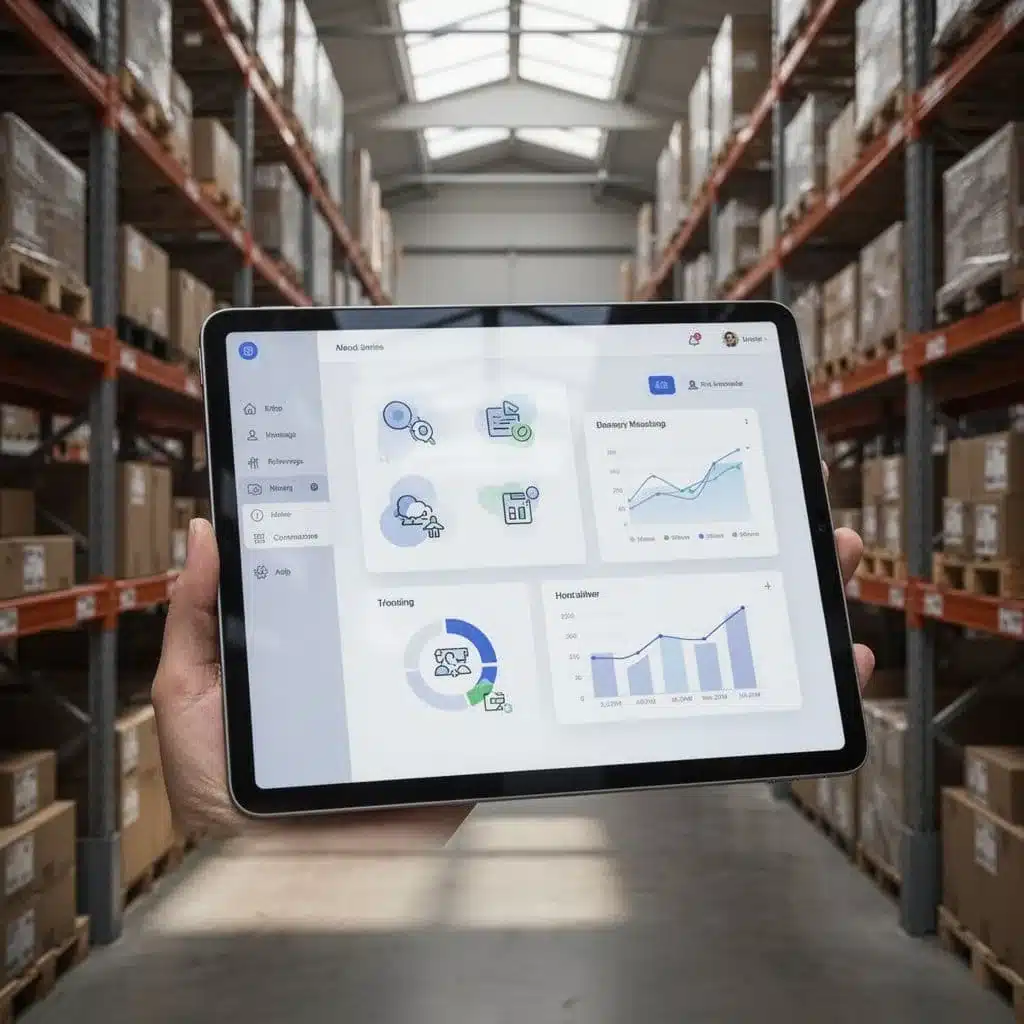
This is where a smart warehouse management system makes a real difference. Instead of chasing down partial counts, teams can see what is in process, what is on hold, and what is ready for the next step. For a broader view of how WMS platforms handle receiving, putaway, and inventory moves, Infor’s WMS overview gives a useful reference point.
Built for multi-warehouse control and fewer handoffs
Intermediate goods often move across more than one building. Leanafy supports multi-warehouse operations, so the same item history follows the stock wherever it goes. That helps reduce double entry, location confusion, and the kind of handoff errors that slow production down.
It also helps teams keep reporting consistent across sites. Managers can compare inventory, spot delays, and see where items are stuck without piecing together separate reports from each warehouse.
Automation, integrations, and reporting that cut manual work
Leanafy also fits into a cleaner workflow because it removes extra steps. Automation rules, system integrations, and mobile scanning help teams record actions where they happen, while reporting gives managers a clear view of movement, exceptions, and open tasks.
That mix matters for intermediate goods because the item state can change fast. When data flows into accounting, shipping, and order systems, the warehouse spends less time fixing records and more time moving inventory correctly. If you want to estimate fit before rollout, the site’s WMS calculator and shipping calculator are practical next steps.
In short, Leanafy keeps intermediate goods visible, current, and easier to control, which is exactly what a faster warehouse workflow needs.
Conclusion
Intermediate goods sit at a sensitive point in the flow of work, so basic counts are never enough. They need clear status, location, and traceability as they move through production and warehouse steps.
That is where a WMS makes the difference. With real-time updates, barcode scans, and mobile access, teams can keep partial items visible and cut down on the errors that slow orders down. Leanafy brings that control into one place, so your staff can track what is on hand, what is in process, and what still needs to move. Real-time data in WMS is what keeps those records accurate when the floor is busy.
The result is better control today and more room to grow tomorrow. Good tracking protects time, money, and customer service, because your team spends less time fixing inventory problems and more time keeping work on track.