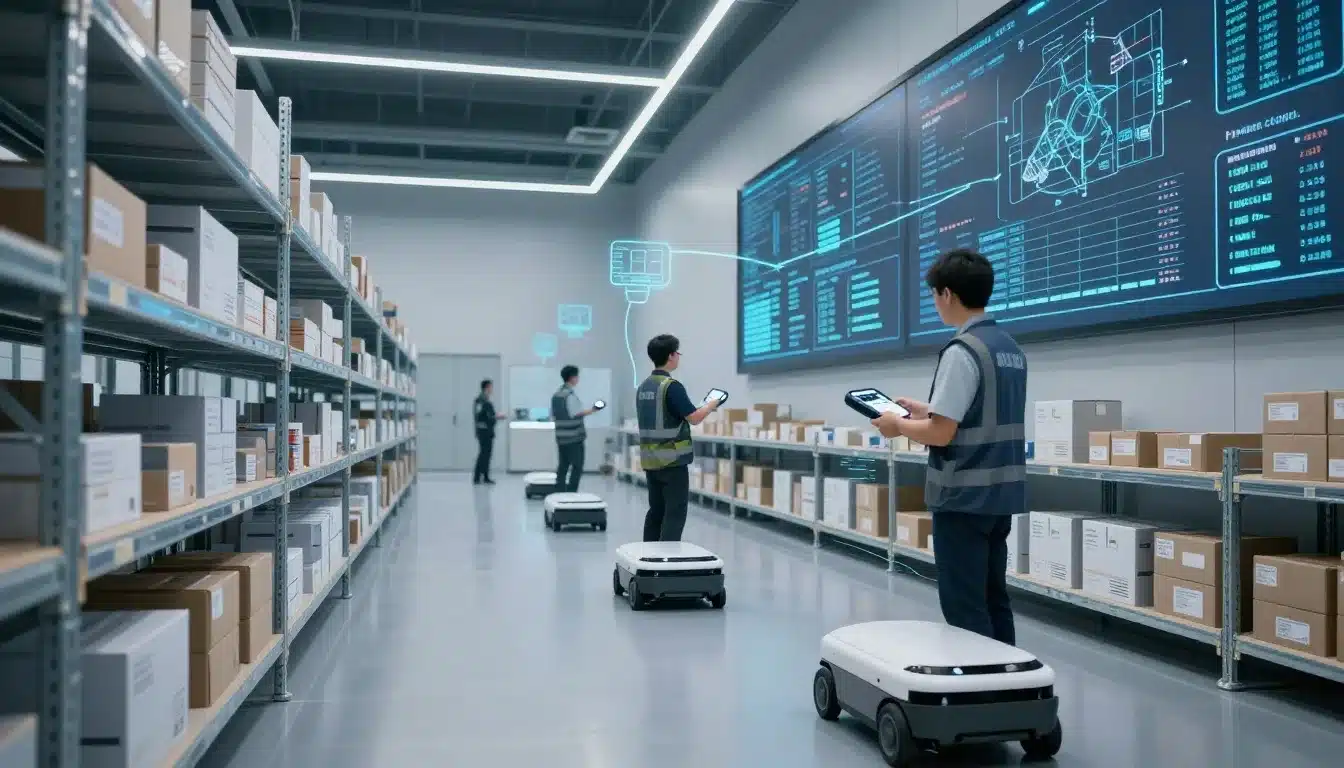

A smart warehouse uses software, scanning, connected devices, and data to keep fulfillment accurate and moving fast. That matters now because orders are more complex, customer expectations are higher, and older warehouse methods can’t keep up.
For 3PL, B2B, and D2C teams, the difference shows up in fewer errors, faster picks, and better stock visibility. Tools like Leanafy smart WMS software, barcode scanning, mobile apps, AR vision picking, robotics, sensors, and analytics all work together to keep each task tied to live inventory.
In the sections ahead, you’ll see how those systems fit together and what they mean for modern fulfillment.
What makes a warehouse smart today?
A smart warehouse runs on live information, connected tools, and faster decisions. That means workers, managers, and systems all see the same current picture, so tasks move with less guesswork and fewer delays.

In practice, smart does not always mean fully automated. A warehouse can be smart because it uses better software, barcode scanning, mobile workflows, and live inventory data. The goal is simple, keep every move tied to real activity on the floor.
From paper-based work to live data
Older warehouses leaned on paper pick lists, handwritten notes, memory, and spreadsheets that were already outdated by the time someone opened them. A supervisor might walk the floor to check progress, while another team member updated a file at the end of the shift. That created gaps, and gaps create errors.
Smart warehouses replace those delays with digital task management and live updates. When receiving, picking, or replenishment happens, the system records it right away. If you want a deeper look at that shift, real-time data in WMS is the backbone of the change.
That live view matters because everyone works from the same source of truth. Inventory counts update in the moment, task status changes instantly, and teams can see what needs attention without chasing paper trails. In other words, the warehouse stops operating on memory and starts operating on facts.
Why speed, accuracy, and visibility matter most
Smart warehouse technology pays off in three ways that matter every day: speed, accuracy, and visibility. Orders move faster because workers spend less time searching, checking, or waiting for updates. Picks are more accurate because the system points people to the right item, the right bin, and the right quantity.
That reduces costly mistakes like short picks, overships, and stock mismatches. It also improves customer service, because orders leave on time and support teams can answer questions with confidence. When stock counts stay accurate, managers can make better buying and labor decisions, which helps control costs as the business grows.
A smart warehouse is easier to run because problems show up early. Instead of discovering errors after shipping, teams can spot them while work is still moving. That is what makes smarter fulfillment possible, less rework, fewer surprises, and a clearer path to scale.
Smart warehouses are built on visibility first. Automation helps, but live data is what keeps the whole operation in sync.
The software layer that runs the whole operation
Behind every smart warehouse is a system that keeps the work moving in the right order. That system is warehouse management software, plus the inventory tools that sit next to it and keep stock data clean.
This software ties together people, orders, locations, and equipment. It tells the team what to do next, where each item belongs, and what has already moved. A platform like warehouse management software gives managers real-time control, so they can see work as it happens instead of waiting for end-of-day updates.
How a WMS organizes tasks and inventory
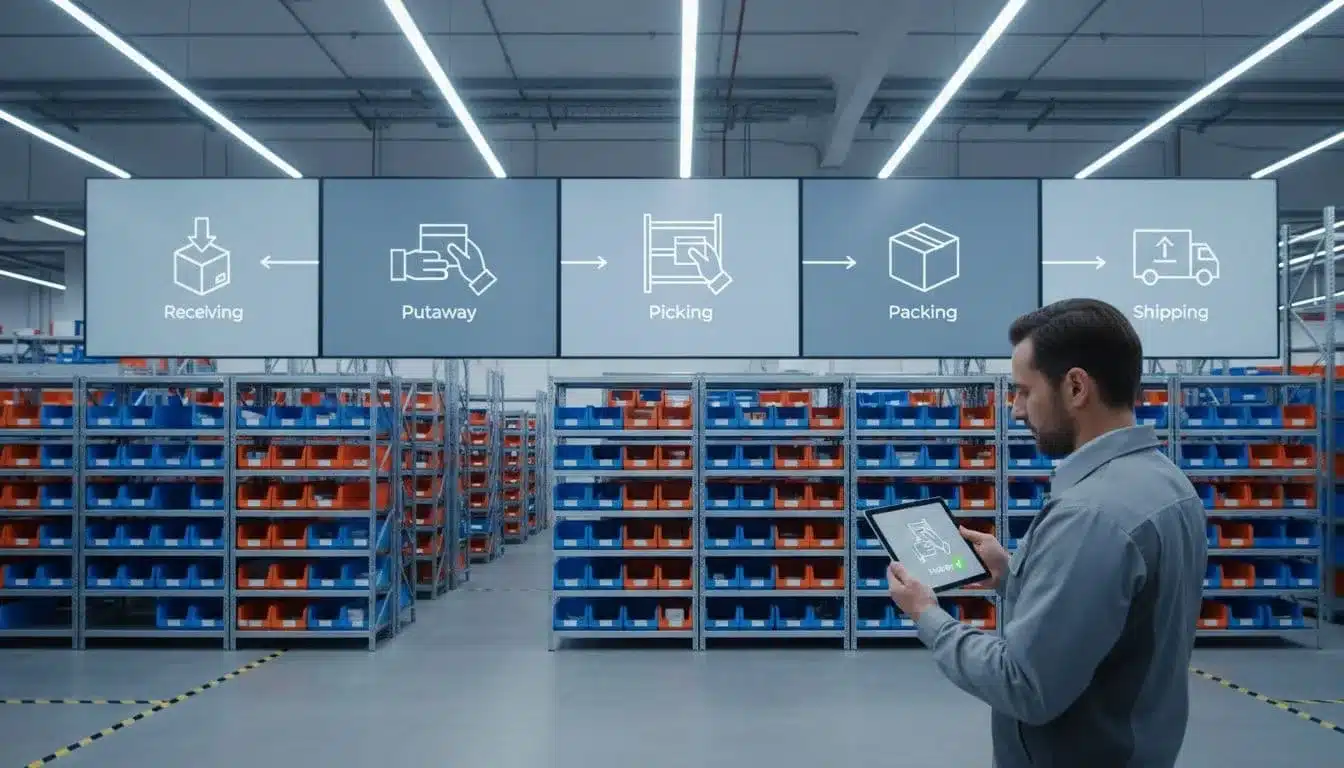
A WMS is the warehouse’s control center. It receives orders, assigns tasks, and keeps each step tied to a specific item and location. When a shipment arrives, the system logs receiving, guides putaway, and updates stock records right away.
That same logic follows the rest of the day. The WMS directs picking, packing, and shipping in a set order, so workers don’t waste time guessing what comes next. Rules and workflows decide things like which bin to use, which order to pick first, and whether an item needs special handling.
Location tracking is a big part of that control. Instead of knowing only that an item is “in stock,” the system knows it is on aisle 4, bin B12, or staging lane 2. That kind of detail keeps work organized and makes it easier to find products fast.
A simple way to think about it is this: the WMS turns warehouse activity into a live task list. As soon as one job closes, the next one opens.
Why inventory accuracy drives better fulfillment
Inventory accuracy affects almost every warehouse decision. When stock data is clean, teams avoid overselling products they cannot ship, and they don’t promise items that are already gone. That saves customer service headaches and reduces rushed fixes.
Accurate counts also protect labor time. Workers stop hunting for missing items, and managers stop sending people to the wrong bins. As a result, fewer hours get wasted on re-checks, backtracking, and last-minute repacks.
Cycle counts help keep the numbers honest. Instead of waiting for a full wall-to-wall count, teams verify small groups of items on a regular schedule. Real-time adjustments matter too, because every receipt, pick, move, or adjustment should update the record right away.
Item-level tracking adds another layer of control. When the WMS and inventory tools work together, the team can track exact units, lot details, serial numbers, or other item data without losing the bigger picture. That makes planning easier and gives managers a clearer view of what is truly available.
Clean inventory data helps the warehouse run on facts, not guesses.
The role of integrations in connecting your stack
A smart warehouse rarely runs on one system alone. It usually connects with ecommerce, accounting, shipping, EDI, and ERP tools, so orders and data move without constant manual entry. Those connections keep the operation aligned across sales, finance, and fulfillment.
The benefit is easy to see. Fewer imports mean fewer mistakes, and fewer mistakes mean fewer delays. Orders flow into the warehouse faster, shipping updates go back out sooner, and finance teams get cleaner records for invoicing and reporting.
Integrations also reduce the stop-and-start work that slows teams down. Instead of copying order data between systems, workers focus on the tasks that actually need a person on the floor. If you want a closer look at that setup, Leanafy integrations with ERP and Shopify show how connected systems support smoother order flow.
Here is the real payoff of a connected stack:
- Less manual re-entry means fewer typing errors and fewer mismatched orders.
- Faster order flow means orders move from checkout to pick tickets without lag.
- Cleaner inventory updates help every system show the same stock picture.
- Better planning comes from data that stays in sync across tools.
When the software layer is connected, the warehouse feels less like a set of separate tools and more like one coordinated operation. That is what keeps smart fulfillment steady as order volume grows.
How automation turns warehouse work into faster workflows
Automation speeds up warehouse work by removing repeat steps and cutting out wait time. It helps teams move inventory, confirm tasks, and route orders with less friction. That can mean software rules, scanners, mobile devices, conveyors, robots, or all of them working together.
The main benefit is simple. People spend less time typing, walking, and checking the same data twice. As a result, the warehouse handles more volume with fewer mistakes and less rework.
Barcode scanning and mobile devices on the floor
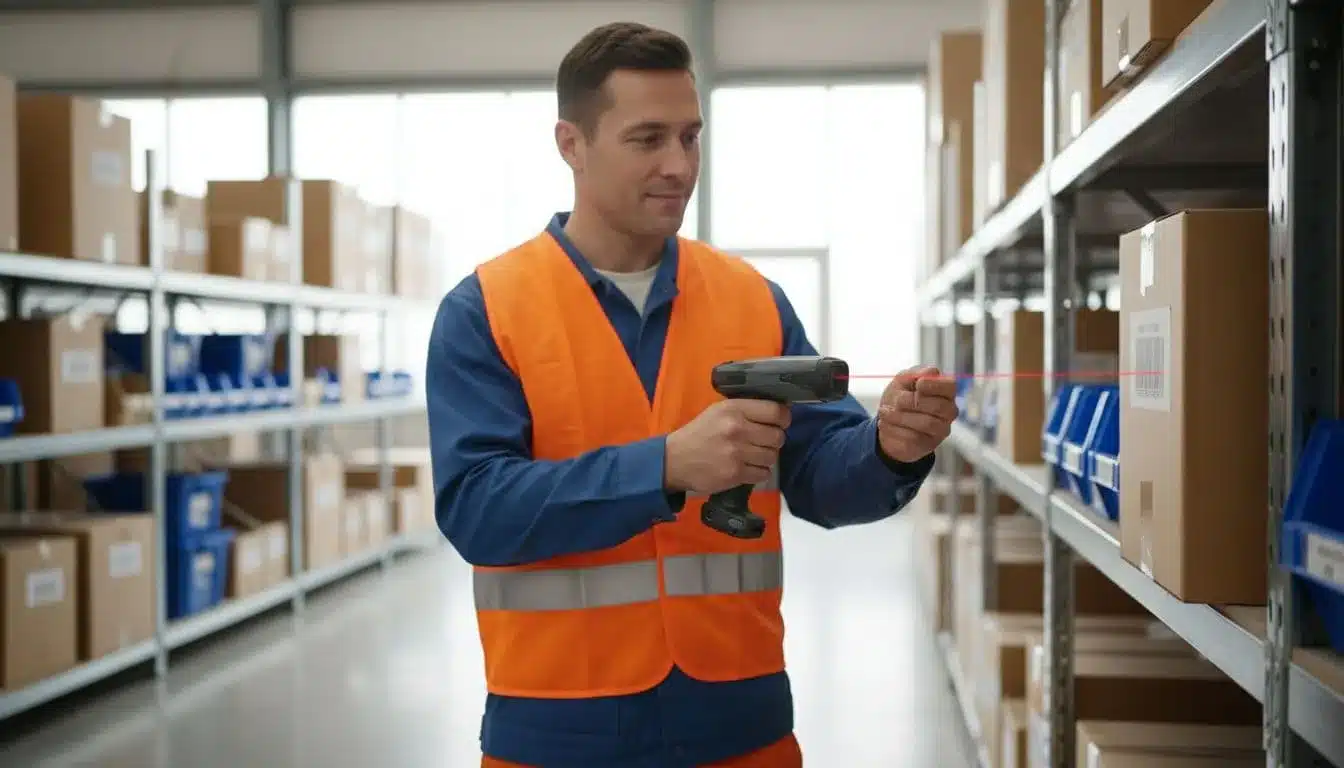
Barcode scanning replaces manual entry with a quick scan, which means fewer typing errors and faster task completion. A worker can confirm a receipt, a bin move, a pick, or a shipment in seconds instead of stopping to key in item codes by hand.
Mobile apps make that speed usable on the floor. Workers can receive tasks, pick items, move stock, and ship orders without walking back to a desk or terminal. That keeps work moving where it happens, right next to the racks, carts, and docks.
This is often one of the easiest smart warehouse upgrades to adopt because the workflow feels familiar. The team still does the same jobs, but the device handles the recordkeeping. If you want a deeper look at the accuracy side, barcode scanning for inventory accuracy shows how scanning keeps stock counts cleaner in day-to-day work.
Robotics, conveyors, and automated storage systems
Physical automation helps most when the job is repetitive, heavy, or travel-heavy. Conveyors move cartons faster between stations. Robots move totes or pallets without adding more walking. Automated storage and retrieval systems, or AS/RS, use vertical space well and bring inventory to the picker faster.
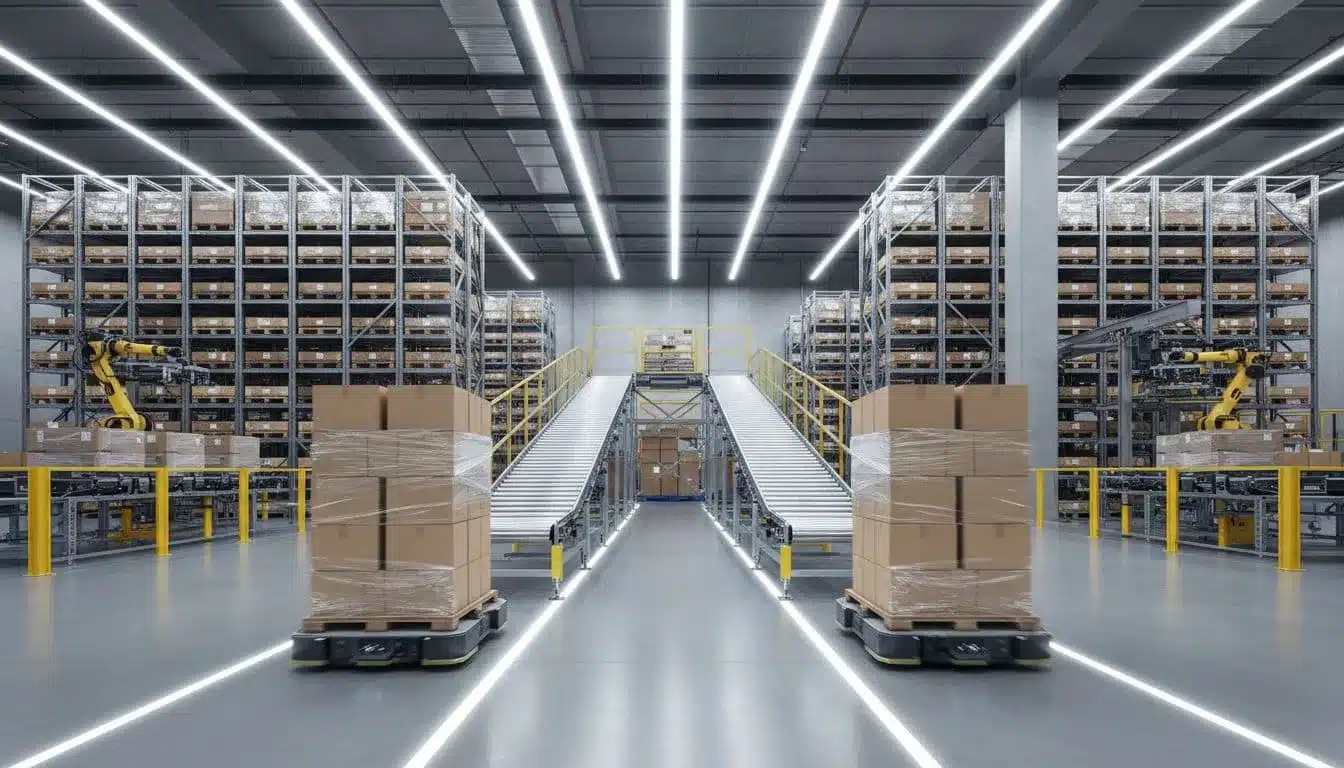
These tools do not need to replace people. They support people by handling the parts of the job that slow everyone down. In the right setup, that means fewer aisle trips, quicker replenishment, and better use of storage space. For teams comparing methods, batch vs wave vs zone picking guide is a useful next read.
Task rules that help teams do more with less
Automation also lives in the software rules that assign work. A WMS can balance labor, send the next best task, and group work in a way that reduces wasted motion. That matters when orders spike and every extra step starts to add up.
Common examples include:
- Batch picking for pulling items for several orders in one pass
- Zone picking for keeping workers in a set area of the warehouse
- Prioritized order waves for grouping urgent orders and shipping them first
These rules help teams finish more work without pushing harder all day. They also make labor easier to manage, since supervisors can see where work is backed up and shift people before delays grow. When software sets the pace, the floor runs with less confusion and better flow.
The data and visibility that keep fulfillment under control
Smart fulfillment depends on more than speed. It depends on seeing the right numbers early, then acting before a small delay turns into a missed ship date. That is why reporting, dashboards, and live alerts matter so much in a warehouse that has to stay accurate under pressure.
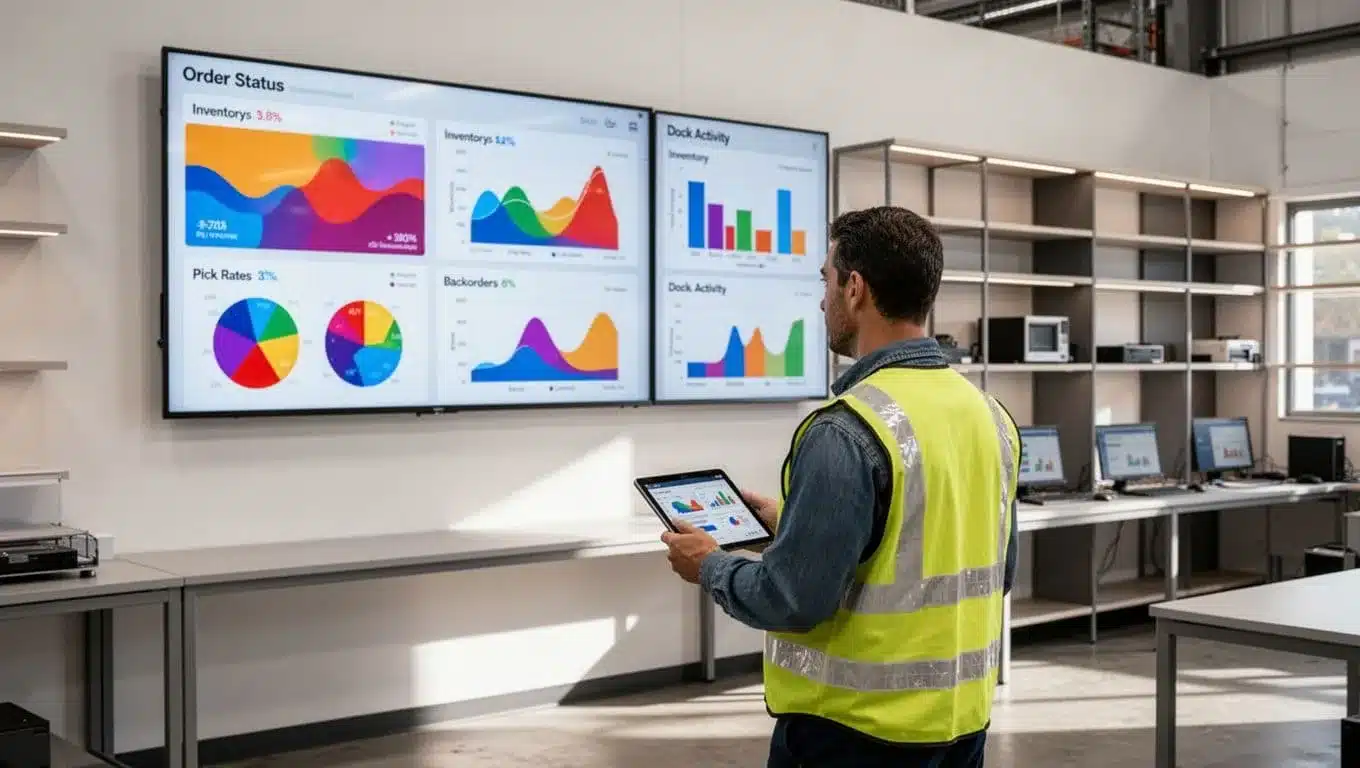
When managers can see order flow, stock levels, labor output, and dock status in one place, they stop guessing. They can spot the slow part of the process, move people where they are needed, and keep the floor focused on current work.
What warehouse dashboards should show at a glance
A good dashboard gives managers the clearest numbers first. That usually means order status, inventory levels, pick rates, backorders, and dock activity. Those five areas tell you whether orders are moving, stock is healthy, and shipping is keeping up.
The goal is fast reading, not deep analysis. If order status shows a backlog, you know where to look next. If inventory drops on a fast-moving SKU, you can act before it becomes a stockout. If dock activity slows down, you can check receiving or outbound staging before the queue grows.
A useful dashboard keeps the team focused on the same facts. It also saves time because managers do not have to chase updates across spreadsheets, messages, and walk-throughs. With the right screen, one glance can show where the day is going right, and where it needs help.
The best dashboards reduce guesswork. They point to the next action, not just the current problem.
Using data to find bottlenecks and improve labor planning
Reporting and analytics help managers see where work slows down. Maybe receiving takes too long on certain days. Maybe picking backs up in one zone. Maybe packing stays clear until shipping gets crowded near the end of the shift. Once those patterns show up in the data, staffing becomes much easier to plan.
That is where warehouse software for real-time decisions pays off. It gives leaders a live view of work by stage, so they can move labor before delays pile up.
Managers can use the trends in a few practical ways:
- Schedule shifts around peak periods so the busiest hours have enough labor.
- Set goals by process instead of using one broad target for the whole warehouse.
- Move staff between areas when one step slows down more than the rest.
- Plan hiring or overtime based on repeat demand, not last-minute pressure.
This kind of visibility makes labor planning more grounded. Instead of staffing by habit, managers staff by workload. That leads to better use of time, fewer idle moments, and less rush work at the end of the day.
Why alerts and exception tracking prevent costly mistakes
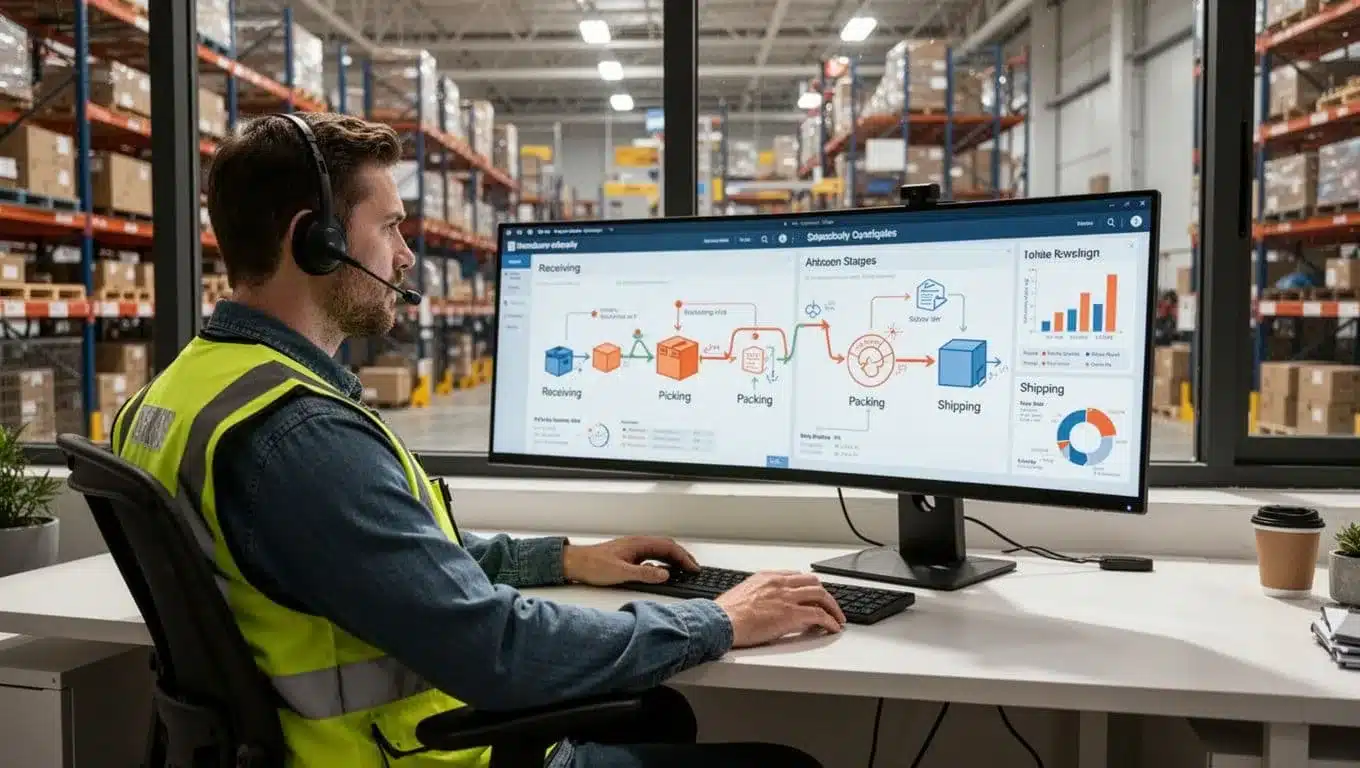
Live alerts keep small problems from turning into expensive ones. A smart system can flag shortages, scan errors, late tasks, or inventory mismatches as soon as they appear. That matters because most warehouse mistakes get worse when nobody sees them early.
Exception tracking gives managers a clean list of issues that need action. Instead of sorting through every order, they can focus on the items that are blocked, delayed, or out of sync. A missing scan, for example, can stop a shipment before it leaves with the wrong item. A stock mismatch can trigger a count check before the system promises inventory that is not really there.
The real value is speed. When teams know what failed, where it failed, and who needs to fix it, orders keep moving. This is where reporting and analytics tools help the most, because they turn warehouse noise into a short list of decisions.
A strong alert process usually covers:
- Shortages that could delay picks or outbound orders
- Scan problems that leave tasks unfinished or unverified
- Inventory mismatches that point to bad counts or misplaced stock
- Late tasks that show work is slipping behind schedule
With that kind of control, the warehouse stays calmer. Teams spend less time searching for problems and more time clearing them.
What smart warehouses mean for growth, cost, and customer promise
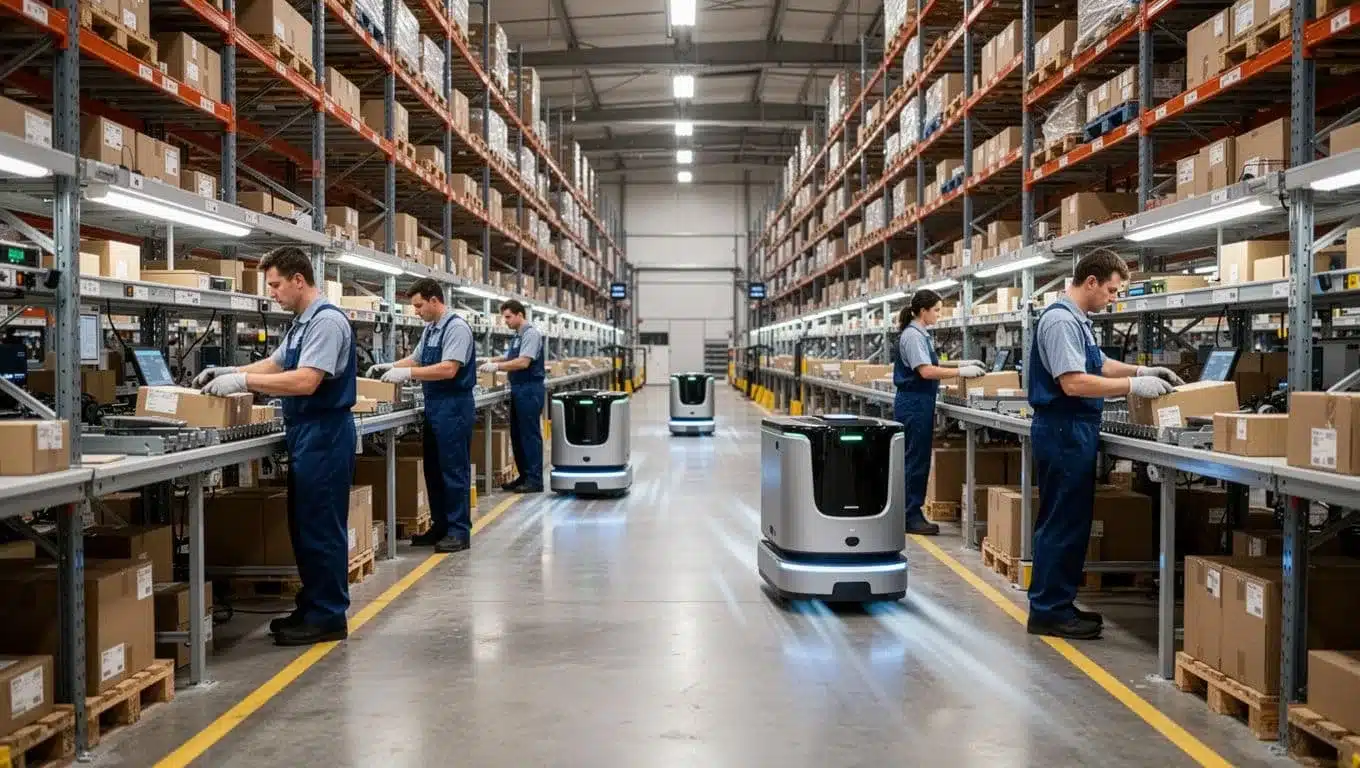
Smart warehouse systems do more than speed up picks. They help a team handle more orders, keep costs in check, and hold a steady service promise when demand gets messy.
That matters when volume rises, channels multiply, or customer expectations tighten. A warehouse that sees its work in real time can react faster, waste less space, and ship with more confidence.
How smarter fulfillment supports 3PL, B2B, and D2C teams
Different warehouse models get different wins from smart fulfillment. A 3PL needs visibility across clients, a B2B operation needs accuracy on larger orders, and a D2C brand needs speed at the pack station. The same warehouse tools help all three, but the payoff looks different.
For 3PLs, smart systems make multi-account work easier to control. Teams can separate inventory, orders, and reporting by client, which helps with billing, service levels, and visibility. That matters when one warehouse is handling several brands that all expect clear answers.
For B2B fulfillment, accuracy carries more weight because orders are often larger and more complex. A wrong pallet, a missed line, or a bad count can affect an entire shipment. Smart workflows reduce those mistakes and help teams handle repeatable, high-volume orders without losing control.
For D2C, speed is tied directly to customer trust. Shoppers expect short cutoffs, quick tracking, and fewer errors. When the warehouse moves fast and updates inventory in real time, the customer gets a better experience and the support team gets fewer "where is my order?" calls. For a closer look at how ecommerce automation keeps fulfillment fast and accurate for D2C teams, the Ecommerce Automation guide is a useful next step.
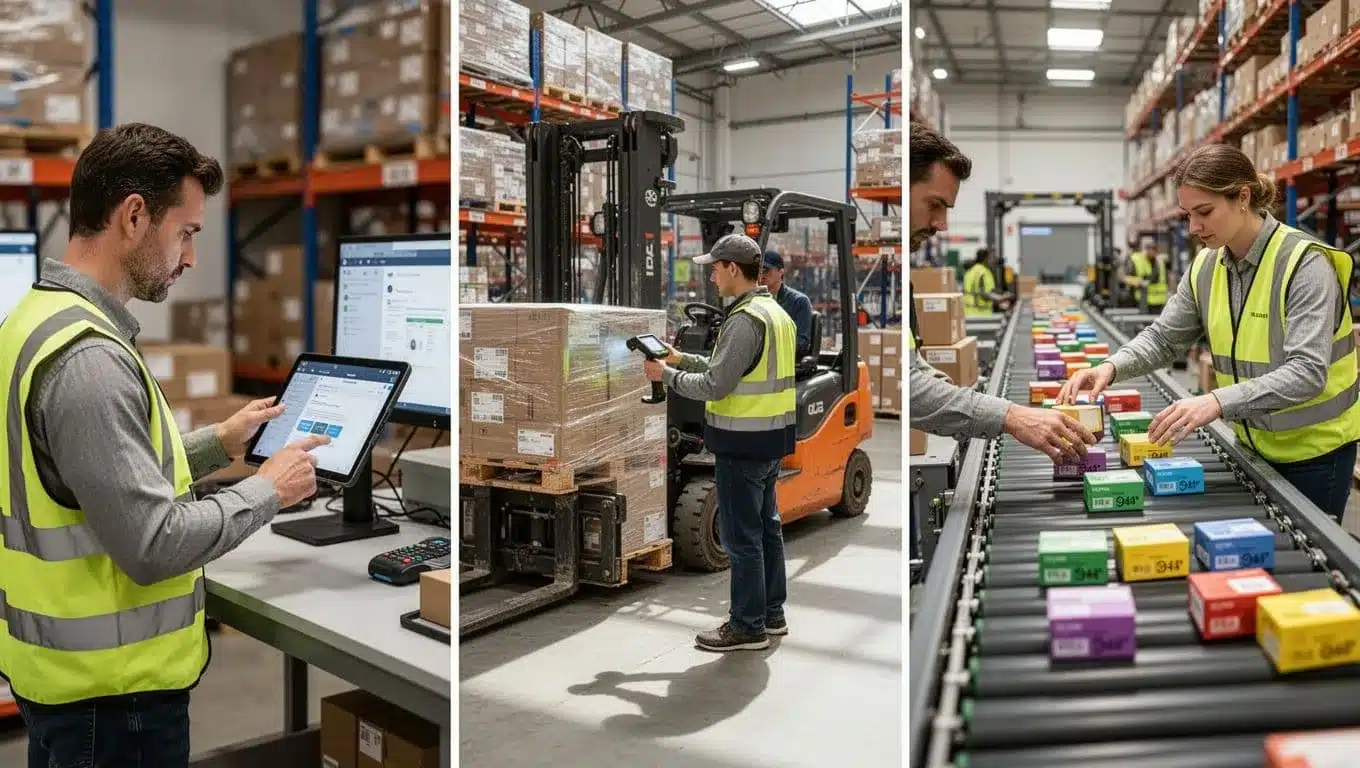
A simple way to compare the value is this:
| Warehouse model | Main benefit | Smart warehouse impact |
|---|---|---|
| 3PL | Client control | Better visibility, cleaner multi-account handling, easier reporting |
| B2B | Order accuracy | Fewer picking errors, better pallet and line-item control |
| D2C | Speed | Faster shipping, stronger tracking, fewer customer complaints |
The takeaway is straightforward. Smart fulfillment helps each model solve its biggest pain point, instead of forcing one process on every operation.
How to judge whether your warehouse is ready to upgrade
Readiness usually shows up in the daily pain points. If errors keep repeating, orders move too slowly, or managers cannot see what is happening in time, the operation is telling you it needs help. Growth pressure makes those cracks louder, especially during peak season.
Start with the basics:
- Frequent errors mean your current process needs better control or scan checks.
- Slow order processing often points to weak task flow or too much manual work.
- Poor visibility usually means teams are working from stale data or scattered reports.
- Growth pain shows up when labor, space, or stock control starts failing under higher volume.
The upgrade you need may not be a full rebuild. In some cases, software alone fixes the problem. In others, barcode scanning, better reporting, or targeted automation makes more sense. WMS selection guide for B2B D2C warehouses can help you compare what fits your operation before you spend on the wrong fix.
If your warehouse is still asking people to remember too much, the process is probably working harder than it should. The right next step is the one that removes the most friction, whether that means cleaner software, stronger data capture, or a machine doing the most repetitive job in the building.
Conclusion
Smart warehouses work because the right pieces fit together. Software keeps orders and inventory in sync, automation removes repeat work, and data gives managers a clear view of what is happening now. That mix drives the speed, accuracy, and visibility modern fulfillment depends on.
The strongest takeaway is simple, smart warehouses are not about robots alone. They work best when teams pair the right systems with the right process, so every scan, move, and shipment stays connected to live inventory. If you want to see which tools matter most, top WMS features for real-time visibility are a good place to start.
As fulfillment keeps getting more connected, the warehouses that perform best will be the ones built on clean data and clear workflows. That is where better decisions start, and where stronger operations keep their edge.