

A busy warehouse doesn’t need a big breakdown to fall behind. One wrong pick, a short ship, or a mislabeled pallet can turn into returns, rework, customer emails, and rushed reships by the end of the day.
In plain terms, Warehouse Errors are the everyday mistakes that throw off inventory and orders, count errors, picking errors, shipping errors, receiving mistakes, and even billing mistakes that don’t match the work you actually did. Left unchecked, they eat hours, hide real stock, and make it harder to hit ship times.
That’s where a warehouse management system (WMS) earns its keep. This post breaks down 10 practical ways a WMS reduces errors and lifts productivity, with examples that make sense for e-commerce teams, 3PL operations, and manufacturing warehouses. If you’re still weighing software options, this comparison of https://leanafy.com/wms-vs-ims/ helps clarify what a WMS covers that basic inventory tools often don’t.
In 2026, more warehouses are leaning on scanning, automation (including robots), and cloud WMS tools because real-time data keeps small mistakes from spreading. The bonus is that many WMS projects pay back fast once rework, mispicks, and charge disputes start dropping.
Start with clean data, then keep it accurate in real time
Most Warehouse Errors start the same way: someone trusted a number that was already wrong. Bad data in, bad results out. If the system thinks you have stock you don’t, you’ll promise orders you can’t ship. If it thinks you’re out when you’re not, you’ll waste money on rush replenishment and emergency transfers.
A WMS fixes this by acting as one source of truth for item, location, status, and quantity. Every scan updates inventory the moment work happens, not at shift end and not after someone remembers to type it in. That real-time control stops small slips from spreading across picking, packing, shipping, and customer service.
Here’s the mini-scenario every warehouse knows. Inventory says 12 on hand, but the shelf has 9. Without real-time discipline, you might ship 9, backorder 3, and spend an hour hunting for “missing” units. With a WMS, the mismatch gets flagged faster because every move needs a scan. You can quarantine the problem, cycle count the location, and stop making bad promises to customers.
Way 1: Real-time inventory tracking prevents “phantom stock” and surprise stockouts
Phantom stock happens when inventory exists on a screen but not in the aisle. It usually comes from untracked moves, skipped picks, or returns that never got processed. A WMS reduces this by requiring scan-based moves for the actions that change inventory: receiving, putaway, replenishment, picking, pack verification, and adjustments.
Location tracking is the other half of the fix. When every unit is tied to a bin (and that bin is confirmed by scan), “we’ll find it later” turns into “it’s in A-03-04, or it doesn’t exist.” That clarity cuts the time spent searching, recounting, and re-waving orders.
Live adjustments matter too. If a picker short-picks a line because the bin is empty, the WMS can record the exception right then. As a result, planners and customer service see the truth fast, not after a late shipment.
Cycle counts become easier because the system can:
- Trigger counts by zone, SKU velocity, or error rate
- Direct counters to specific bins
- Compare expected vs. counted, then post corrections with an audit trail
To keep this honest, track one simple pair of metrics:
- Inventory accuracy (%): counted units vs. system units
- Backorders caused by inventory mismatch: orders delayed because on-hand was wrong (not because demand was higher than forecast)
If your team spends time “looking for inventory,” you don’t have an inventory problem. You have a data freshness problem.
Way 2: Smarter receiving catches wrong items before they enter your bins
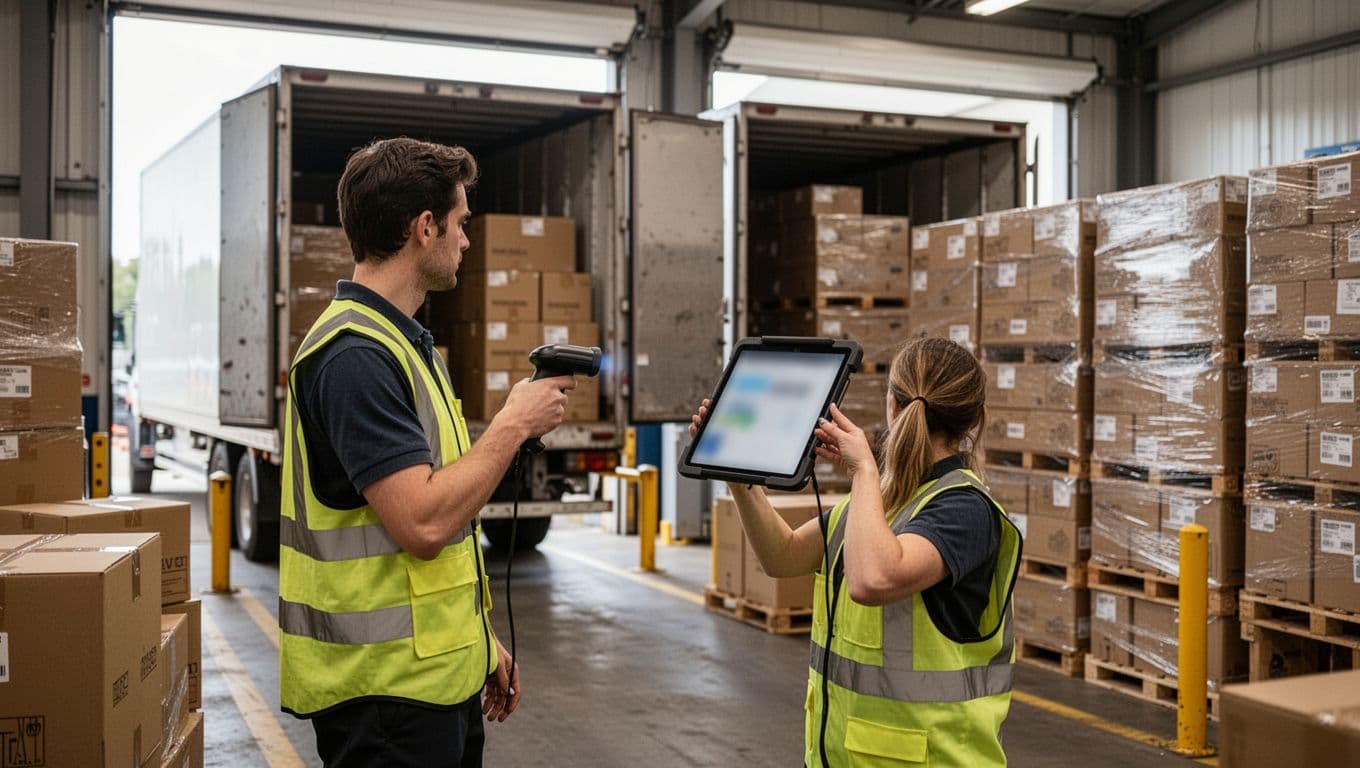
Receiving is your first chance to stop bad data at the door. When mistakes slip into storage, they show up later as mispicks, shorts, and returns, which are all slower and more expensive to fix. A WMS tightens this step with PO and ASN matching, barcode validation, and guided quantity checks.
Instead of trusting what’s on the pallet label, receivers scan item barcodes and confirm counts against what purchasing expected. If a supplier sends the wrong SKU, a substitute version, or a mixed case pack, the mismatch is obvious right away. Damage holds also help because the WMS can set questionable goods aside with a clear status so they don’t get allocated to orders.
Use this short checklist at receiving to cut downstream errors:
- Verify PO or ASN match (supplier, SKU, and expected lines)
- Scan and confirm item barcode (avoid look-alike SKUs)
- Confirm quantity and UOM (each vs. case vs. pallet)
- Check for visible damage and assign a hold status when needed
- Capture lot, serial, and expiration when required
Way 3: Putaway rules reduce lost product and speed up picking later
Putaway is where inventory accuracy either gets locked in or slowly falls apart. If people “park pallets where there’s space,” you’ll pay for it later in search time, missed picks, and messy replenishment. A WMS uses guided putaway so product lands in the right place, consistently.
Instead of guessing, the system suggests locations based on rules such as:
- Size and fit (bin dimensions, pallet positions)
- Velocity (fast movers closer to pick faces)
- Hazard class and handling constraints
- Temperature needs (ambient, chilled, frozen)
- FIFO or FEFO (date-driven rotation to avoid expired picks)
This is slotting in its simplest form: place products so tomorrow’s picking is easier than today’s. When putaway is consistent, pickers stop wandering, replenishment becomes predictable, and “lost” inventory drops because everything has a home.

Make picking and packing mistake-proof, even on your busiest days
Most Warehouse Errors show up when the pace spikes, usually in picking and packing. People rush, SKUs look alike, and someone trusts a paper list or a memory shortcut. A WMS helps because it guides each step and asks for proof (a scan) before it lets the work move forward.
The goal is simple: make the right action the easy action. Scans, location checks, and packing rules turn order fulfillment into a set of small, verifiable decisions. That’s how you cut mis-picks, short ships, and the rework that eats up your labor.
Way 4: Scan-verified picking stops wrong items and wrong quantities

Scan-verified picking uses barcode scanning, and sometimes RFID, to confirm two things: the right item and the right quantity. Instead of trusting a label you read quickly, the WMS requires a scan match. If the barcode doesn’t match the order line, the device alerts the picker right away. That stops a wrong SKU from traveling all the way to packing, shipping, and returns.
Many WMS platforms also use check digits to reduce “I scanned the wrong bin” mistakes. For example, the screen might show a short code (like the last 2 to 4 digits of a location ID) that the picker confirms. This matters when location labels are close together or when bins look the same. The system can also require bin confirmation (scan the location barcode first, then scan the item), which prevents grabbing the right product from the wrong slot (a common cause of inventory drift).
Just as important, scan picking reduces manual keying. Typing SKUs and quantities during a busy shift invites typos, skipped lines, and “I’ll fix it later” adjustments. A scan-first workflow keeps data clean because each pick posts instantly.
Pick methods stay flexible too. A WMS can support common options such as single-order picking, batch picking, and wave picking. You choose the method based on volume and labor. If you want a deeper explanation, the benefits of wave picking in 2025 break down how waves help control chaos during peak periods.
Here’s a simple example: an order has three lines, 2x “Black water bottle 24 oz”, 1x “Replacement lid”, and 1x “Bottle brush”. The picker grabs a similar 20 oz bottle by mistake. When they scan it, the WMS rejects it, so the wrong SKU never reaches the box. That one alert saves you from rework labor, a return label, and a customer complaint.
If an error can be caught at the shelf, it’s cheap. If it’s caught after shipping, it’s expensive.
Way 5: Packing checks and carton rules reduce short ships and damage
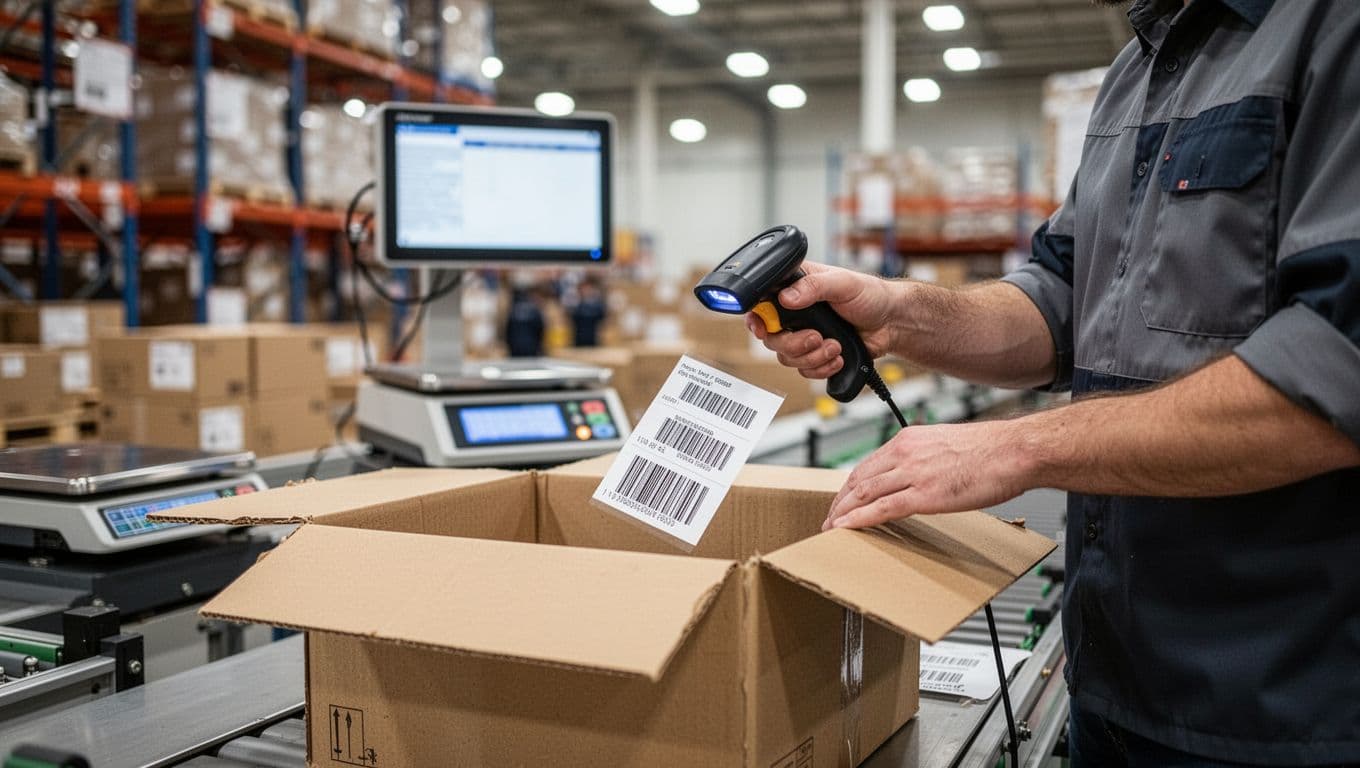
Packing is the last clean checkpoint before you commit to shipping. With scan-to-pack, the pack station validates every item going into the order. The WMS compares the scanned item to the open order, then confirms it belongs in that carton. If an item is missing, the system keeps the order “incomplete” until it’s resolved. If the wrong item shows up, it stops the packer right away.
Good WMS packing workflows also support item-to-carton validation. That means the system knows which carton you are building (carton ID, tote ID, or shipment ID) and ties each scan to it. This helps when you pack multiple cartons for one order, or when you have multiple orders open at the same bench.
Some operations add weight checks. If you use an inline scale, the WMS can compare actual weight to expected weight (based on item master data and packaging). A mismatch doesn’t always mean an error, but it’s a strong signal. It’s especially helpful for small items that get stuck in dunnage or drop behind the bench.
Pack rules reduce damage, too, because the system can enforce carton choices and handling steps, such as:
- Fragile items: require void fill, dividers, or a stronger carton.
- Hazardous goods: enforce separation, labels, and compliant packaging steps.
- Cold-chain items: prompt for cold packs and insulated mailers, and prevent packing them in the wrong carton.
The payoff is fewer short ships, fewer “missing item” emails, and fewer damage returns from the wrong box size or bad packing choices. Instead of relying on memory, the WMS makes the rules visible at the moment they matter.
Way 6: Shipping automation reduces label mistakes and carrier mix-ups
Shipping errors usually look small at first: the wrong service level, the wrong carrier, or a label printed for the wrong carton. Then the fallout hits, late deliveries, address corrections, reshipments, and unhappy customers.
Shipping automation helps because it controls when labels print and what they apply to. Many WMS setups can support rate shopping (if available), which selects an approved carrier and service based on rules like cost, promised delivery date, and package size. Even without rate shopping, label printing control prevents people from picking “whatever looks right” in a carrier portal.
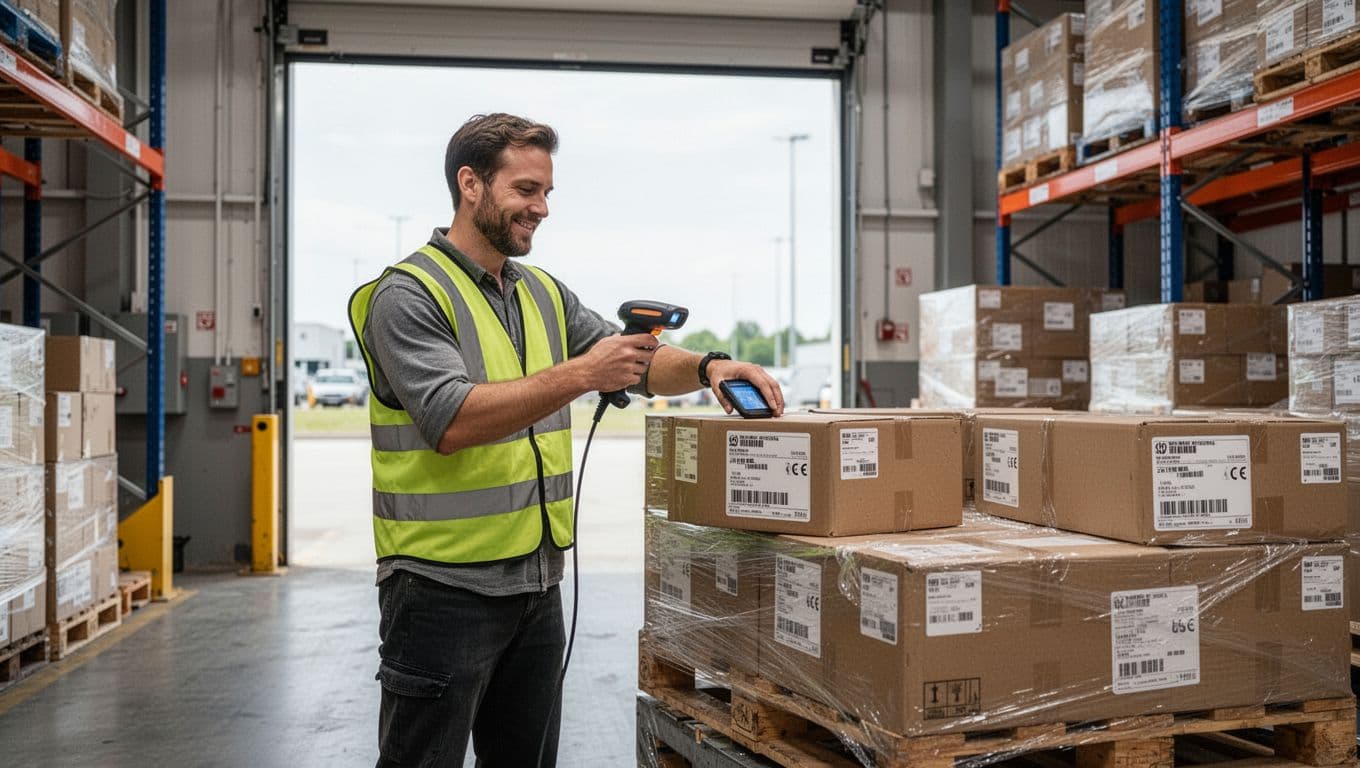
The other key piece is shipment verification. A simple rule works well: confirm shipment contents before the label prints, or at least before it leaves the dock. For example, the WMS can require a final scan of each carton ID against the shipment. If a carton belongs to another order, the system flags it before it gets staged.
Finally, dock door staging keeps freight organized. Assign shipments to a staging lane or door, then require a scan when moving cartons to that spot. This reduces “wrong truck” mistakes when the dock gets crowded and everyone is in a hurry.
Standard work that trains your team while they work
A WMS does more than track inventory. It turns tribal knowledge into clear, repeatable steps on a mobile device, so work looks the same across shifts, temps, and new hires. Instead of learning by watching whoever is fastest, your team learns by doing the task the right way, every time.
That consistency is how you cut Warehouse Errors without slowing down. When the system guides each move, people spend less time thinking about what to do next, and more time finishing work.
Way 7: Task-based workflows remove guesswork and improve consistency

Directed work queues are the simplest way to bake standard work into the day. The WMS feeds the associate a next task based on rules, not gut feel. That usually includes queues for receiving, putaway, replenishment, picking, and cycle counts, with each task broken into scan-verified steps (go here, scan location, scan item, confirm quantity).
Priority rules keep the floor aligned with what matters most. For example, the WMS can push hot orders ahead of routine picks, trigger replenishment before a wave drops, or route receivers to the next inbound door that is backing up. Because the system decides the next best task, workers stop bouncing between “whatever seems urgent,” and start working a plan.
Exception handling is where this really reduces Warehouse Errors. When something goes wrong, the device prompts the right response instead of a workaround, such as:
- Short pick: confirm zero found, then create an investigation or cycle count task.
- Barcode mismatch: stop the pick and require a correct scan.
- Location blocked or full: redirect to an approved overflow location and record why.
Standard work is training you can measure. If the steps live in the WMS, you can coach from facts, not opinions.
Also, fewer decisions per task means faster work. Choosing between five possible next moves drains time and attention. In contrast, a clean queue reduces mental load, so associates stay in rhythm and make fewer mistakes.
Way 8: Replenishment and location control prevent pick faces from going empty
A pick face that goes empty creates chaos. Pickers walk to a bin, find nothing, then they roam, substitute, or call a lead. Those minutes add up, and so do the errors that come from scrambling.
A WMS prevents this by managing forward pick locations (the easy-to-reach bins used for daily picking) and keeping them stocked from reserve storage. Min-max triggers do the heavy lifting. When on-hand in the forward location drops below the minimum, the WMS creates an automatic replenishment task to refill up to the maximum.
Two practical wins show up quickly:
- Productivity improves because pickers stop walking to empty bins.
- Accuracy improves because teams do fewer substitutions and fewer “grab it from somewhere else” moves.
If you run more than one building, replenishment discipline matters even more, because stock can look fine in one site and be broken in another. A good read on keeping workflows consistent across sites is this guide to coordinating replenishment across locations.
One KPI to track is picks delayed due to out-of-stock pick locations. If that number drops, your replenishment logic is doing its job.
Way 9: Guided cycle counts find problems early, before customers do

Cycle counting works best when it is scheduled and guided, not random. A WMS can build a schedule by ABC velocity, so fast movers get checked often while slow movers get checked less. That keeps disruption low, while still catching the issues that create Warehouse Errors.
Here’s practical guidance that fits most operations:
- A items (fast movers): count weekly or biweekly, especially in forward pick.
- B items (medium movers): count monthly.
- C items (slow movers): count quarterly, or roll them into zone counts.
Recount rules make counts more trustworthy. If a counter finds a variance over a threshold (by units or percent), the WMS can require a second count by a different person, or force a supervisor approval before posting an adjustment. As a result, you catch shrink, mis-slots, and receiving errors early, while they are still small enough to fix quickly.
Use automation, dashboards, and integrations to keep improving every week
A WMS does its best work after go-live, when you start using it as a control tower. Instead of reacting to Warehouse Errors after customers complain, you can spot patterns early, fix root causes, and protect capacity. The biggest shift is moving from “Did we ship it?” to “Why did it go wrong, and what do we change this week?”

Way 10: Dashboards and reports turn error patterns into clear fixes
Good dashboards do not just count mistakes, they point to the process step that created them. When you track accuracy and time in the same view, you can see where the work breaks down under pressure.
Common WMS dashboards that help reduce Warehouse Errors include:
- Order accuracy and pick accuracy (by shift, zone, and user).
- Returns reason codes (wrong item, damaged, missing parts, late ship).
- Labor productivity (units per hour, lines per hour, touches per order).
- Dwell time (how long pallets, totes, or orders sit in staging).
- Inventory adjustments (by SKU, location, reason, and approver).
Once you can see trends, fixes get practical. If pick accuracy drops in one zone, you might re-slot look-alike SKUs farther apart, add bin labels, or require a second scan on high-risk items. If returns reason codes spike for “wrong size” or “wrong color,” retraining alone might not be enough, you may need better item photos, stronger barcode rules, or a pack verification step.
A simple weekly review keeps momentum without turning into a meeting marathon:
- Top 3 error types (example: wrong item, short ship, carrier service mismatch).
- Top 3 locations driving rework (example: a crowded pick face, overflow racks, returns area).
- Top 3 SKUs linked to issues (often look-alikes, fragile items, or high-velocity sellers).
From there, assign one small change per bucket. Those small changes matter because they cut rework hours, reduce overtime, and keep peak weeks from turning into cleanup weeks.
When you stop guessing and start measuring, the “mystery errors” usually turn into a handful of repeatable causes.
How a WMS integrates with scanners, automation, and robots to lower manual mistakes
A WMS acts like a traffic controller for the floor. It tells people and machines what to do next, then confirms it happened with scans and system feedback. That means fewer handoffs, fewer handwritten notes, and fewer “I’ll remember later” steps that create inventory drift.
With scanners and print stations, the WMS controls the basics that prevent avoidable errors:
- Scan-to-receive, scan-to-putaway, scan-to-pick, scan-to-pack.
- Label printing tied to the right carton, tote, or pallet ID.
- Real-time validation, so the wrong item or location gets blocked fast.
Integrations make that control stronger. When the WMS connects to an ERP, it stays aligned with purchasing, POs, and financial posting. When it connects to e-commerce, orders flow in cleanly with the right item data and customer details. When it connects to carriers, shipping rules and service levels stay consistent, even when volume spikes.
Automation fits into the same playbook. Conveyors, sorters, and AMRs can move product fast, but speed without control can spread mistakes. A WMS coordinates routing, tote IDs, exception lanes, and confirmations so automation reduces manual touches instead of adding confusion.

What to look for when choosing a WMS if warehouse errors are your main problem
If your main goal is fewer Warehouse Errors, shop for control and proof, not flashy features. The right WMS should help you prevent mistakes, then explain them when they happen.
Use this quick buyer checklist to stay focused:
- Mobile scanning everywhere (receiving through shipping, not just picking).
- Audit trails for every adjustment, short pick, and override (who, what, when, why).
- Role-based permissions so only the right people can approve exceptions.
- Strong receiving and shipping controls, including verification steps and label discipline.
- Easy reporting that managers can use without exporting everything to spreadsheets.
- Integrations for ERP, e-commerce, and carriers to reduce re-keying and mismatched data.
- Support and onboarding time that matches your reality (especially before peak).
If you want to see what those capabilities look like in a modern platform, review the product overview for Lean WMS.
Conclusion
Warehouse Errors shrink when a WMS turns inventory into a live, trusted record, through scan-based moves, PO and ASN checks at receiving, and putaway rules that keep product findable. From there, mistake-proof fulfillment takes over with scan-verified picking, pack validation (plus carton and weight rules), and shipping controls that prevent label, service, and staging mix-ups.
Consistency matters just as much as speed, so directed task queues, replenishment rules that protect pick faces, and guided cycle counts keep work steady across shifts and new hires. Finally, dashboards close the loop by showing where mistakes start, so you fix the process instead of chasing symptoms.
If you’re still deciding what “WMS” should mean for your operation, review the basics in https://leanafy.com/what-is-a-wms-and-why-do-you-need-one/.
Thanks for reading, now take the next step: map your top 3 Warehouse Errors, then pilot 2 to 3 WMS controls (scan verify, receiving checks, cycle counts) for quick wins and measurable gains.