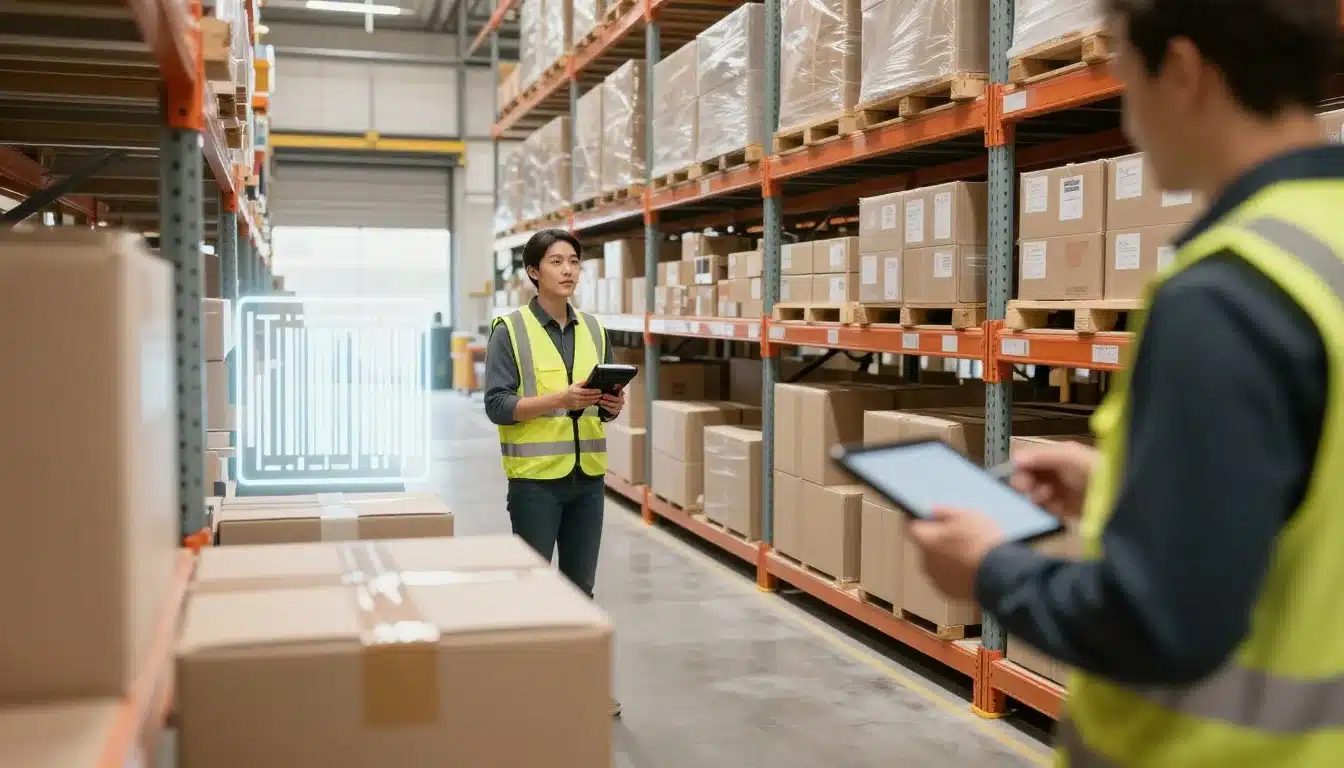

When orders stack up and aisles get busy, small delays turn into late shipments and messy inventory fast. That’s why so many operations are moving away from paper checks and manual typing.
In plain terms, Mobile Scanning means using handheld barcode scanners, rugged phones, tablets, and wearables to scan items and update your system in real time. Instead of writing counts down or guessing where stock went, teams confirm every move as it happens.
The payoff is simple: faster receiving and picking, fewer pick-and-pack mistakes, cleaner cycle counts, and better inventory accuracy you can trust. It also helps safety because workers spend less time re-handling cases, searching for product, or rushing to fix errors at the dock.
In this post, you’ll see the practical benefits of mobile scanning, plus where it makes the biggest difference (receiving, picking, packing, cycle counts, and shipping). You’ll also learn what to watch out for, including Wi-Fi coverage, training for new hires, and choosing the right device for your floor conditions. Finally, you’ll get a clear way to measure ROI, using metrics like picks per hour, mis-picks, recount rates, and time to ship, and how a Lean Warehouse Management System with mobile scanning can tie it all together.
Faster work from receiving to shipping, without extra steps
Mobile Scanning speeds up work most when it happens at the point of work. In other words, scan the pallet at the dock, scan the bin in the aisle, scan the carton at packout, and your system updates right then. That removes the “I’ll key it in later” gap where errors and bottlenecks love to hide.
When every scan posts in real time, your team stops waiting on handoffs. Receivers do not need to print notes for inventory control, pickers do not pause to ask for location checks, and packers do not hold shipments while someone fixes a mismatch.
Speed up receiving and putaway with instant item checks
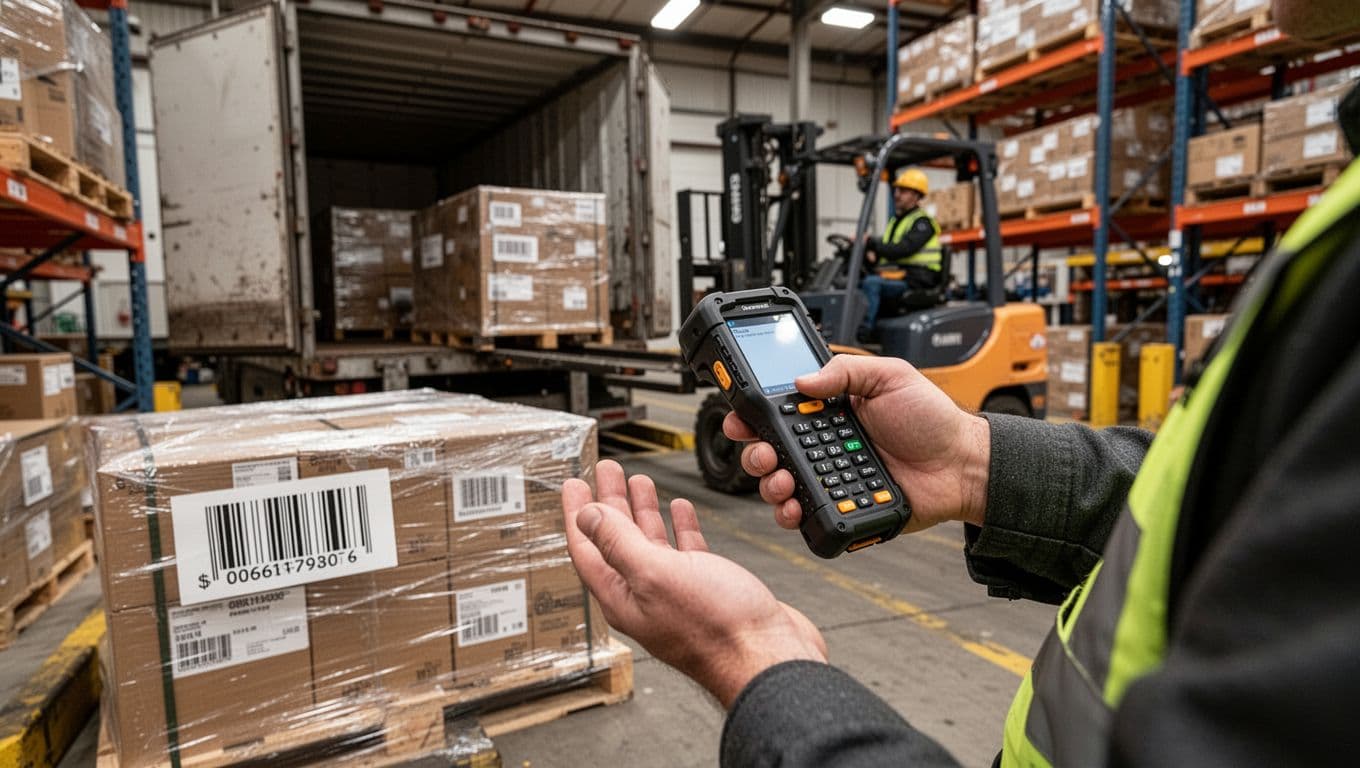
At receiving, scanning turns a busy dock into a controlled flow. Instead of counting, writing, then re-keying, the receiver scans the ASN or pallet ID to confirm what arrived. Next, they scan item barcodes to match quantities against the PO, so mismatches show up immediately, not after the driver leaves.
Labeling becomes part of the same motion. Scan the item, print the right label (license plate, lot, or location label), apply it, then move on. Because the system already knows what the pallet is, it can also direct putaway to the best open location based on rules like zone, velocity, temperature, or empty space.
That creates two big wins: fewer delays at the dock, and faster inventory availability for picking. Your “dock-to-stock” time shrinks because there is no second round of data entry.
Rugged gear matters here. Long-range scanning helps when product sits on high racks or deep in staging. Rugged devices keep working in cold storage, dusty areas, or high-traffic docks where consumer phones tend to fail.
The fastest receiving teams do not move faster, they stop doing work twice.
Move through picking and replenishment with less walking and fewer pauses
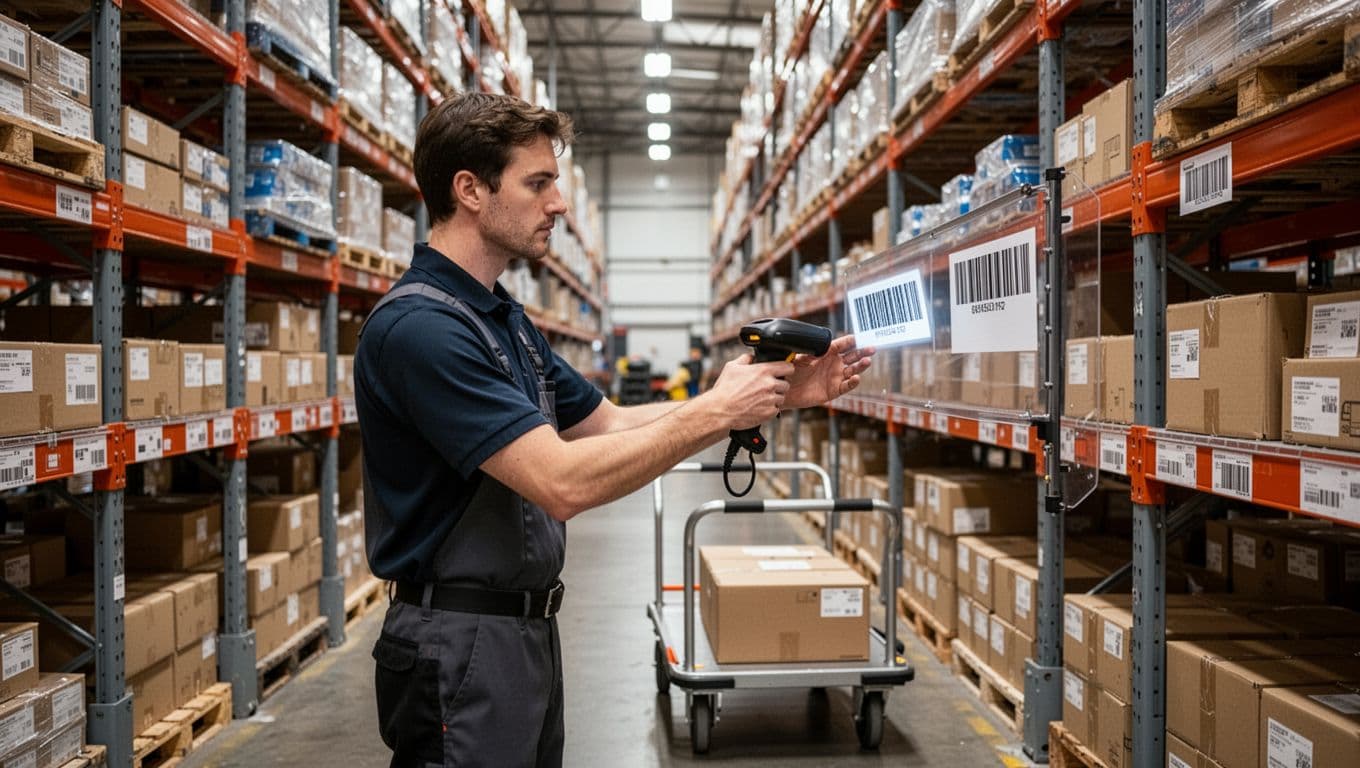
In picking, Mobile Scanning acts like guardrails. The device guides the picker along a pick path, then requires a quick scan to confirm the right bin and the right SKU before anything goes in the tote. As a result, workers stop “double-check walking” back to a shelf because they are not sure they grabbed the correct item.
A simple flow looks like this:
- The picker scans the bin barcode to confirm location.
- They scan the item barcode to confirm SKU.
- They enter or scan the quantity, and the on-hand updates instantly.
That instant update matters because it triggers replenishment sooner. When the system sees stock drop below a minimum, it can create a task right away, before the next picker hits an empty slot. Less backtracking also reduces aisle congestion.
If you have high-volume piece picking, hands-free wearables can help too. In many operations, they can speed picking by about 30% versus standard handhelds, because the worker does not stop to grab and set down the device each line.
Keep packing and shipping flowing with fewer exceptions
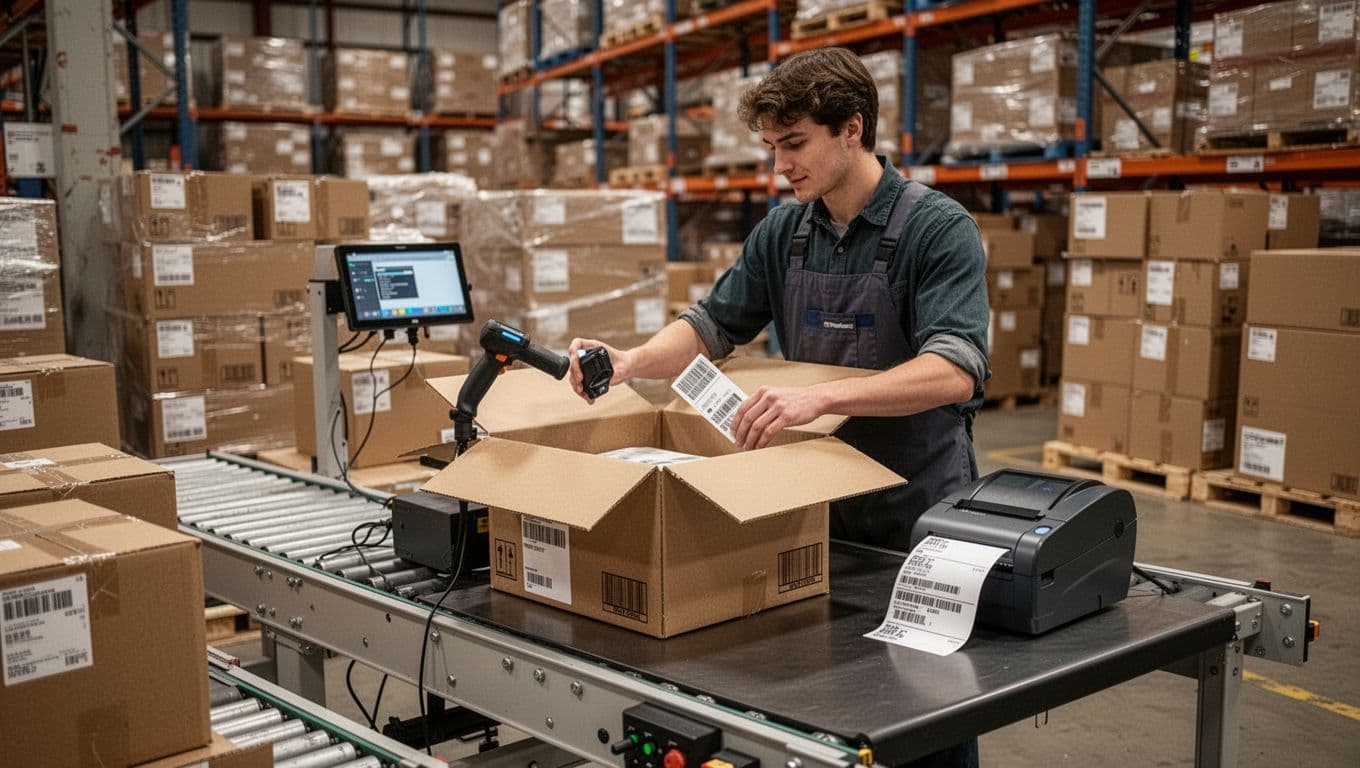
Packing is where small mistakes get expensive. Scan-to-pack forces a quick confirmation before the carton closes. The packer scans the order, scans each item as it goes in, and the system validates that the contents match. Then carton verification confirms the carton ID, weight (if used), and the right carrier service before the label prints.
Because scanning catches issues early, you cut rework like reopening boxes, reprinting labels, and hunting for the missing line item. That helps you hit carrier cutoffs because shipments do not pile up in “problem solving” near the ship door.
Mobile Scanning prevents common exceptions like:
- Short picks (an item never made it into the carton)
- Wrong SKU (look-alike items, wrong size, wrong color)
- Missed scan (an item moved without being recorded)
The result is a smoother handoff from pack to ship, with fewer stops and fewer last-minute fixes.
Better accuracy that customers notice and finance teams love
Speed is great, but accuracy is what customers remember. Mobile Scanning turns every pick, move, and pack step into a verified transaction, not a “trust me” moment. Each scan checks the item against what the system expects, and it logs a time-stamped, user-stamped record you can trace later.
That tighter control pays off twice. Customers see fewer wrong items and fewer split shipments. Finance sees fewer returns, fewer credits, and less time untangling “what happened” after the fact.
Reduce mis-picks and mis-shipments with scan confirmation
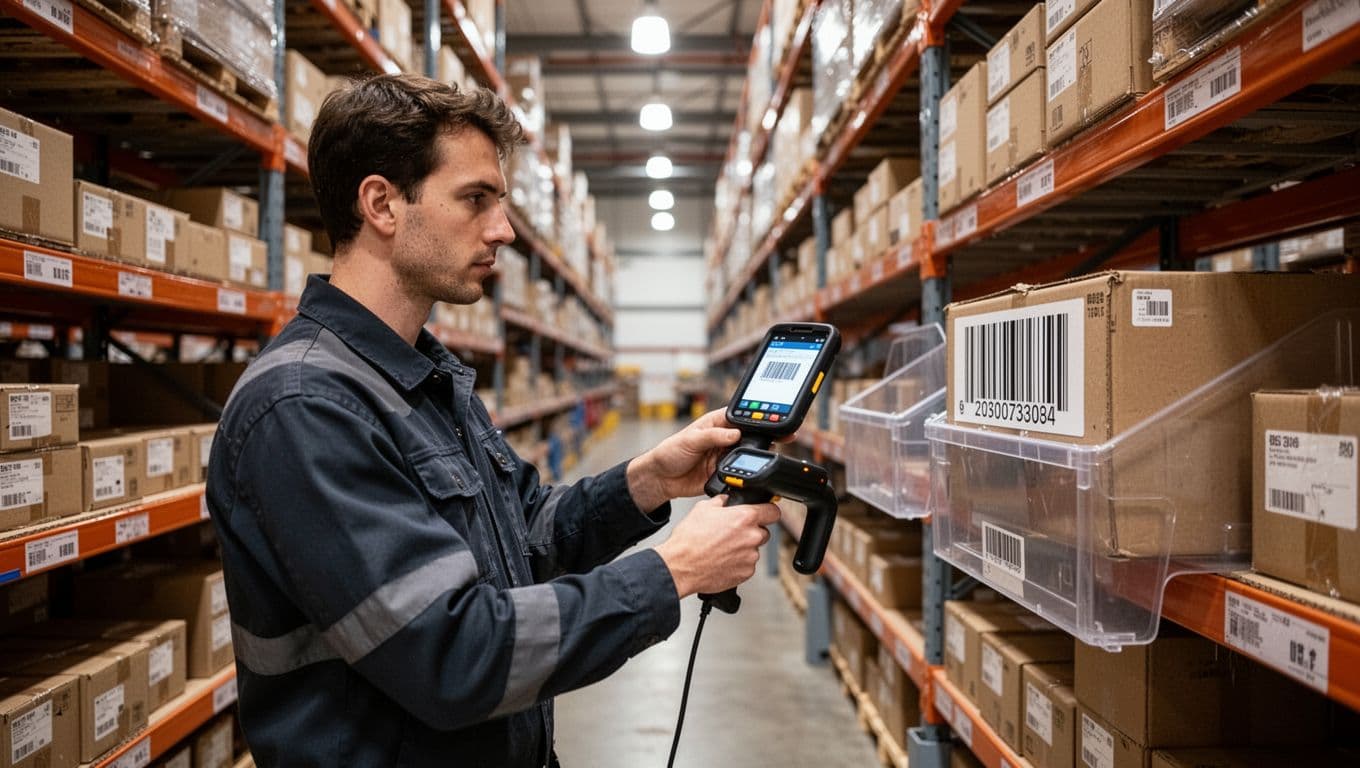
Think of scan confirmation like a turnstile. If the barcode doesn’t match the order line (or the required lot or serial), the process doesn’t move forward. That checkpoint matters most when items look alike, live in the same bay, or vary by size, color, revision, or pack.
In practice, Mobile Scanning verifies more than just “a product.” It can validate the SKU, bin/location, lot number, and serial number before the picker can confirm the line. As a result, the wrong item gets caught at the shelf, not at the customer’s dock.
Industry reporting consistently shows that manual entry runs around 1% error rates, while scanning accuracy can reach 99.9% (often described as errors dropping to one in several million scans). That gap is where mis-shipments, returns, and credits come from. Scanning removes the keyboard from the process, and it’s hard to argue with that.
A mis-ship is expensive because it creates two orders: the wrong one you sent, and the right one you now have to rush.
Keep inventory counts more reliable with real-time updates
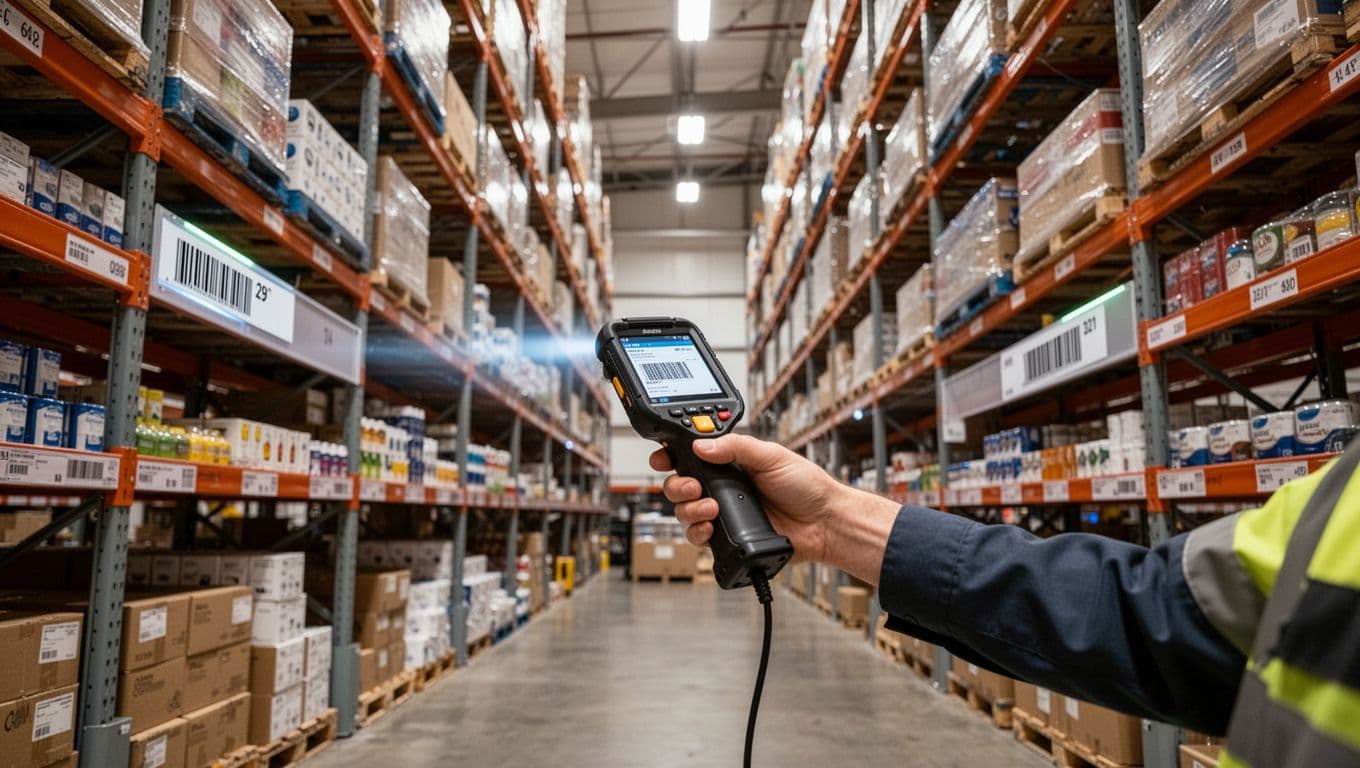
Inventory errors often come from timing, not effort. When someone picks today and updates later, you create “phantom stock” on paper and empty shelves in real life. Real-time scans close that gap because the on-hand updates the moment product moves.
That accuracy has a ripple effect. Planners trust the system more, so replenishment fires on time. Customer service makes fewer awkward calls about stockouts. Meanwhile, purchasing stops padding orders “just in case,” because the counts hold up.
Cycle counting gets easier with mobile devices, too. Instead of a full shutdown count, teams can do short, targeted counts every day. A typical scan-based cycle count flow looks like this:
- Scan the location to confirm you’re in the right bin.
- Scan the item to confirm the SKU you’re counting.
- Enter the quantity, and post the adjustment right away.
Over time, that steady rhythm reduces recounts, reduces surprises, and keeps operations moving while you count.
Handle lot control, serial tracking, and expiration dates with less stress
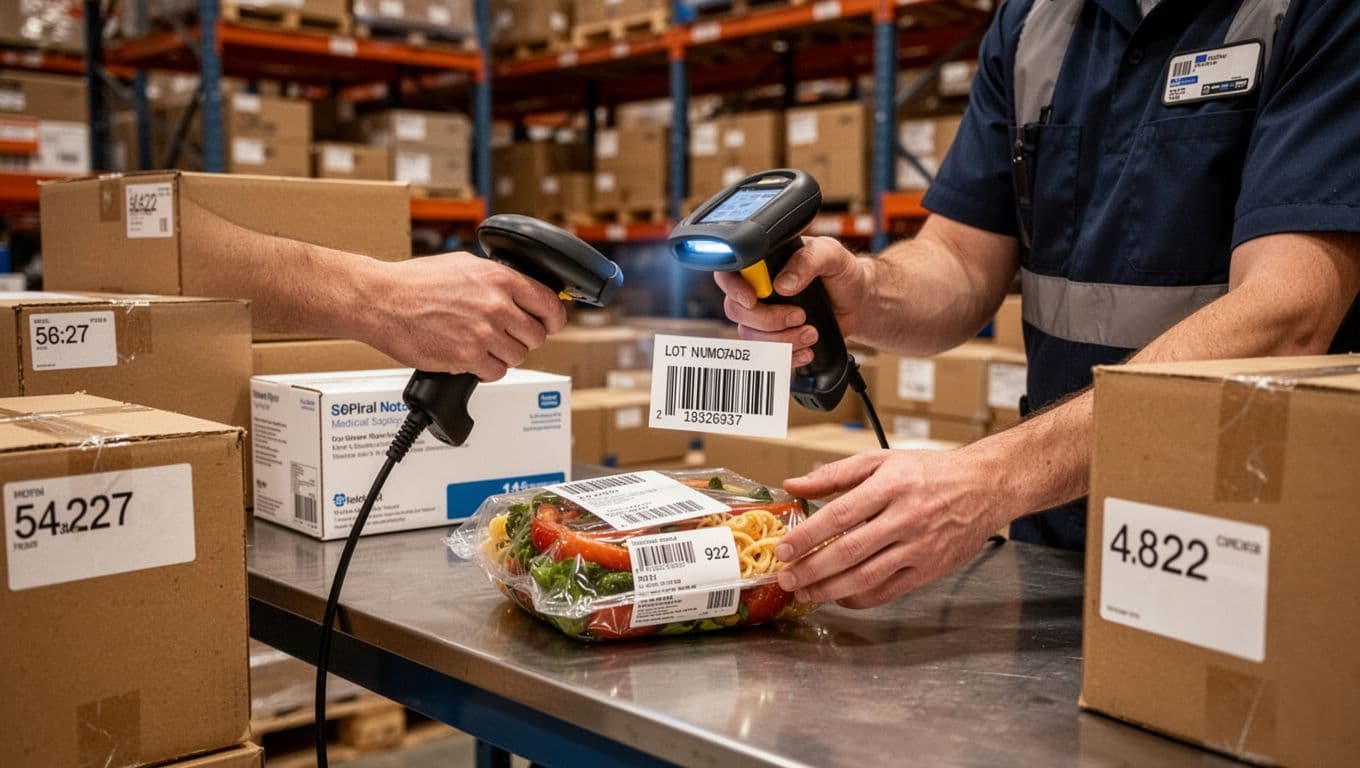
Lot control and serial tracking sound scary until you make them scan-first. With handhelds, workers capture the lot, serial, or expiration date at receiving, then the system carries that identity forward through putaway, picking, packing, and shipping. You get traceability without relying on memory or handwriting.
Simple examples show why this matters:
- Food and beverage: scan lot numbers so you can isolate affected product quickly.
- Medical supplies: enforce pick rules by scanning expiration dates, so near-expired items ship first (and expired items don’t ship at all).
- High-value goods: scan serials to prove exactly which unit went to which customer.
Downstream, that clean scan history means faster recalls (targeted lots instead of broad panic), and easier audits because the proof is already in the transaction trail. For a deeper look at how scan workflows support accuracy end to end, see https://leanafy.com/barcode-qr-scanning-wms/.
A safer, easier day for warehouse teams (and fewer injuries)
Safety gets better when the job gets simpler. Mobile Scanning helps because it removes extra handling, reduces rework, and keeps people moving with purpose instead of rushing to fix mistakes. The right devices also matter, because a scanner that fits the work reduces fatigue, dropped gear, and awkward postures that add up across a shift.
Cut strain from repetitive tasks with ergonomic handhelds and wearables
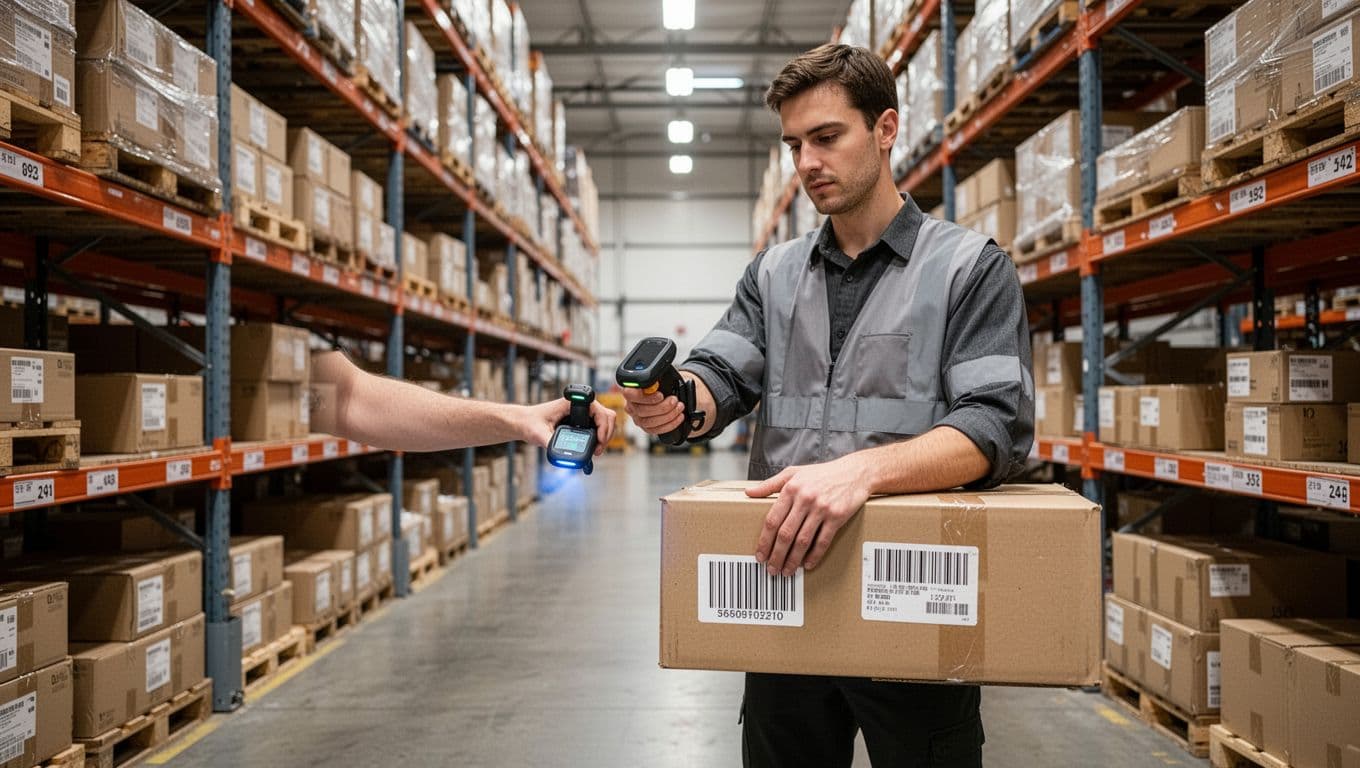
Repetitive scanning can feel like death by a thousand clicks. Over time, heavy devices and tight grips can push wrist and hand fatigue higher, especially in piece picking and packing.
Ergonomic handhelds and wearables aim to lower that load. Lighter bodies, balanced weight, and better grips mean less pinch force. Wearable scanners (like ring scanners) also help because the device stays on the hand, so workers stop doing the constant pick up, scan, set down routine.
A few practical design details make a real difference on the floor:
- Lighter hardware: Less weight in the hand, less fatigue by mid-shift.
- Better grip geometry: A natural hold reduces bent wrists and over-gripping.
- Wearable scanning: Frees the hand from clutching a device all day.
Some operations also report that wearables can reduce certain repetitive strain issues by around 25%, depending on the task and rollout. Treat that as a typical signal, not a promise, because outcomes change with training, volume, and how well the workflow fits the job.
Make busy aisles safer with eyes-up, hands-free workflows
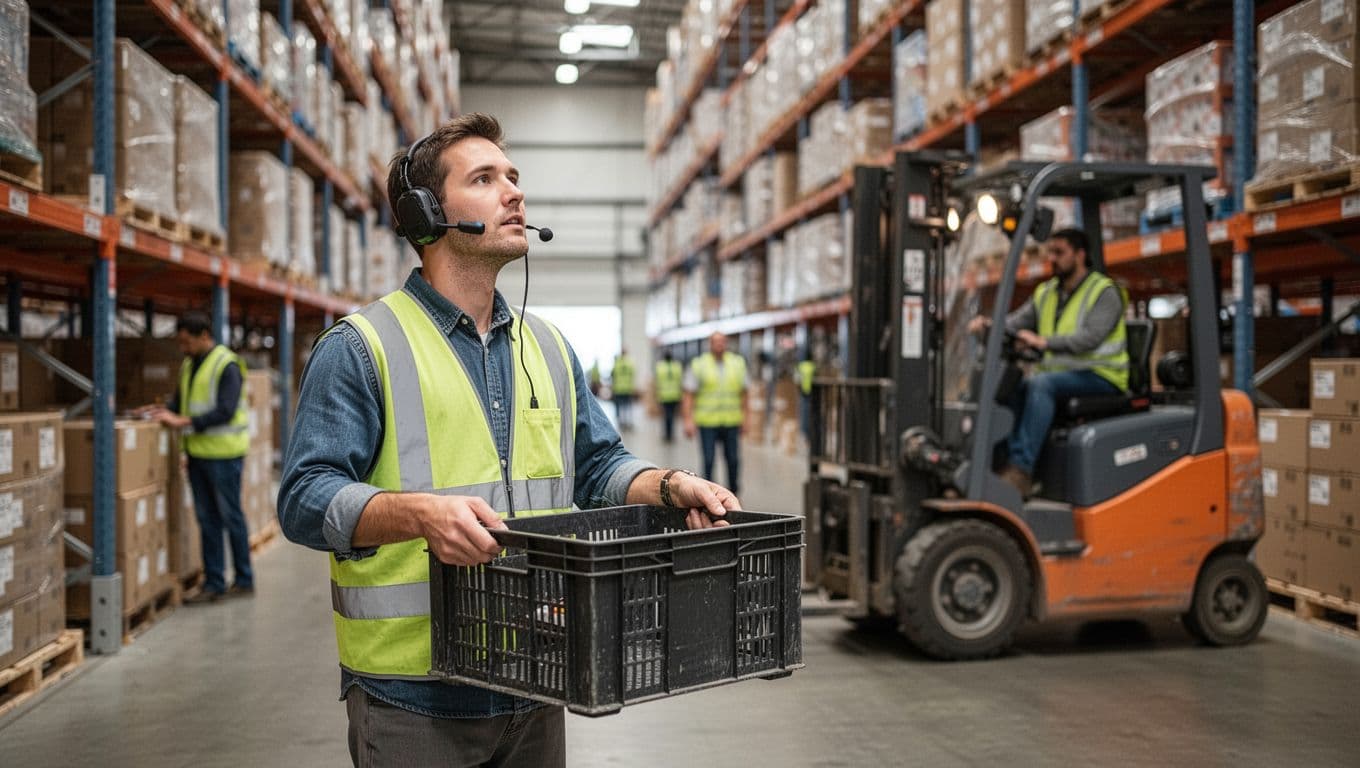
Crowded aisles punish distractions. When pickers stare down at paper lists or keep stopping to tap screens, awareness drops. Then you get more near-misses with forklifts, pallet jacks, and other pedestrians.
Voice picking and wearable scanning encourage eyes-up work. The system talks, the worker confirms, and the scan happens without juggling a clipboard. Because tasks flow without stop-and-go moments, people don’t dart into cross-traffic to “make up time.”
Here’s what that can look like without adding steps:
A picker walks the aisle with a tote and hears, “Aisle 12, Bay C, pick 3.” They look ahead, not down. At the slot, they grab the item, scan with a wearable, and keep moving. When a forklift approaches the intersection, they see it early and pause naturally, then continue once the path is clear.
Safety improves when attention stays where the hazards are, not on a piece of paper.
Use rugged devices that hold up in cold, dust, and drops
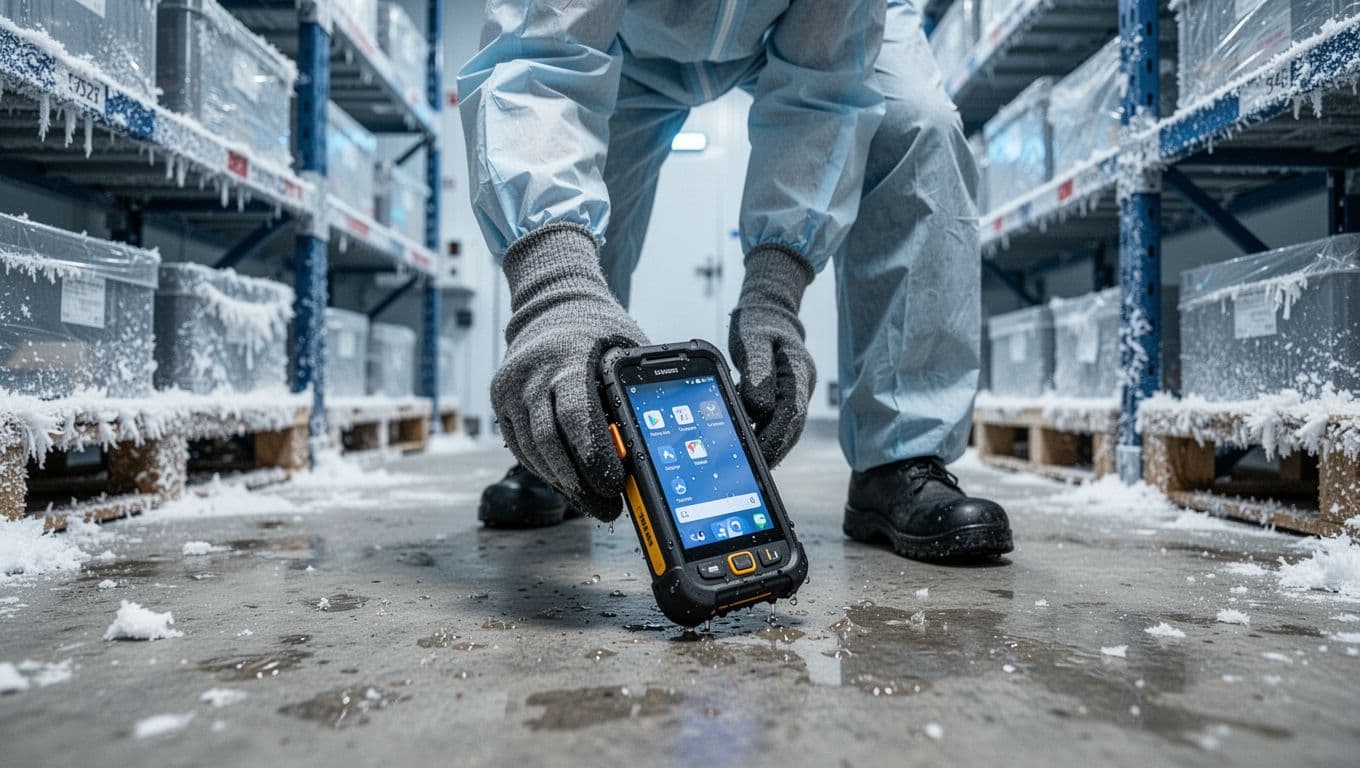
“Rugged” just means the device is built for warehouse abuse. It’s sealed against dust and water, drop-tested for concrete, and designed to work with gloves. Many also have batteries that last a full shift (or swap fast), so people don’t improvise unsafe charging habits in the middle of work.
Consumer phones can struggle in harsh zones. Cold storage drains batteries fast. Dust gets into ports. A simple drop can crack a camera or screen, and suddenly the team shares one working device. That leads to waiting, rushing, and workarounds, which is where mistakes and injuries creep in.
Rugged devices pay off most in:
- Freezers and chill rooms (cold, condensation, thick gloves)
- Docks and staging (drops, vibration, constant handling)
- Dusty or dirty areas (sealed ports, tougher housings)
When Mobile Scanning works every time, teams stop fighting the tool and focus on moving product safely.
Lower costs and clearer ROI, even if you start small
Mobile Scanning pays for itself in boring, reliable ways: fewer errors, less rework, less paper, and less overtime. You don’t have to flip the whole building at once either; a small pilot can show the signal fast, then you scale what works.
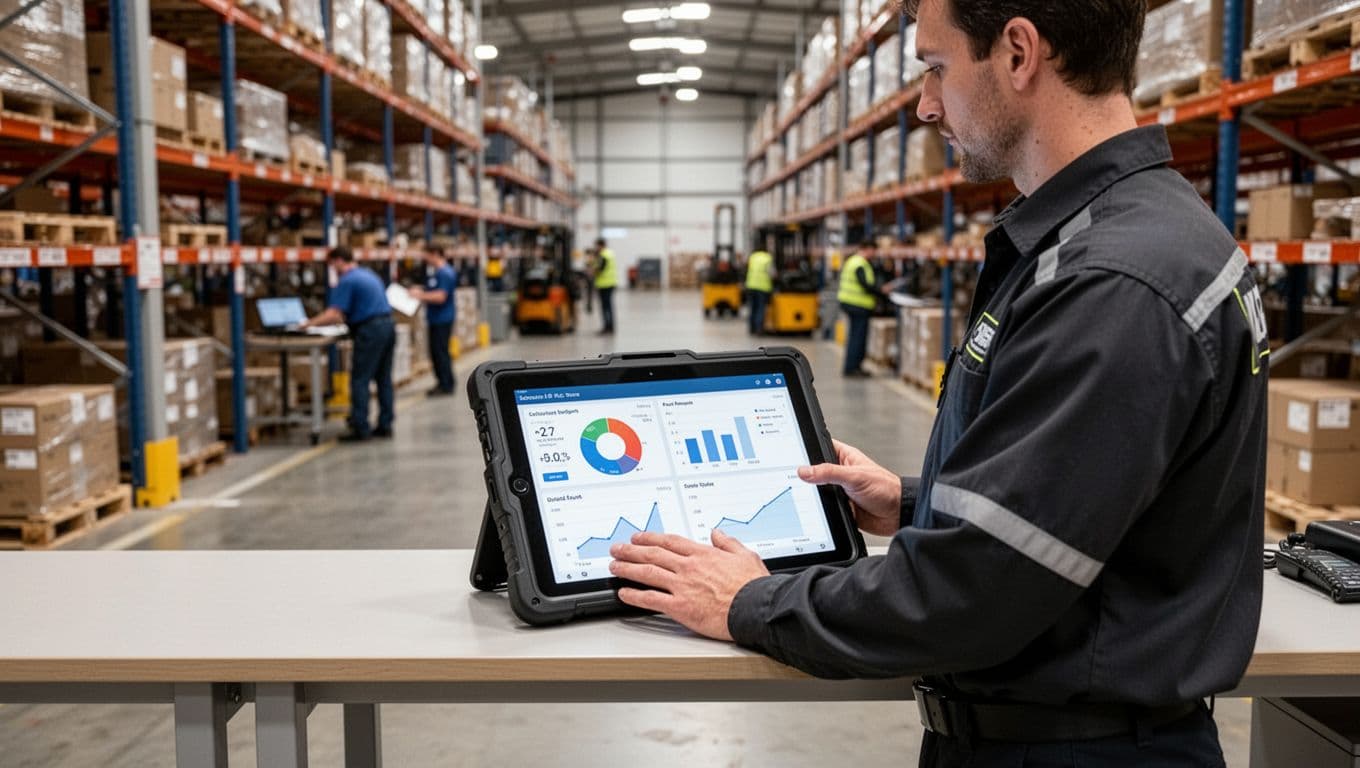
Spend less time fixing mistakes, returns, and rework
Every error creates extra touches. Someone has to find the order, confirm what shipped, re-pick, re-pack, re-label, and often pay shipping twice. Add customer service time, credits, and the hidden cost of unhappy customers who stop ordering.
Mobile Scanning reduces those mistakes because each scan confirms the bin and the SKU before the worker moves on. That accuracy turns into savings in plain terms:
- Less labor per order because you stop “doing it again.”
- Lower returns and reships from wrong items and short shipments.
- Fewer fire drills at the dock, so overtime drops.
Some deployments report labor cost reductions around 25% to 30% after scan-based workflows replace paper and manual entry. Results vary by layout, volume, and training, but the direction is consistent: fewer errors means fewer paid hours spent fixing them.
Choose the right devices: phones, rugged handhelds, tablets, or wearables
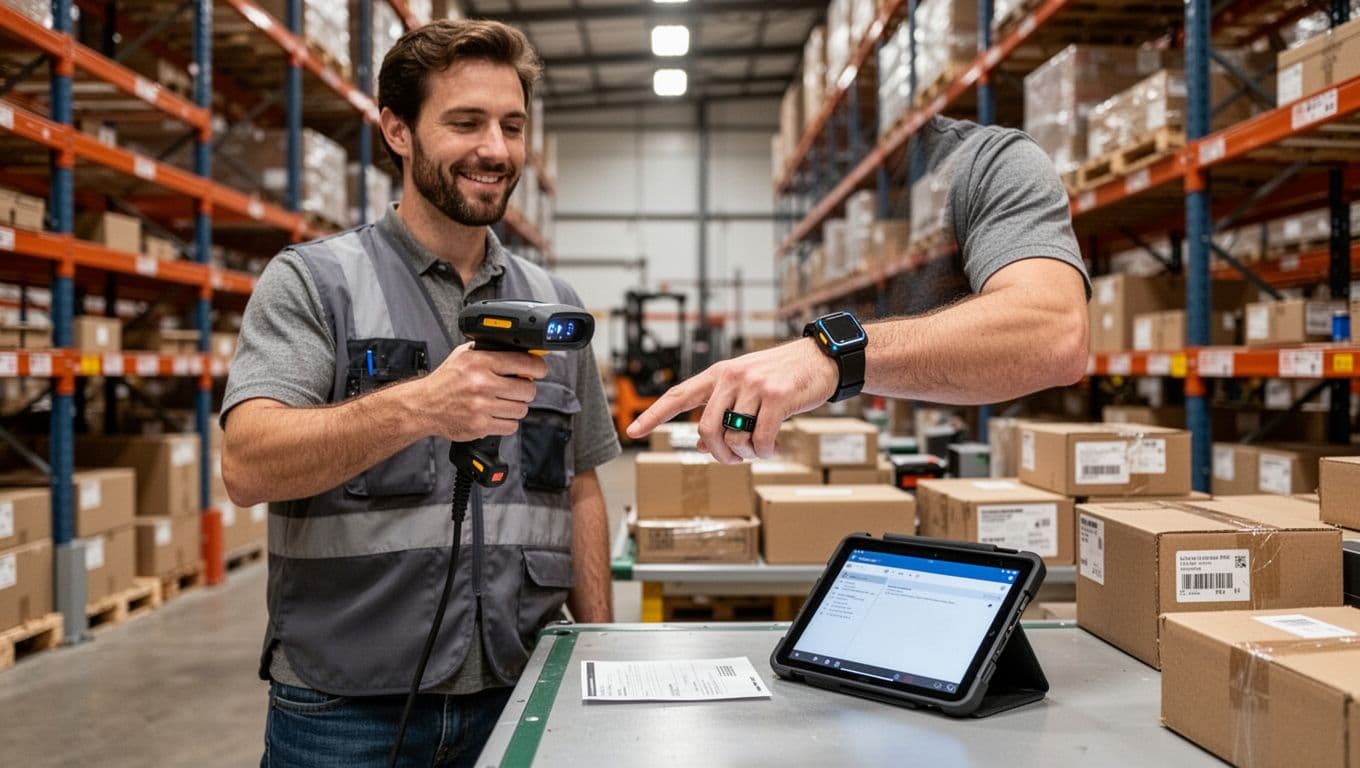
Device choice is where “start small” gets real. You can pilot with phones in protective cases, then move to a rugged fleet where the floor demands it.
A quick decision guide helps:
- Phones (BYOD or company-owned): Lowest entry cost, good for light scanning and admin tasks. Add a tough case, and consider a sled or clip-on scanner if speed matters.
- Rugged handhelds: Best all-around for fast scanning and durability. Look for trigger handles, hot-swappable batteries, and long-range scanners for high racks.
- Tablets: Great when workers need scanning plus forms, photos, and larger screens (receiving, QA, exception handling). Forklift mounts also shine here.
- Wearables (ring scanners, wrist computers): Best when pick speed is the top goal, since hands stay free and motion stays smooth.
Cold storage, heavy dust, and constant drops usually push you toward rugged gear, because downtime is a cost too.
Plan for Wi-Fi, training, and device management so the rollout sticks
Most “failed” rollouts fail in the basics: dead zones, unclear scan rules, and temps who never got trained. Fix those early, and Mobile Scanning feels easy instead of frustrating.
Wi-Fi comes first. If a picker hits a dead spot, they will invent workarounds. Next, standardize what gets scanned (location, item, lot, carton), and keep it consistent across shifts.
Device management matters as you scale. You don’t need to go deep on MDM (mobile device management), just use it to push app updates, lock down settings, and track devices so one bad update does not break a shift.
A simple rollout checklist:
- Map workflows (receiving, pick, pack, cycle counts).
- Label locations clearly, then verify scan readability.
- Test scan rates in worst-case areas (freezer, high racks, bright docks).
- Train supervisors first, then train temps with a short, repeatable script.
- Start with a pilot zone, then expand once metrics improve.
Measure results with a few simple metrics that tell the truth
Keep ROI math simple: savings = (time saved per order + fewer error fixes) minus monthly software and device costs. To make that real, measure only what you can act on.
Start with a baseline for 2 to 4 weeks, then look for a clear signal in 30 to 90 days after rollout. Track:
- Pick rate (lines per hour)
- Order accuracy (mis-picks, shorts, wrong-item returns)
- Dock-to-stock time
- Inventory accuracy
- Cycle count time
- Returns due to wrong item
- Overtime hours
If two or three of those move in the right direction, you have a clean story for leadership: less rework, fewer shipments fixed twice, and a process that scales.
Conclusion
Mobile Scanning pays off because it fixes the everyday friction on the floor. When teams scan at receiving, picking, packing, and shipping, work moves faster with fewer handoffs. At the same time, scan checks cut mis-picks and mis-shipments, so inventory stays trustworthy and customers get what they ordered. Just as important, better device fit (handhelds, tablets, or wearables) supports safety by reducing rework, extra handling, and rushed cleanup at the dock.
The best way to start is small and practical. Pick one workflow, like receiving or picking, match the device to your environment (rugged for cold, dust, and drops, wearables for high-volume piece work), then track a few numbers that tell the truth: pick rate, error rates, dock-to-stock time, and overtime.
Next, run a short pilot in one zone, train leads first so coaching stays consistent, then scale what works. If you want mobile workflows that tie scanning to real-time inventory and clear tasks, review https://leanafy.com/barcode-qr-scanning-wms/ and build from there.