

A small slip in the warehouse can turn into a loud problem fast. One missed scan, one box set on the wrong shelf, or one late stock update can snowball into stockouts, overstock, canceled orders, and upset customers.
That’s where inventory management software (IMS) comes in. IMS is the system that tracks what you have, where it sits, and what’s moving in or out, then updates those numbers as work happens (often through barcode scans and simple checks). In plain terms, it replaces guesswork and “we’ll fix it later” spreadsheets with a live source of truth.
Warehouse Errors usually show up as picking the wrong item, counting the right item wrong, misplacing stock, or reordering too late. On a busy shipping day, those mistakes stack up, a picker grabs a look-alike SKU, a packer ships it, the inventory count still says you have units you don’t, and the next order gets promised stock that’s already gone. Many operations still run at about 85 to 90 percent inventory accuracy, so even a small gap can cause daily chaos.
This post breaks down what IMS is, how it works day to day (receiving, putaway, picking, packing, and cycle counts), and the specific ways it improves accuracy so those small slips don’t keep turning into expensive fixes.
What inventory management software (IMS) is, in simple terms

Inventory management software (IMS) is your system of record for inventory. In simple terms, it tells you what you have, where it is, and what’s changing, then it updates those numbers as work happens. Think of it like a scoreboard that refreshes after every play, instead of a spreadsheet you update at the end of the day.
IMS can be a standalone tool or part of a bigger suite. Either way, it reduces Warehouse Errors because everyone works from the same, current counts, not yesterday’s notes.
What an IMS tracks every day (items, locations, and movement)
IMS tracks a few core “objects” that show up in almost every warehouse:
- SKU (item): A unique product you sell or stock, like “Blue T-Shirt, Medium.”
- Lot or batch (if used): A group made together, helpful for expiration dates or recalls.
- Bin or shelf location: The exact spot where inventory sits, like aisle, bay, level, bin.
- On-hand: Units physically in the building right now.
- Committed: Units already promised to orders, but not shipped yet.
- Available: What you can sell now, usually
on-hand minus committed. - Inbound: Units on the way from suppliers or transfers, not received yet.
- Outbound: Units leaving soon, tied to shipments or transfers.
- Returns: Units coming back that may need inspection or restocking.
“Movement” is simply any event that changes quantity, location, or status. Common movements include receiving (goods arrive), putaway (stock gets stored in a bin), transfers (move between bins or warehouses), picking (grab items for orders), packing (box and verify), shipping (confirm it left), adjustments (fix a mismatch), and cycle counts (small, frequent counts to confirm reality). When movements get captured in the moment, the system stays honest.
Where IMS fits with POS, ecommerce, accounting, and ERP systems
IMS sits in the middle of your workflow, even when other systems touch inventory. Accuracy improves when your tools share the same numbers, because you avoid double entry and conflicting reports.
Here’s how syncing usually works in plain English:
- When an ecommerce order is placed, IMS can reduce available stock right away, so you don’t oversell.
- When a POS sale happens in a store, that sale can also reduce available stock, even if the item ships later.
- When you create a purchase order, IMS shows the items as inbound, so planners stop guessing what’s coming.
- When items are received, accounting can match bills and costs to what actually arrived, which keeps margins and inventory value cleaner.
- In an ERP, IMS may be the inventory layer (or feed it), while the ERP handles broader planning, finance, and operations.
The goal is simple: one set of quantities, updated once, used everywhere.
Who uses IMS and when it becomes a must-have
IMS is not just for warehouse leaders. It helps anyone who needs clean inventory info to do their job fast.
Common users include warehouse associates (scan, pick, and move), an inventory manager (counts and accuracy), purchasing (reorder timing), and customer support (order status and substitutions).
IMS becomes a must-have when you see these signals showing up often:
- You sell through multiple channels (online, retail, wholesale).
- You run more than one warehouse or even a second storage area.
- You have fast-moving items and constant replenishment pressure.
- Stockouts keep happening, even though “the system says you have it.”
- Returns are frequent, and restock decisions feel messy.
- Manual counts take too long, so numbers stay stale.
- Order volume is rising, and small Warehouse Errors are turning into daily fires.
When any of those sound familiar, IMS stops being “nice to have” and starts being the tool that keeps your operation believable.
How IMS improves accuracy and cuts warehouse errors step by step
Warehouse Errors rarely come from one big mistake. They usually come from small gaps that stack up, late updates, look-alike items, rushed handoffs, and manual entry. IMS helps because it turns each inventory touch into a recorded transaction, then makes the next step depend on that truth.
Think of it like a relay race. If the baton handoff is clean every time (receive, move, pick, pack, ship), the whole run stays smooth. If one handoff gets skipped, everything after it gets messy.
Real-time updates stop “phantom inventory” and surprise stockouts
Phantom inventory is when the system says you have stock, but the shelf is empty. It can happen after an unrecorded pick, a bin move that never got logged, a return that never got inspected, or a shipment that was packed differently than planned. The result is the same: someone promises inventory that is not there, then the warehouse scrambles.
Real-time IMS transactions shrink that gap because the count changes at the moment work happens, not at shift end. When receiving posts immediately, putaway updates the bin right away, and picks reduce stock as they are confirmed, your on-screen number tracks the floor.
This gets even tighter when IMS separates committed vs. available stock:
- On-hand is what should be in the building.
- Committed is what you have already promised to open orders.
- Available is what you can still sell, usually
on-hand minus committed.
That committed layer is where accuracy turns into better customer promises. When an order drops in, IMS can reserve inventory (commit it) before the picker ever walks the aisle. As a result, a second order does not accidentally sell the same unit. Customer support sees realistic availability, and the warehouse stops getting last-minute “find one more” requests.
If your team keeps hearing “but the system says we have it,” you have a timing problem. Real-time updates fix timing, which fixes trust.
The payoff is direct: fewer surprise stockouts, fewer substitutions, and fewer canceled orders after the customer already checked out.
Barcodes and RFID reduce mispicks, wrong shipments, and returns

Many Warehouse Errors are simple mix-ups: wrong SKU, wrong size, wrong color, wrong version, or the right item pulled from the wrong lot. Paper pick lists and “I know this aisle” memory do not hold up when you are tired or the shelves are full of look-alikes.
Barcode scanning (and RFID in some operations) adds a quick reality check at the places errors usually start. Here are the scan points that matter most:
- Receiving: Scan what arrived so the system matches what you actually got, not what the supplier said they shipped.
- Bin moves: Scan from-location and to-location so items do not “disappear” into the wrong shelf.
- Picking: Scan the bin and item to confirm the picker grabbed the right SKU (and the right lot or variant).
- Packing: Scan items into the carton so the shipment matches the order before the label prints.
For someone new to scanners, the idea is simple: the device beeps “yes” or “no.” If the picker scans the wrong item, IMS blocks the step or flags it right away. That scan-to-confirm moment is small, but it prevents the expensive chain reaction: wrong shipment, return label, refund, replacement shipment, and time spent on rework.
RFID can reduce scanning friction because it can read tags without line-of-sight. That is helpful for high-volume flows or when items are hard to scan one by one. Either way, the core accuracy gain comes from the same thing: verification at the point of action, not after the customer complains.
Automation handles repetitive tasks that people often get wrong
Manual tasks fail in predictable ways. People get interrupted, they rush at the end of a shift, and they copy numbers wrong. IMS automation targets those repeatable failure points and removes the need to remember steps.
A few automations make an immediate dent in Warehouse Errors:
- Reorder points and low-stock alerts: IMS watches available stock and warns you before you hit zero. This reduces “we ran out without noticing” and the panic orders that follow.
- Auto-reorder suggestions: Instead of guessing, the system can propose quantities based on min-max rules, sales velocity, and lead times (depending on the setup).
- Controlled adjustments: When counts do not match, IMS can require an approval step or reason codes before changing inventory. That prevents quiet “fixes” that hide real process issues.
- Automatic paperwork: Pick lists, transfer docs, and packing steps generate from the order data, so staff does not retype SKUs or quantities.
Automation helps most when the warehouse is under pressure. Fatigue and speed push people toward shortcuts, and shortcuts create wrong numbers. When IMS fills in the fields, reserves inventory, and prints the right tasks, the team stays focused on physical work, not keyboard work.
Cycle counts and guided workflows keep numbers honest all year

Annual physical counts find problems late. You shut down (or slow down), count everything, then discover months of drift in one painful week. Cycle counting flips that pattern. You count smaller slices on a schedule, then fix issues while they are still easy to trace.
IMS makes cycle counting practical because it can:
- Assign counts by zone, bin, SKU class, or velocity (count fast movers more often).
- Track variances and highlight patterns (the same aisle always off, the same SKU always short).
- Require reasons for adjustments (damage, mispick, supplier shortage, unrecorded move), so you learn what is causing the drift.
That last point matters. An adjustment without a reason is just a number change. A reason creates a process fix.
IMS also improves accuracy with guided workflows. Instead of letting putaway happen wherever there is space, the system can direct the associate to a specific bin, then require a scan to confirm it. Picking can work the same way, with a suggested path and bin confirmation. Fewer items end up in the wrong spot, and pickers waste less time searching.
In other words, cycle counts keep the score honest, and guided work keeps the warehouse from creating new errors in the first place.
Accuracy in practice: the common warehouse errors IMS helps prevent
Most Warehouse Errors aren’t dramatic. They look like small shortcuts, half-finished updates, and “I’ll fix it later” notes. Then they pile up. An IMS helps because it turns everyday warehouse work into confirmed steps. Counts update when work happens, locations stay attached to items, and the system flags problems before they hit a customer.
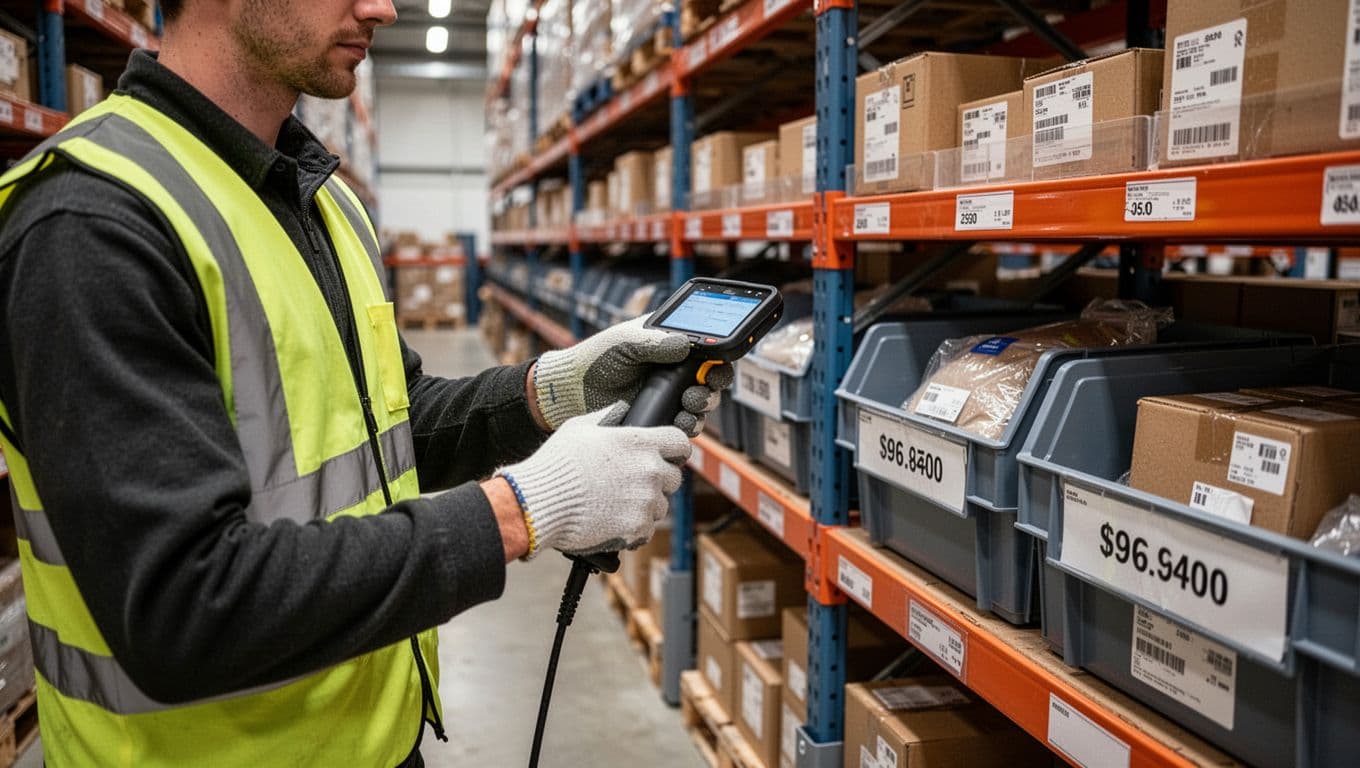
Overstocking and understocking from outdated counts and guesswork
This error usually shows up as a purchasing “surprise.” You reorder an item you already have, or you skip reordering because the spreadsheet says there’s plenty. A week later, you’re either tripping over pallets of slow movers or telling customers an item is backordered.
It happens for predictable reasons. Counts go stale after unlogged picks, unposted receipts, or quick bin moves during a rush. Seasonality also gets ignored when teams rely on memory instead of trend data. Even small gaps in accuracy can lead to daily bad decisions because you are buying based on the wrong number.
The cost hits from both sides:
- Overstocking ties up cash, eats storage space, and raises spoilage risk for dated goods.
- Understocking triggers stockouts, canceled orders, and “we’ll ship later” damage to trust.
An IMS reduces this by keeping real-time inventory and using simple planning tools that don’t depend on gut feel. For example, when receiving posts the moment product arrives and picks reduce stock as they’re confirmed, purchasing sees a count that matches the floor. Then forecasting reports show sales velocity, so you can spot items that are quietly speeding up. Finally, reorder alerts warn you before you hit the danger zone, so you buy earlier with less panic.
When the count is late, every buying decision becomes a guess. When the count is live, buying becomes a repeatable process.
Misplaced items and “lost” stock inside the building
This one looks like “We have it, I just can’t find it.” A picker walks the aisle twice, then asks a lead, then checks overflow, then someone shrugs and the order gets shorted. Later, the missing case shows up behind a similar SKU, or in a random end cap, or in a staging area nobody owns.
Items get misplaced because warehouses move fast. Someone puts product in the wrong bin during putaway. Another person relocates stock to make space but doesn’t log the move. Overflow storage becomes a black hole because it feels temporary, and temporary steps often skip documentation.
An IMS prevents a lot of this by treating location like part of the inventory record, not tribal knowledge. Three features do the heavy lifting:
- Bin locations keep each SKU tied to a specific home (and sometimes more than one approved location).
- Scan-required moves force a quick confirmation of “from” and “to,” so the system stays aligned with reality.
- Audit trails show who moved what, when, and where, which makes it easier to fix the root cause instead of doing another band-aid adjustment.
In practice, it means less wandering and fewer “lost” units. When a customer order drops, the picker gets a clear location, then a scan confirms they’re in the right spot.
Picking, packing, and shipping mistakes that trigger costly rework
These are the Warehouse Errors customers feel first. The box arrives with the wrong item, the wrong quantity, or one line item missing. Sometimes the shipment gets split because the team didn’t realize part of the order sat in another zone, so the customer gets two boxes, two tracking numbers, and a headache.
Why does it happen? Look-alike products sit near each other. Pick lists get printed, then changed. New hires work from memory too soon. Under pressure, packers skip verification because “it’s probably fine,” and “probably” turns into returns, reships, and support tickets.
IMS reduces rework by building in checks at the moments mistakes happen:
- Pick verification: The picker scans the bin and item, so the wrong SKU gets blocked before it hits the tote.
- Pack verification: The packer scans items into the carton, so missing items and wrong quantities get flagged before the label prints.
- Shipping checks: The system confirms the order, carton, and label match, which cuts wrong-address and wrong-service mistakes.
These steps also make training faster. Instead of telling a new associate to memorize rules, the workflow guides them, one scan at a time. That structure matters on busy days when speed tempts people to skip the boring details.
Reorder delays and supplier surprises that leave shelves empty
Reorder problems often start with lead time. If a supplier takes 14 days, ordering when you have one week left guarantees a stockout. Then demand spikes, a shipment arrives short, or a delivery slips, and suddenly your best seller is gone.
This happens when teams don’t track three basics together: lead time, safety stock, and what’s already inbound. Without that visibility, people reorder too late, then overcorrect with big “emergency” purchase orders. That creates extra freight costs and messy receiving waves.
An IMS tightens this up with simple, practical tools. Reorder points can factor in lead time and safety stock, so the system triggers alerts earlier. In addition, inbound purchase orders and expected dates give you a clearer picture of what’s coming, which reduces panic buying. When the team can see that 500 units are due next Tuesday, they make calmer decisions today.
The result is fewer empty shelves, fewer last-minute expediting requests, and a replenishment rhythm that feels predictable instead of frantic.
How to choose and roll out an IMS without creating new mistakes

Rolling out an IMS can reduce Warehouse Errors fast, but only if you set it up like a safety system, not a new spreadsheet. The goal is simple: capture the truth at the moment work happens, then make it easy for people to follow the right steps every time.
Keep your rollout calm and practical. Choose the features that protect accuracy, clean your data before you import, and train your team in short bursts. Most importantly, start small enough that you can fix problems before they spread.
Features that matter most when your goal is accuracy
When accuracy is the priority, you want features that prevent bad actions or catch them early. Fancy extras can wait.
- Real-time stock updates: Inventory should change the moment receiving, picks, and moves happen. This stops phantom inventory and the “system says we have it” cycle.
- Barcode support: Scanning replaces typing, which cuts wrong-SKU and wrong-quantity errors. It also adds a quick pass or fail check at the point of work.
- Bin locations: A SKU without a location is like a book without a shelf. Bin-level tracking reduces time spent searching and lowers mispicks.
- Cycle counting tools: Built-in count schedules and variance tracking help you find drift early. That prevents small gaps from turning into daily Warehouse Errors.
- Permissions and approvals: Restrict adjustments and require approvals for sensitive actions (like negative inventory or cost edits). This prevents well-meaning “quick fixes” that hide process problems.
- Audit trail: You need a clear record of who did what and when. When something goes off, the audit trail turns a guessing game into a fixable issue.
- Integrations: Connect ecommerce, POS, purchasing, and shipping so numbers don’t conflict. Double entry is a common source of mismatched counts.
- Clear reporting dashboards: Simple views for stockouts, variances, and picking errors help you spot trouble early. If reports feel confusing, teams stop using them.
If the system can’t block the wrong scan, log the change, and show the variance, it won’t protect accuracy when things get busy.
Data cleanup basics: SKUs, units of measure, and locations
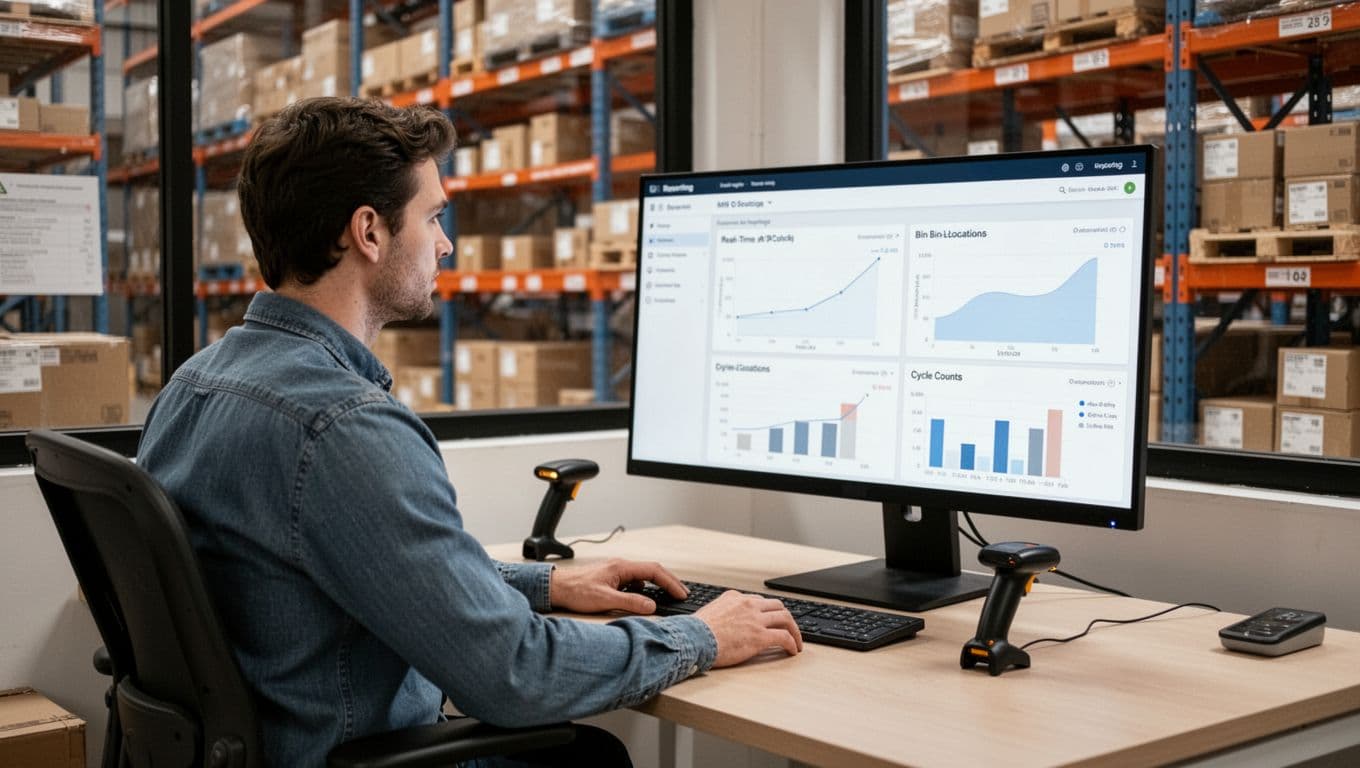
An IMS can only be as accurate as what you feed it. Clean inputs create accurate outputs, so treat data cleanup like you would treat counting cash. It’s boring, but it prevents a lot of painful surprises.
Start with SKU naming. Pick one format and stick to it (for example, BRAND-COLOR-SIZE). Avoid look-alike SKUs that differ by one character. Also, remove duplicates, old SKUs, and “misc” items that hide real products. If two items share a name, someone will pick the wrong one.
Next, confirm barcodes. Every sellable unit should have a scannable code that matches the IMS item record. If your suppliers use different barcodes for the same item, decide what you will scan in the warehouse (your internal label or the supplier label), then standardize it.
Then lock down units of measure. Define how you buy and how you pick. For example, you might buy in cases but pick in eaches. If the system thinks “1” means a case, you will create instant errors at receiving, picking, and reordering.
Finally, create a simple location map. Keep it clear enough that a new hire can follow it on day one. A basic format like Aisle-Bay-Level-Bin works well. Don’t overcomplicate it with dozens of exceptions.
To reduce risk, don’t launch with every SKU and every aisle. Start with one warehouse zone or your top-selling items, confirm accuracy, then expand. Small pilots keep new Warehouse Errors contained while you tune the setup.
Training and change management that reduces warehouse errors fast

Training is where many IMS rollouts either succeed or create brand-new mistakes. Instead of long classroom sessions, teach people what they need for their role, then practice it on the floor.
Use role-based training so each group learns their exact flow:
- Receiving learns how to scan, verify quantities, and flag shortages before they hit the shelf.
- Pickers learn bin-to-item scanning and what to do when the bin is empty.
- Packers learn scan-to-box checks, so wrong shipments get caught before the label prints.
Keep job aids short. A one-page sheet near the station beats a 40-page manual nobody opens. Focus each aid on the handful of actions that prevent the most Warehouse Errors, like “scan bin, scan item, confirm quantity.”
Build scan discipline from day one. If you let people bypass scans “just this once,” you train them to ignore the system. Make it clear when scanning is required, and make sure devices are charged, reachable, and fast enough to use.
Also teach exceptions early, because that’s when people improvise. Give clear steps for damaged goods, substitutions, short picks, and unplanned bin moves. If the system has reason codes, require them, because they help you fix the process later.
Set a defined go-live period (often 1 to 2 weeks) with extra floor support. During that window, hold quick daily check-ins on variances, mispicks, and adjustments. When you treat go-live like a coached practice, accuracy improves fast, and the new system becomes trustworthy.
Conclusion
Inventory management software (IMS) is the system that keeps inventory counts and locations truthful as work happens. Instead of waiting for end-of-day updates, it records receiving, moves, picks, packing, and shipping in real time, so the numbers match the floor.
Accuracy improves because the software builds checks into normal tasks. Scanning (barcode or RFID) confirms the right item and the right bin, which cuts mispicks and wrong shipments. Automation reduces manual entry, flags low stock early, and adds approvals and reason codes to inventory adjustments, so problems don’t get buried. Cycle counts keep drift small and visible, while integrations with ecommerce, POS, purchasing, and shipping prevent conflicting totals across systems.
As a result, you get fewer Warehouse Errors, fewer stockouts and returns, and more trust in what the system says, which makes planning and customer promises easier.
Next, list your top three error sources (for example, mispicks, unlogged bin moves, late receiving). Then evaluate IMS features that directly stop those errors, and pilot them in one zone before you roll out wider.